


Grok Bot is best at repeat jobs like sorting email, morning briefs and grocery carts.
- Start with no apps
- Copy a ready prompt
- Turn it into a routine
- Keep drafts, not sends
New to Grok Bot?
Get two weeks free on us.
Short answer
Grok Bot is best at the repeat jobs you’d hand to an assistant: sorting email, writing a morning brief, finding forgotten subscriptions, building a grocery cart, hunting for jobs and flights, and drafting posts or replies for your OK. Below are 24 real use cases for home and work. Each group has a prompt you can copy, and each use case links to a free ready-made bot from our library of 8,000+.
Start With Jobs That Need No Apps
Your Bot has its own cloud computer with a web browser. So research, comparisons and news briefs work on day one, before you connect anything.
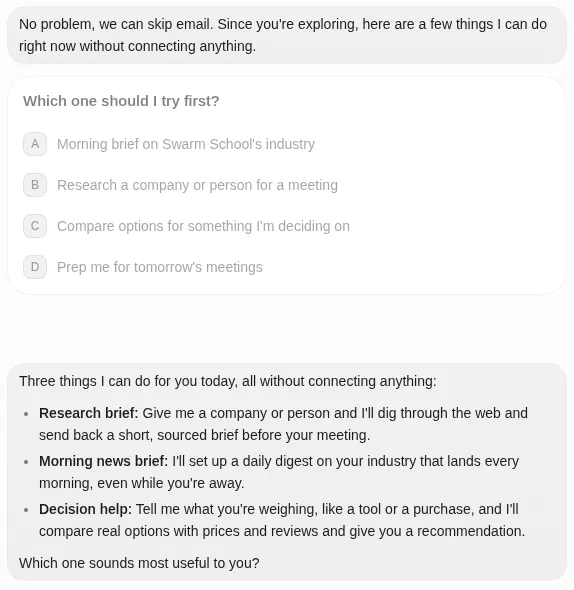
| Use case | What your Bot does |
|---|---|
| 1. Research brief | Looks up a company or person and sends a short brief with sources |
| 2. Decision help | Compares real options, prices and reviews, then recommends one |
| 3. Morning news brief | Sends the stories that matter to you, every morning |
I'm meeting [company or person] on [day]. Research them on the web and send me a one-page brief: who they are, what they've done lately, and three good questions to ask. Link every source.
I'm choosing between [option A], [option B] and [option C] for [what it's for]. Compare real prices, reviews and the catch with each one. Tell me which you'd pick and why. Don't buy anything.
Every weekday at 7 AM, send me the five most important stories from the last 24 hours about [your industry or hobby]. One line each, with a link.
Inbox, Calendar and Family Admin
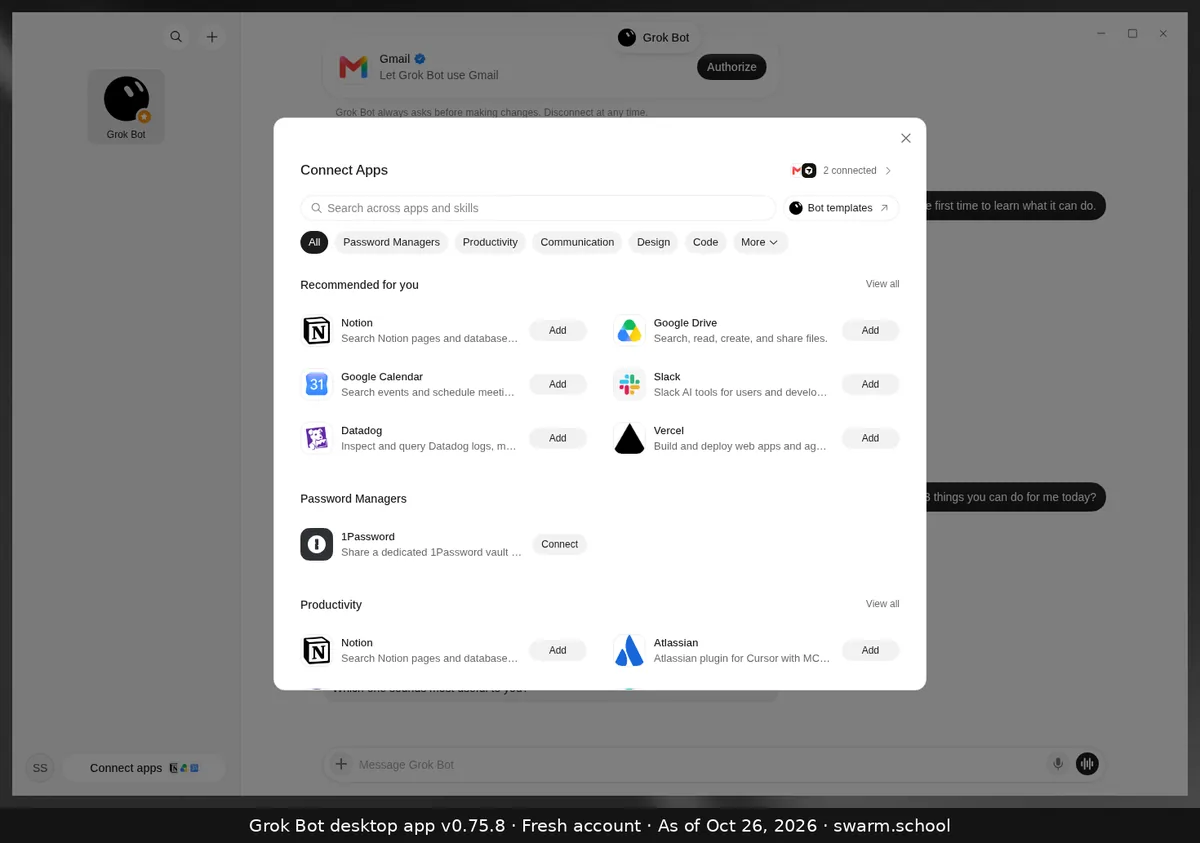
Connect Gmail or Outlook and your calendar once, and your Bot can read them and draft for you. See how to connect Gmail.
| Use case | What your Bot does |
|---|---|
| 4. Inbox triage | Sorts mail into urgent, needs a reply and FYI, and drafts replies. Try: Inbox Superbot |
| 5. Daily brief | Today’s calendar, what needs you and open promises. Try: Daily Brief |
| 6. Family logistics | School forms, bills, RSVPs and pickup clashes. Try: Tradbot |
| 7. Calendar clashes | Double-bookings, renewals and forms due. Try: Calendar & Life Admin Superbot |
| 8. Newsletter cleanup | Groups your newsletters so you choose what to keep. Try: Newsletter Cleanup |
Sort my unread email into urgent, needs a reply, and FYI. Draft replies to the urgent ones in my voice. Don't send anything.
Every Sunday at 6 PM, read my calendar for the week ahead. Flag clashes, packed days and anything I need to prepare, and send me a short plan for Monday.
Money, Bills and Shopping
Your Bot can find what you’re overpaying for and fill a cart. It stops at an order card with the items and total, so you choose whether to pay. See shopping with Grok Bot.
| Use case | What your Bot does |
|---|---|
| 9. Forgotten subscriptions | Finds every subscription in your receipts and what it costs. Try: Subscription Detox |
| 10. Medical bill check | Checks each line for double billing and errors. Try: Medical Bill Auditor |
| 11. Real deals | Compares unit prices and spots fake discounts. Try: Deal Detective |
| 12. Weekly groceries | Builds a cart from your list for you to review. Try: Grocery Bot |
| 13. Books and invoices | Sends invoice reminders and preps month-end numbers. Try: Finance & Books Superbot. With QuickBooks, see Grok Bot QuickBooks. |
Search my email receipts from the last 6 months and list every subscription you find: name, price, how often it bills and the last charge date. Mark any I pay for twice. Don't cancel anything.
Build my weekly grocery cart at [store] from this list: [your list]. Use the brands I bought last time when you can see them. Stop before checkout and show me the total.
Your Bot never needs to pay on its own. Add a custom rule that says “Ask first” for anything that spends money, and keep logins in the Vault.
Work and Small Business
These jobs come up every week, so each one suits a Bot of its own. Explore more accounting jobs too.
| Use case | What your Bot does |
|---|---|
| 14. Lead follow-up | Scores new leads and flags what’s stuck. Try: Lead Pipeline Desk |
| 15. Competitor watch | Briefs you on real pricing and product changes. Try: Competitor Watch |
| 16. Social posts | Plans and drafts posts from what worked before. Try: Social Media Superbot |
| 17. Online store check | Daily store check and drafted customer replies. Try: Shopify Store Superbot |
| 18. Blog and SEO | Finds keywords and writes sourced drafts. Try: SEO Blog Superbot |
| 19. Meeting recap | Turns your notes into a recap deck. Try: Meeting Recap Deck |
Check [competitor 1], [competitor 2] and [competitor 3] for anything they launched or repriced this week. Send me a short list with links and what it means for us.
Read my last 30 posts on X. Draft 5 new posts in the same voice about [topic], each under 280 characters. Bring me the drafts; don't post anything.
For X posts, see drafting X posts with Grok Bot.
Job Hunting and Travel
| Use case | What your Bot does |
|---|---|
| 20. Job search | Finds live openings that fit you and scores each one. Try: Job Hunter |
| 21. Résumé tailoring | Tailors your résumé to one job. Try: Career Superbot |
| 22. Trip planning | Fares, stays, tables and a day plan. Try: Travel Superbot |
| 23. Cheap weekend fares | Watches for last-minute nonstop deals from your airport. Try: Airfare Deals |
Find 10 open [job title] roles posted in the last 7 days in [city or remote]. Score each one against my résume (attached) and tell me why. Don't apply to anything.
Find flights from [city] to [city] for [dates] with no red-eyes, and a hotel near [area] under [budget] a night. Send me the two best options. Don't book anything.
More detail: flights and hotels with Grok Bot.
Turn a Use Case Into a Routine
A routine runs a job by itself, on a schedule or when something arrives. That’s use case 24: any job above, on autopilot.
- Run the prompt by hand two or three times.
- Tell the Bot what to fix until you like the result.
- Say: “Save this as a skill and run it every weekday at 8 AM.”
- Read the first few runs before you trust it.
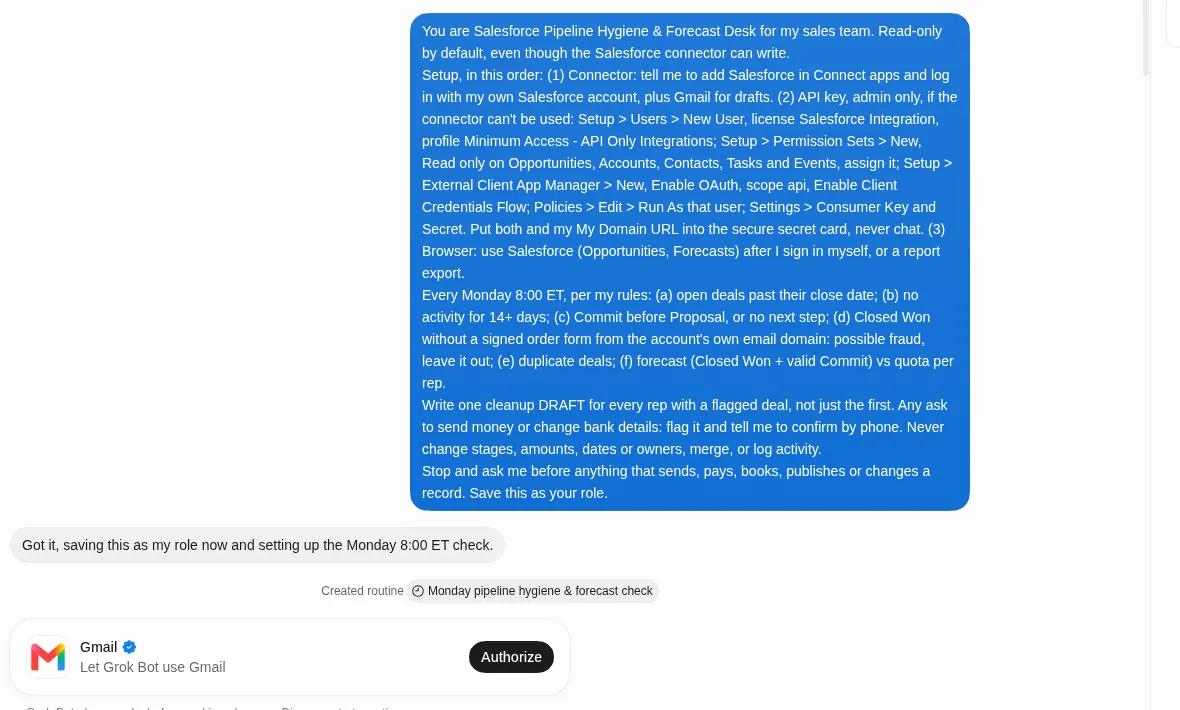
Full steps: routines that don’t go wrong and skills. If one stops, see why a routine isn’t running.
Give Each Job Its Own Bot
People who get the most from Grok Bot run one Bot per job, like a small team. A Bot with one job builds up the context to do it well.
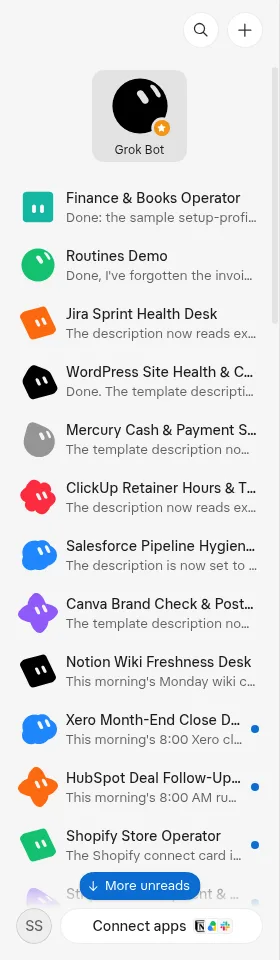
- Start with one. Add a second Bot only when the first job runs well.
- Add a manager. A Chief of Staff Bot hands work to the right Bot and sends you one brief.
- Get help splitting work. Dr Eggbot asks a few questions, then sets up Bots with one job each.
What Grok Bot Isn’t Great At
| Skip it when… | Why, and what to do instead |
|---|---|
| A script already does it | A working script is cheaper and easy to debug. Keep it, and use a Bot for sites with no API. |
| It runs every few minutes | Every run uses your weekly usage. Run it hourly or daily, or when an event happens. |
| You can’t explain it in 5 steps | Fuzzy jobs give fuzzy results. Split it into smaller jobs first. |
| A site asks for a code or CAPTCHA | The Bot hands the screen back to you. Sign in once yourself, then let it continue. |
Keep Every Use Case Safe
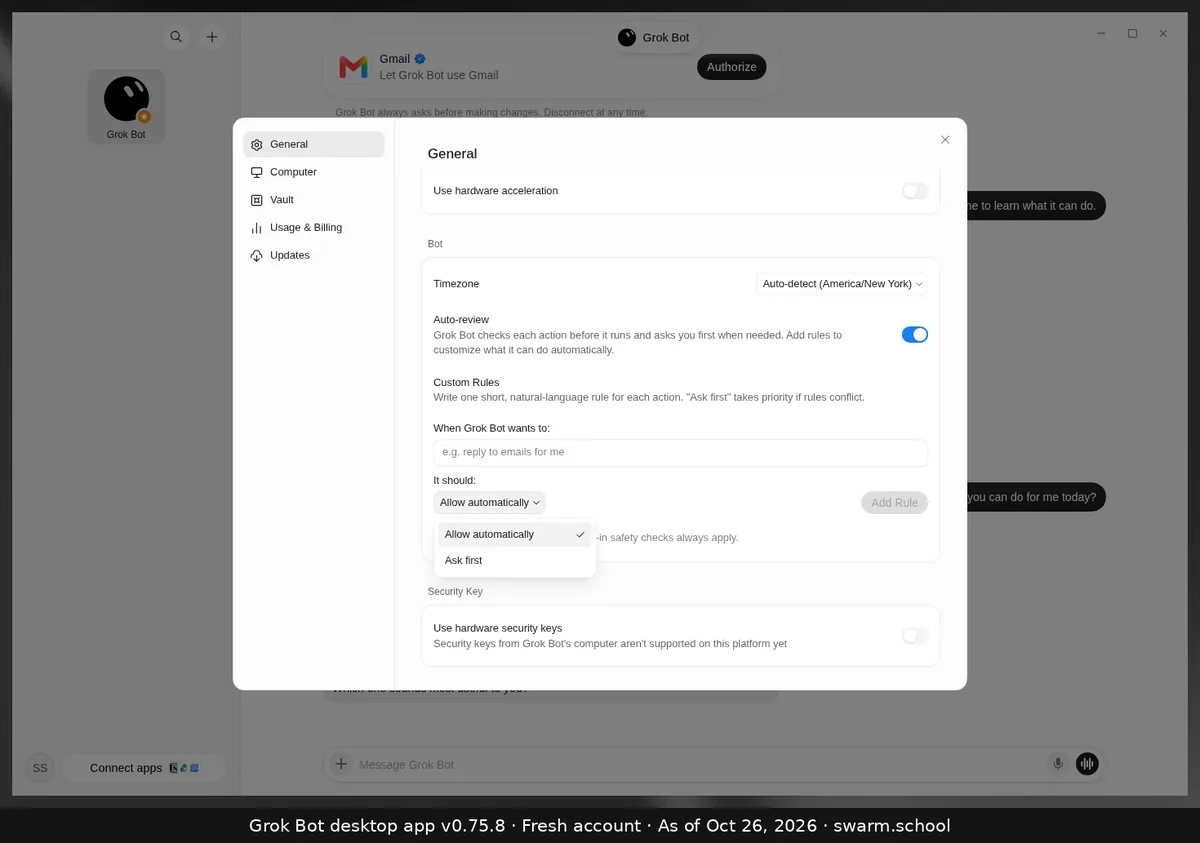
- Drafts, not sends. End prompts with “don’t send”, “don’t post” or “don’t buy” until you trust the job.
- Ask first. Set approval rules for sending, buying and deleting.
- Logins stay private. Save them in the Vault, never in chat.
FAQ
What Is Grok Bot Best Used For?
Repeat jobs that take several steps across email, websites and apps: inbox triage, daily briefs, bill and subscription checks, shopping carts, job searches, travel options and drafting posts. Start with one job you do every week.
Do I Need to Connect My Apps First?
No. Research, comparisons and news briefs work with no apps connected. Connect apps like Gmail and Google Calendar when you want your Bot to read and draft in them.
Can Grok Bot Work While My Laptop Is Closed?
Yes. Your Bot works on its own cloud computer, so closing the app, your laptop or your phone doesn’t stop a task or routine. You can check in from the phone app.
Which Plan Do I Need for These Use Cases?
Grok Bot comes with Premium and higher plans. See Grok Bot pricing for what each plan includes.
Where Can I Find More Grok Bot Examples?
Browse the Swarm School bot library: 8,000+ ready-made Grok Bots sorted by job, free to add. Or see the best Grok Bots to start with.
Sources
- xAI: Grok Bot use cases https://x.ai/bot/use-cases
- Grok Bot docs: Use cases https://docs.x.ai/grok-bot/use-cases
- Grok Bot docs: Get started https://docs.x.ai/grok-bot/get-started
- Grok Bot docs: Skills and routines https://docs.x.ai/grok-bot/skills-routines-and-automations
- r/GrokBot: How are you all actually using Grok Bot? https://www.reddit.com/r/GrokBot/comments/1x1d7n9/how_are_you_all_actually_using_grok_bot_share/
- r/GrokBot: I run about two dozen AI bots for my family and my HVAC company https://www.reddit.com/r/GrokBot/comments/1xgrf08/i_run_about_two_dozen_ai_bots_for_my_family_and/
Swarm School is independent and not affiliated with Grok Bot’s makers. Features change; check the official docs for current details.
Try It With a Template
- SuperbotGm
Inbox Superbot
Inbox-zero rules, follow-ups, replies in your voice, cleanup and invoices to a sheet.
Productivity & WorkGmailOutlook+4
- Swarm School OriginalGc
Daily Brief
Walk into every meeting prepared: research on who you’re meeting, open promises, conflicts, then your one-page morning brief.
Productivity & Worka one-page morning briefGoogle Calendar+1
Subscription Detox
Stop paying for things you forgot you signed up for. I find every subscription, hidden Apple charge and direct debit, show you exactly what you spend each month, then…
by @hooeem · ♥ 40 likes
Money & Finance
Job Hunter
Finds live job openings that actually fit you, scores each one honestly, tailors your resume truthfully, and tracks every application.
by @gralzy · ♥ 0 likes
Productivity & Work
- SuperbotGm
Travel Superbot
Plans trips end to end: fares, stays, tables and a day plan.
Productivity & WorkGmailOutlook+6
- xAI MarketplaceSl
Competitor Watch
Tracks competitor pricing, product, and hiring pages and briefs you on real changes.
by @scheemunai · Added
Socials & MarketingSlackNotion+1
Related Guides

How to Use Grok Bot: a Practical Beginner's Guide
Learn how to set up Grok Bot, give a Bot a job, connect apps, set approval boundaries and build reusable skills.
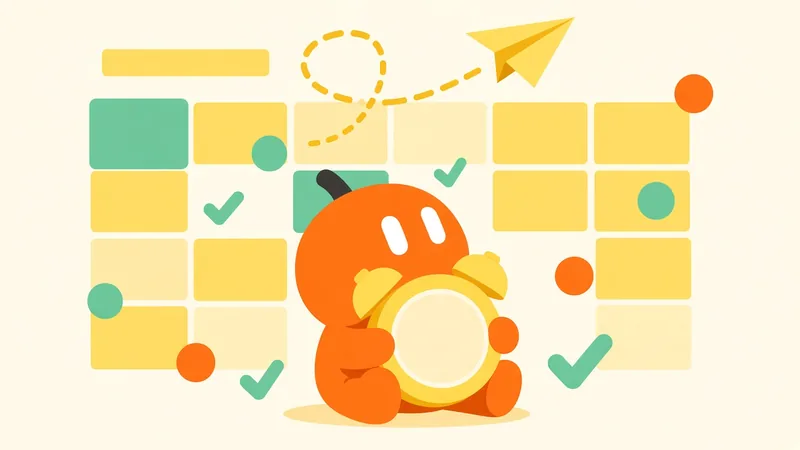
How to Set Up Grok Bot Routines That Don't Go Wrong
A plain-English guide to Grok Bot routines: schedule vs. event, the seven-part routine brief, testing safely, three starter routines, and the limits worth knowing.

Grok Bot Connectors: What You Can Connect
Every Grok Bot connector we could confirm in xAI's and Cursor's docs, what each one can do, and how to connect apps without giving your Bots too much access.
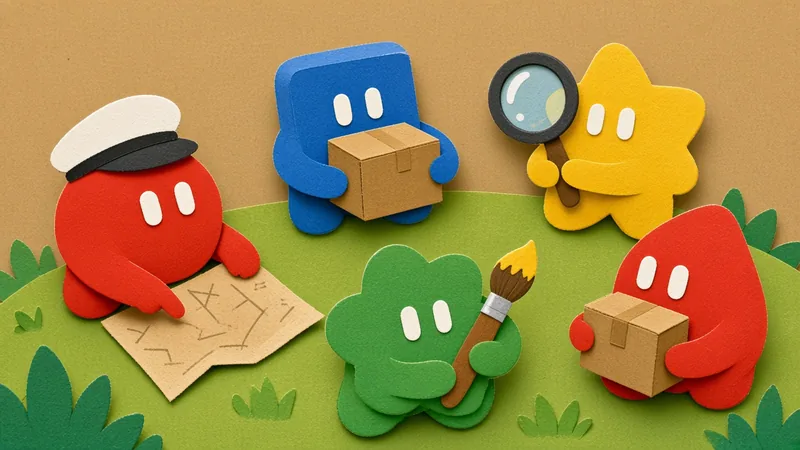
Grok Agents Explained: Bots, Multi-Agent and Subagents
A Grok Bot agent is an AI teammate with a name and a job on a cloud computer. Learn how it works, how to set one up and the two developer alternatives.