



Five Bots at SpaceXSI each own an accounting job while people handle the judgment calls.
- Give each Bot one process
- Write an operating manual
- Train over three weeks
- Require approval for refunds
New to Grok Bot?
Get two weeks free on us.
Short answer
Five Grok Bots at SpaceXSI each own an accounting job, from customer setup through collecting payment. People step in when judgment is needed.
| Team Bot | Job |
|---|---|
| Provisioning | Checks contracts; opens or closes customer accounts. |
| Billing | Verifies contract details and generates invoices. |
| Billing Support | Answers billing questions and handles go-to-market requests. |
| Cash Applications | Applies payments, investigates differences, writes off bank fees and flags short payments. |
| Collections | Handles customer billing inquiries and coordinates requests such as refunds. |
Set Up a Job
- Define one reliable, scoped process for each Bot to own from beginning to end.
- Document it in an operating manual. SpaceXSI uses Notion documents that Bots consult nightly; only process owners can edit them.
- Restrict changes and require approval for sensitive actions. Bots can read needed information while record changes have narrower permissions.
- Train over about three weeks: observe in week one, propose actions for approval in week two, then execute routine work and escalate exceptions in week three.
- Continue coaching. Billing Support takes four to five weeks to roll out; trained Bots can work around the clock.
Build Controlled Processes
SpaceXSI uses Grok Build applications to define permitted actions and keep a logged audit trail. Provisioning Bot operates the provisioning application.
Integrations such as Tailscale connect securely to internal systems without exposing them to the public internet. Access policies follow the identity of the person authorizing the connection.
What Each Bot Does
| Bot | Workflow and outcome |
|---|---|
| Provisioning | Compares the executed contract with Salesforce, enables the account, verifies entitlements and notifies the sales rep in Slack. It removes entitlements when a contract ends or a customer churns. |
| Billing | Compares contracts with Campfire records from Salesforce, corrects discrepancies and alerts the team to fix Salesforce. It sends invoices and notifies the rep. Issuing an invoice takes minutes instead of roughly 24 hours. |
| Billing Support | Investigates billing questions and can update billing emails or recipients in Slack after verifying the customer domain. SpaceXSI estimates it frees about eight hours daily across accounting work. |
| Cash Applications | Checks payment feeds twice daily, applies exact matches, searches for remittance advice and flags short payments. Work that takes an accountant three to four hours takes roughly 30 minutes. |
| Collections | Monitors the receivables inbox and coordinates with other Bots. It verifies senders against approved Salesforce and billing contacts, escalating mismatches. |
Keep Approvals Clear
Anyone with appropriate access can ask Billing Support to explain an invoice. Only designated people authorize billing record changes.
Credits and refunds need approval. Collections coordinates refunds with Billing and Cash Applications, and an authorized person approves before processing.
Collections training takes approximately three months because of customer-facing security. A similar-looking email domain is insufficient to release sensitive information.
FAQ
How Many Accounting Bots Does SpaceXSI Use?
Quick answer: Five, each owning a defined job from provisioning through collections.
Do the Bots Work Without People?
Quick answer: Lower-risk work can run independently; exceptions and sensitive actions require people.
How Long Does Onboarding Take?
Quick answer: Typically about three weeks, with continued coaching. Individual jobs can take longer.
Where Can I Read the Case Study?
Quick answer: Read the SpaceXSI accounting story for the complete workflows.
Choose Your Next Guide
| You want to… | Read next |
|---|---|
| Run your books in QuickBooks | Add Intuit QuickBooks for Grok Bot |
| Save instructions | Grok Bot skills |
| Work with Team Bots | Slack, Teams and meetings |
| Review sensitive actions | Auto-review |
Get the Free Power User Guide
Swarm School is an independent site. We’re not affiliated with xAI or Cursor.
Sources
- https://x.ai/news/grok-bot-accounting
- https://docs.x.ai/grok-bot/skills-routines-and-automations
- https://docs.x.ai/grok-bot/team-bots
Swarm School is independent and not affiliated with Grok Bot’s makers. Features change; check the official docs for current details.
Related Guides

How to Use Grok Bot: a Practical Beginner's Guide
Learn how to set up Grok Bot, give a Bot a job, connect apps, set approval boundaries and build reusable skills.

Grok Bot Skills: How to Write, Save and Teach Them
Learn how to write, save and teach Grok Bot skills, and use reusable instructions for recurring work.



Grok Bot in Slack, Teams and Meetings
Bring Grok Bot to Slack, Microsoft Teams and meetings. Follow setup steps, link your account and fix approval snags with this step-by-step guide.
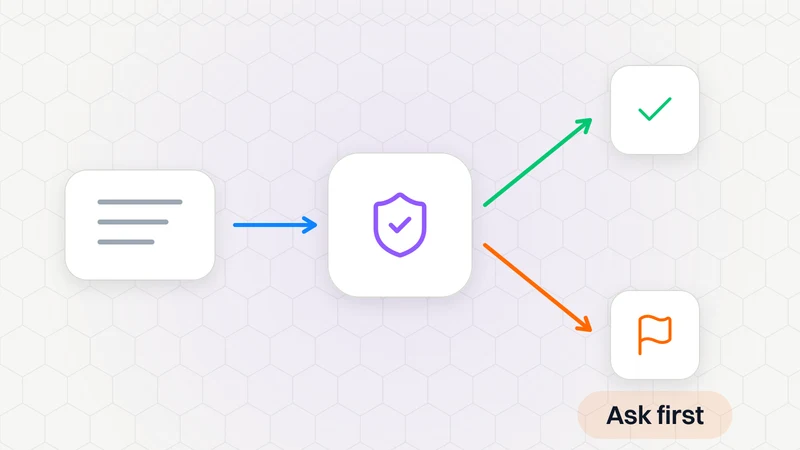
What Is Auto-Review in Grok Bot?
Auto-review checks Bot actions and asks when needed. Find it in Settings → General → Bot; it is on by default.