Short answer
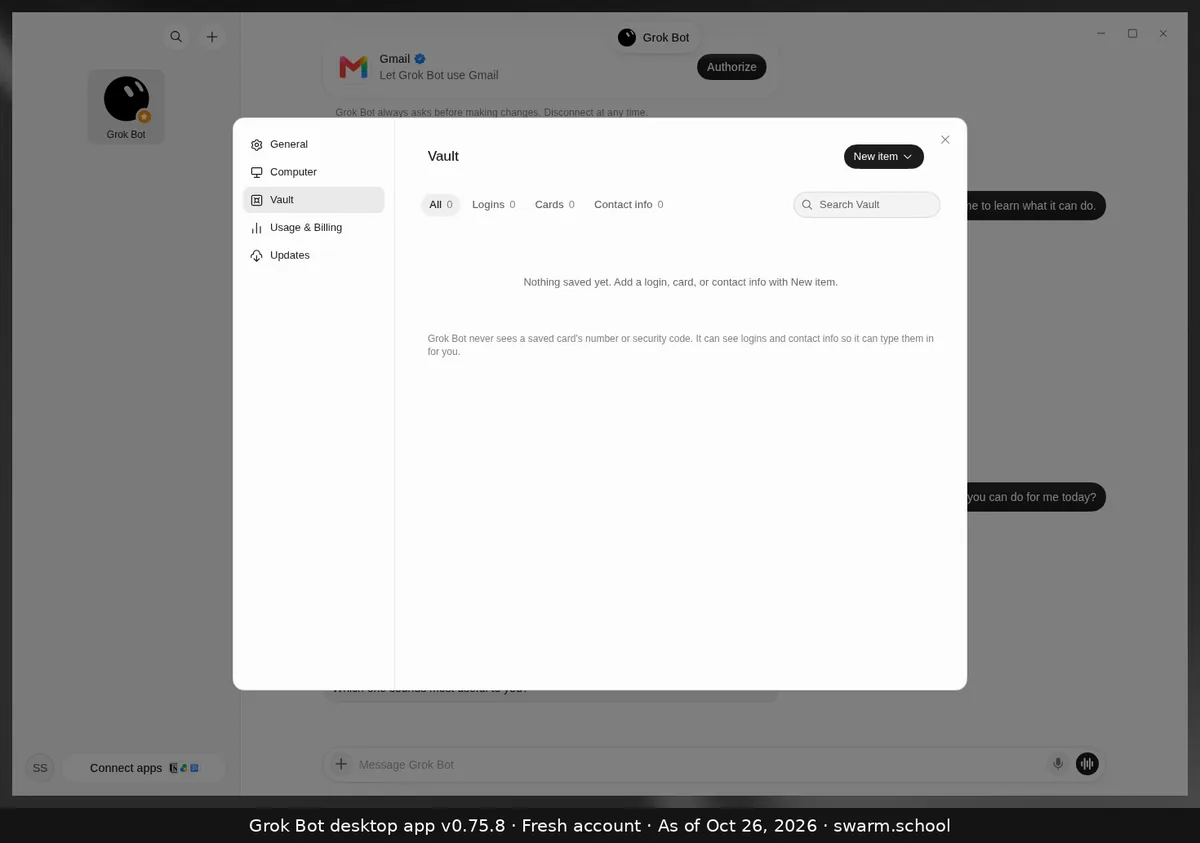
The Vault is where you save logins, cards and contact info so a Bot can fill them in for you, with no passwords pasted into chat. Open Settings → Vault, click New item and choose Login.
As of Oct 26, 2026 (Grok Bot desktop app v0.75.8).
Steps
- Press Ctrl+, and choose Vault.
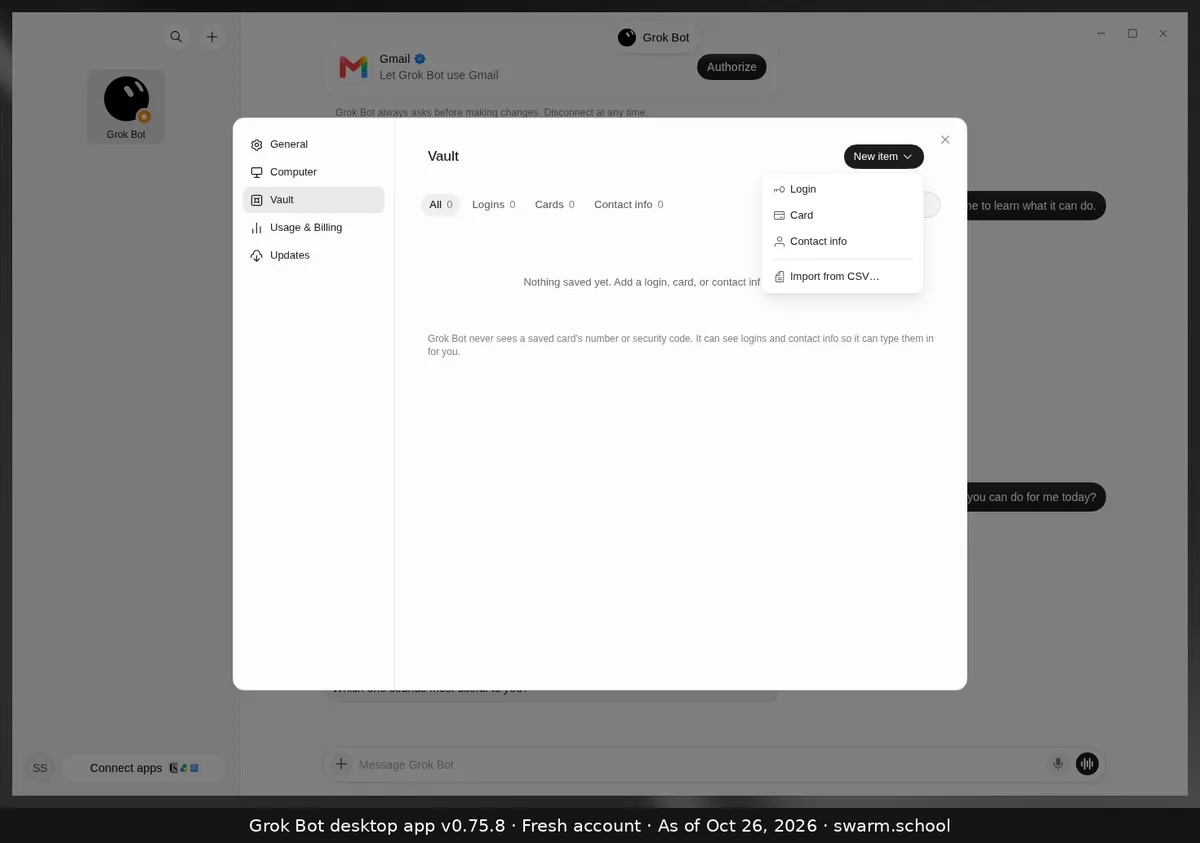
- Click New item and choose Login, Card or Contact info. Moving from a password manager? Use Import from CSV.
- Fill in the details and save. Now ask the Bot to sign in to that site.
What the Bot can and can’t see
- Cards: the app says Grok Bot never sees a saved card’s number or security code.
- Logins and contact info: it can see these, so it can type them in for you. Save only the logins your Bots really need.
- One-time codes and CAPTCHAs still need you. Take over the computer and type them yourself.
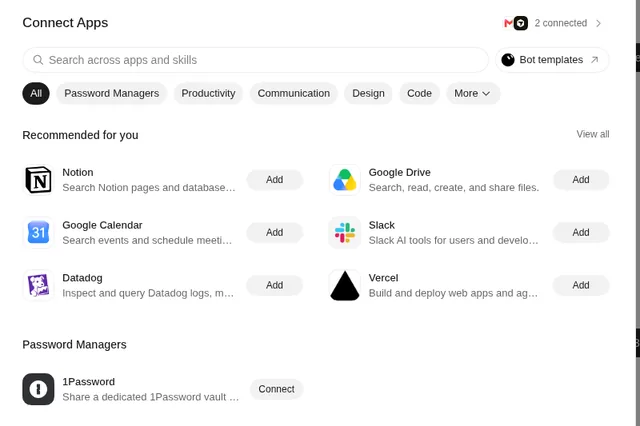
Use 1Password? Connect apps has a 1Password option that shares a dedicated vault. See connectors. Either way, never paste a password into chat. More in Keeping Grok Bot safe.
Sources
Swarm School is independent and not affiliated with Grok Bot’s makers. Features change; check the official docs for current details.
Related guides
- What is Auto-review in Grok Bot?Auto-review checks each action before your Bot runs it and asks you first when needed.…
- How do I connect Gmail (or any app) to Grok Bot?Click Connect apps at the bottom left, find Gmail or any app, choose Add and sign in.…
- Where are Grok Bot's settings?Press Ctrl+, (Cmd+, on Mac) or open the account menu at the bottom left and choose…
- Grok Bot's computerHow Grok Bot's cloud computer works: one shared computer for all your Bots, getting…