Short answer
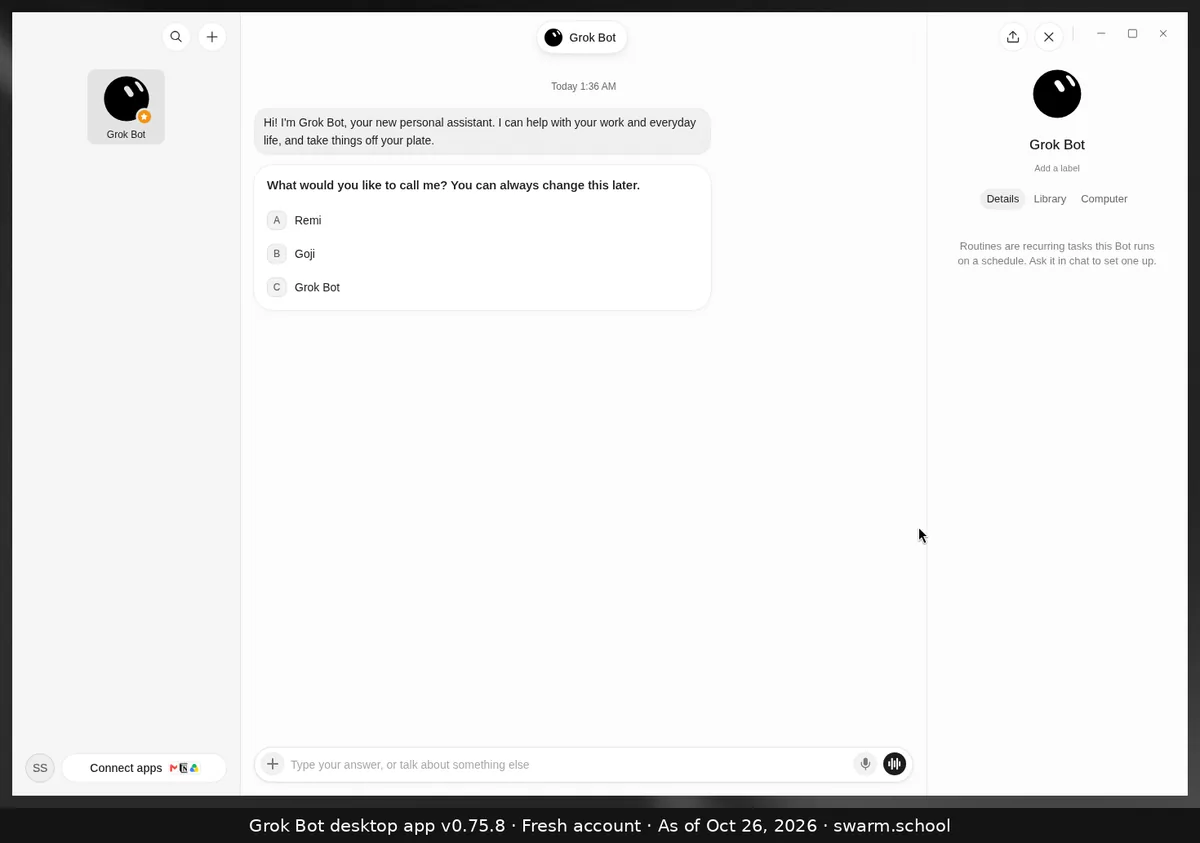
Open the routine from the owner Bot’s details and check six things: it’s turned on, the schedule and time zone are right, the Bot still exists, its apps are still signed in, the computer can reach the source, and your usage hasn’t run out. Then look at its recent runs for an error.
As of Oct 26, 2026 (Grok Bot desktop app v0.75.8). Checklist from xAI’s troubleshooting page.
The six checks
- Is it on? A paused routine won’t run.
- Right schedule and time zone? Routines use the time zone in Settings → General → Bot.
- Does the owner Bot still exist? Deleting a Bot deletes its routines.
- Are its apps still signed in? Open Connect apps and sign in again if needed.
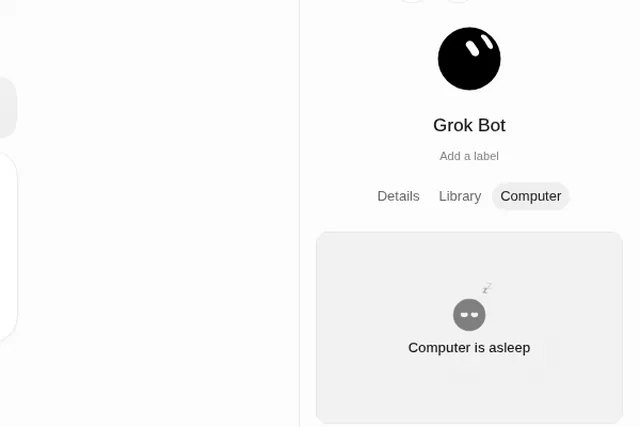
- Can the computer reach the source? A site might be down or need a new login.
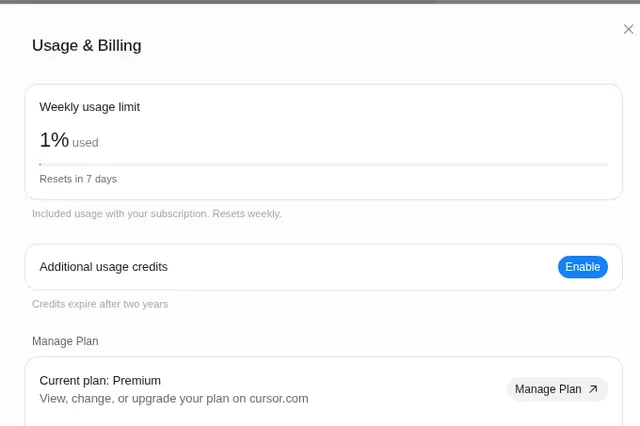
- Is your usage paused? Routines stop when your weekly usage runs out.
Then
- Read the recent runs for a failure message.
- Test only with safe inputs. xAI warns a test run can do real things, like sending or changing data.
- Event-triggered routine? Check the channel, repository or matching rule is still valid.
To set routines up so they don’t break, read Grok Bot routines that don’t go wrong.
Sources
- https://docs.x.ai/grok-bot/troubleshooting
- https://docs.x.ai/grok-bot/skills-routines-and-automations
Swarm School is independent and not affiliated with Grok Bot’s makers. Features change; check the official docs for current details.
Related guides
- How to set up Grok Bot routines that don't go wrongA plain-English guide to Grok Bot routines: schedule vs. event, the seven-part routine…
- Where do I find my bot's files, details and computer?Click the Bot's name at the top of the chat (or press Ctrl+Alt+B). The info panel has…
- What happens when Grok Bot hits its weekly limit?When your weekly Grok Bot usage hits 100%, your Bots stop until the reset, unless…
- Grok Bot error messages explained (and fixes)What Grok Bot error messages mean and how to fix them, from usage limits and…