Short answer
Every Grok Bot account gets one persistent cloud computer, with a browser, files and a terminal, that all your Bots share. That’s how Bots keep working when your laptop is closed, and how they use websites that have no connector. You can watch any Bot’s screen, take over for sign-ins, and decide whether Bots may touch your own computer too.
As of Oct 26, 2026 (Grok Bot desktop app v0.75.8).
One computer, many screens
From xAI’s FAQ:
- One computer per account, not per Bot. Bots share its files, browser sessions and logins.
- Each Bot gets its own screen, and one Bot runs one computer-use task at a time.
- Work continues when you close the app, laptop or phone.
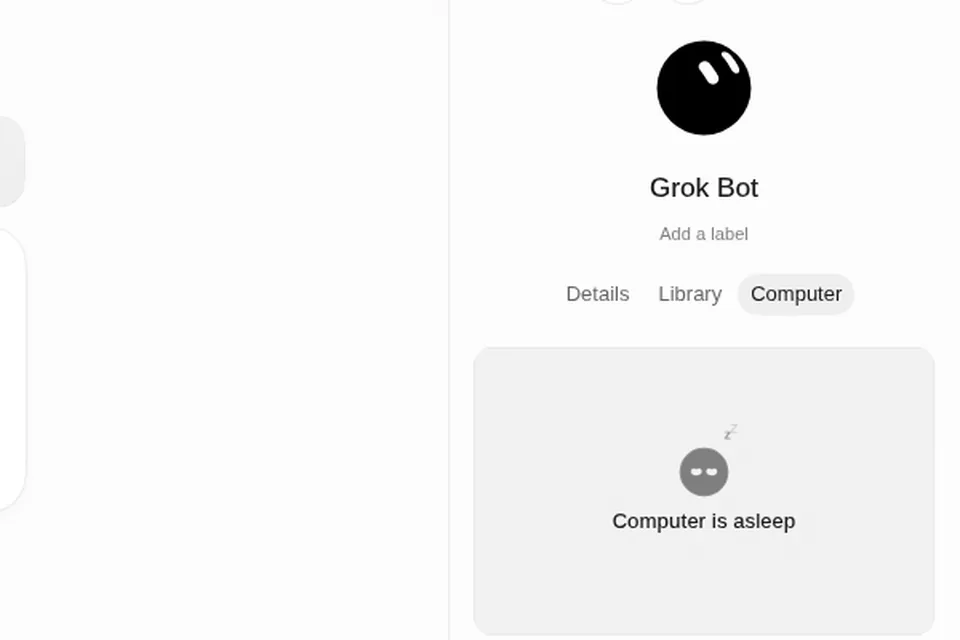
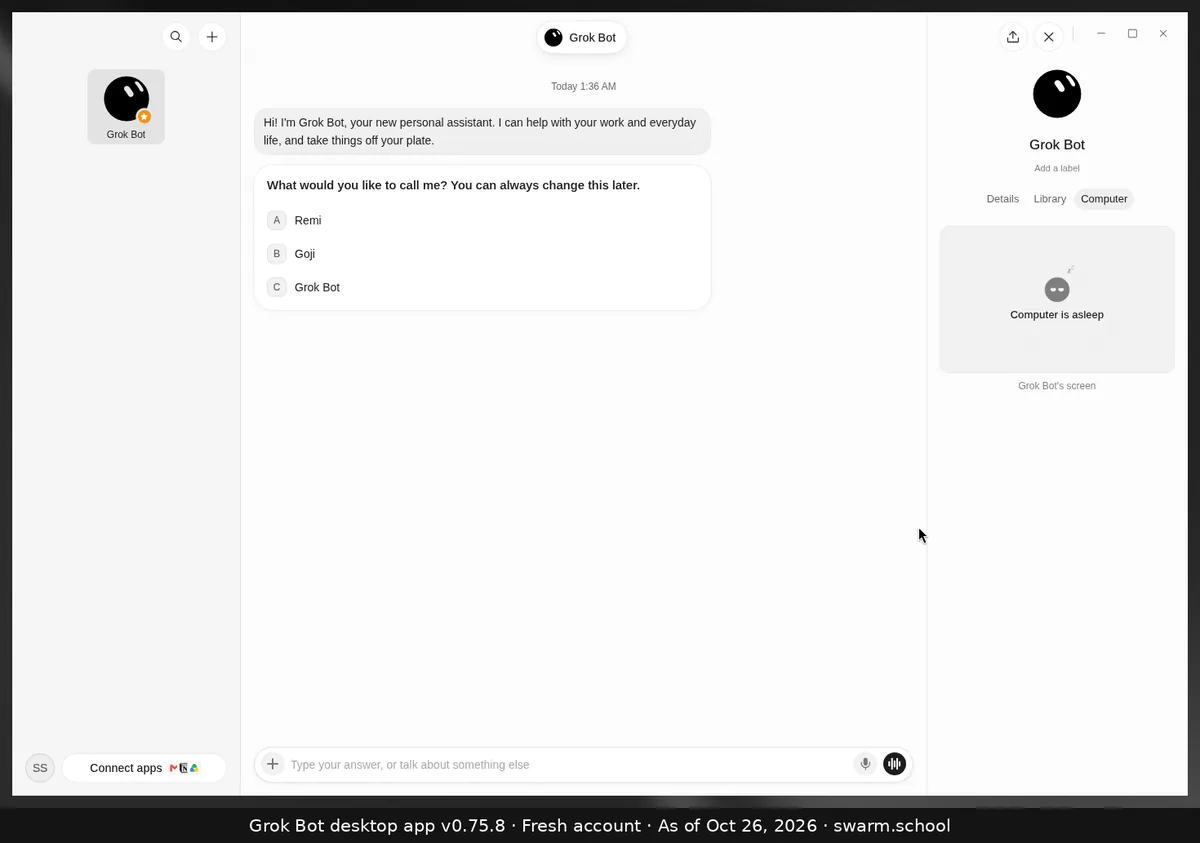
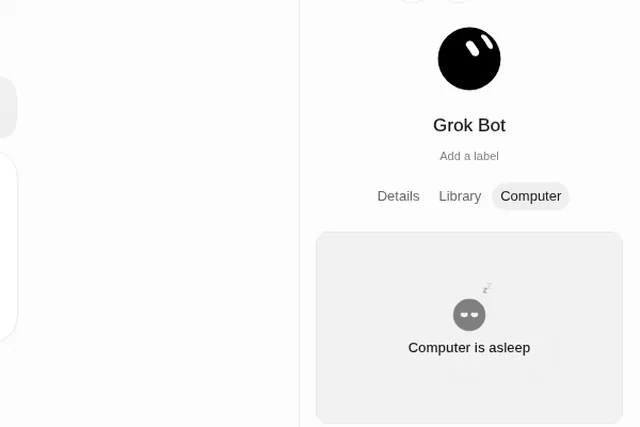
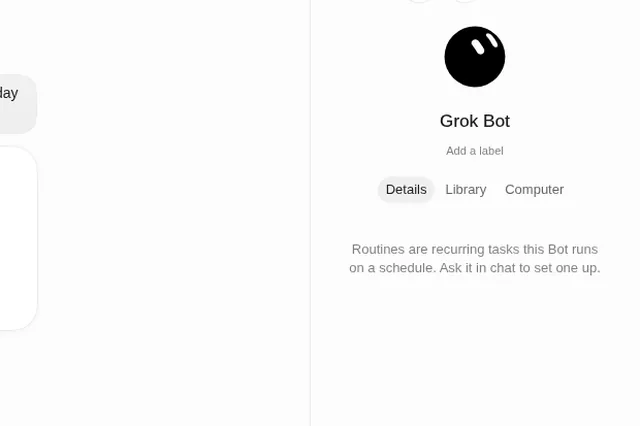
Watch a Bot from its info panel: click its name and choose Computer. See the bot info panel.
Getting files in and out
-
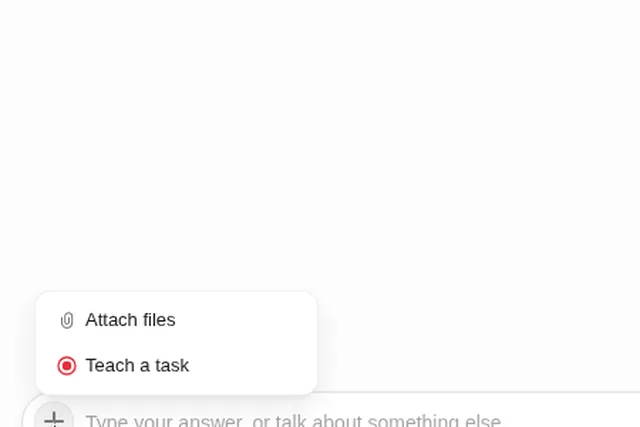
In: click + → Attach files in the composer. Encrypted or password-protected files can’t be read. Size limits have changed between versions, so see Grok Bot errors for the current numbers.
-
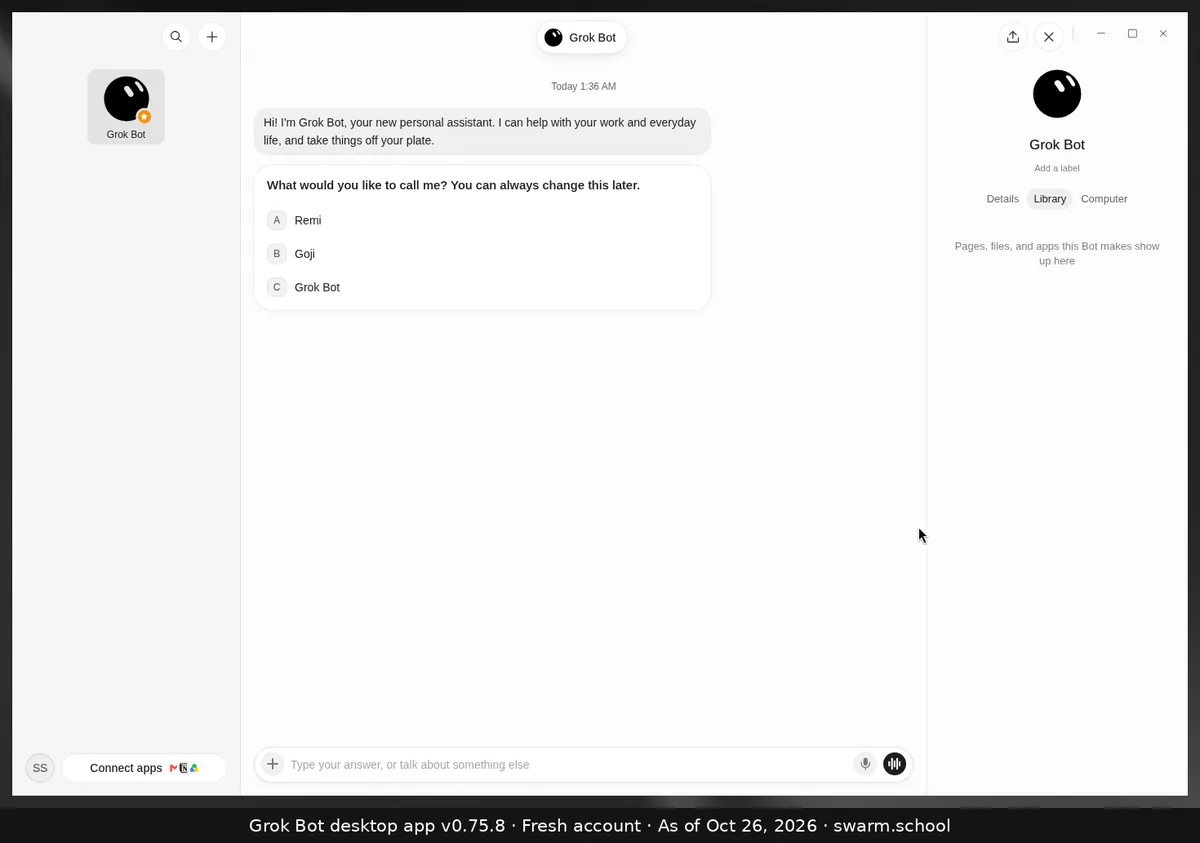
Out: files a Bot makes show up in its Library tab. For anything important, have it upload a copy to Drive, OneDrive or Dropbox.
-
Tidy layout: give each Bot its own folder, for example
/work/inbox-bot/, so Bots don’t overwrite each other.
No connector? Use the browser
Most industry tools have no Grok Bot connector yet: booking and POS systems like Toast, Square, Mindbody, Vagaro, Jobber, HoneyBook, Planning Center or Zendesk. A Bot can still work in them through its browser, if you set it up properly:
- You sign in yourself. Take over the Bot’s computer, log in and finish 2FA, then hand back. Or save the login in the Vault.
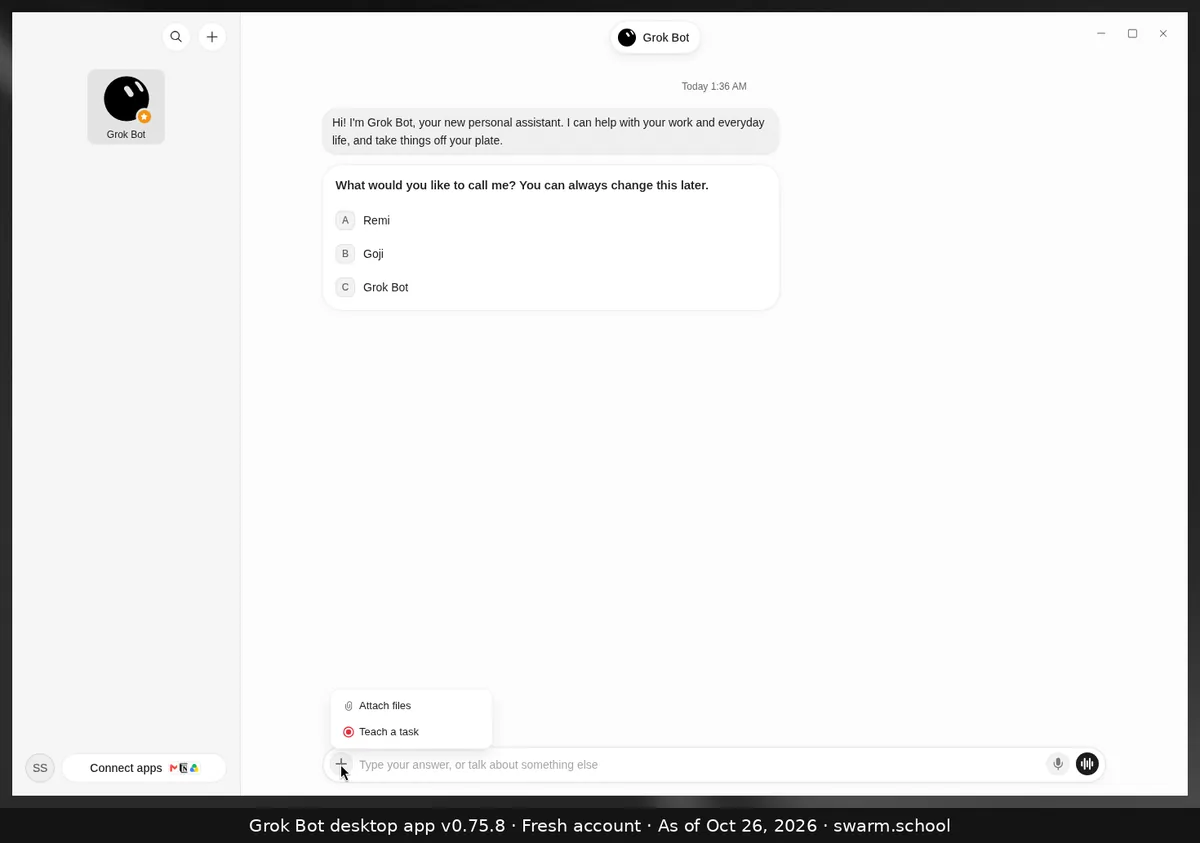
- Train it step by step. Walk it through the task once, or record it with Teach a task. Then save it as a skill.
- It stops before anything that sends, pays, books or changes a record and asks you. Back that up with Ask first rules. See Keeping Grok Bot safe.
Good to know:
- xAI recommends a connector when there is one, because it’s more reliable than clicking through a site. Check Connect apps first.
- Some sites block automation, show CAPTCHAs or ask you to log in again. The Bot should hand those steps to you, not get around them.
- Health care: keep Bots on admin tasks only. Don’t sign a Bot in to systems that hold patient records unless your practice has confirmed that’s allowed under its privacy rules.
- Heavy sites, one at a time. If two Bots fight over slow websites, have them take turns.
Your own computer
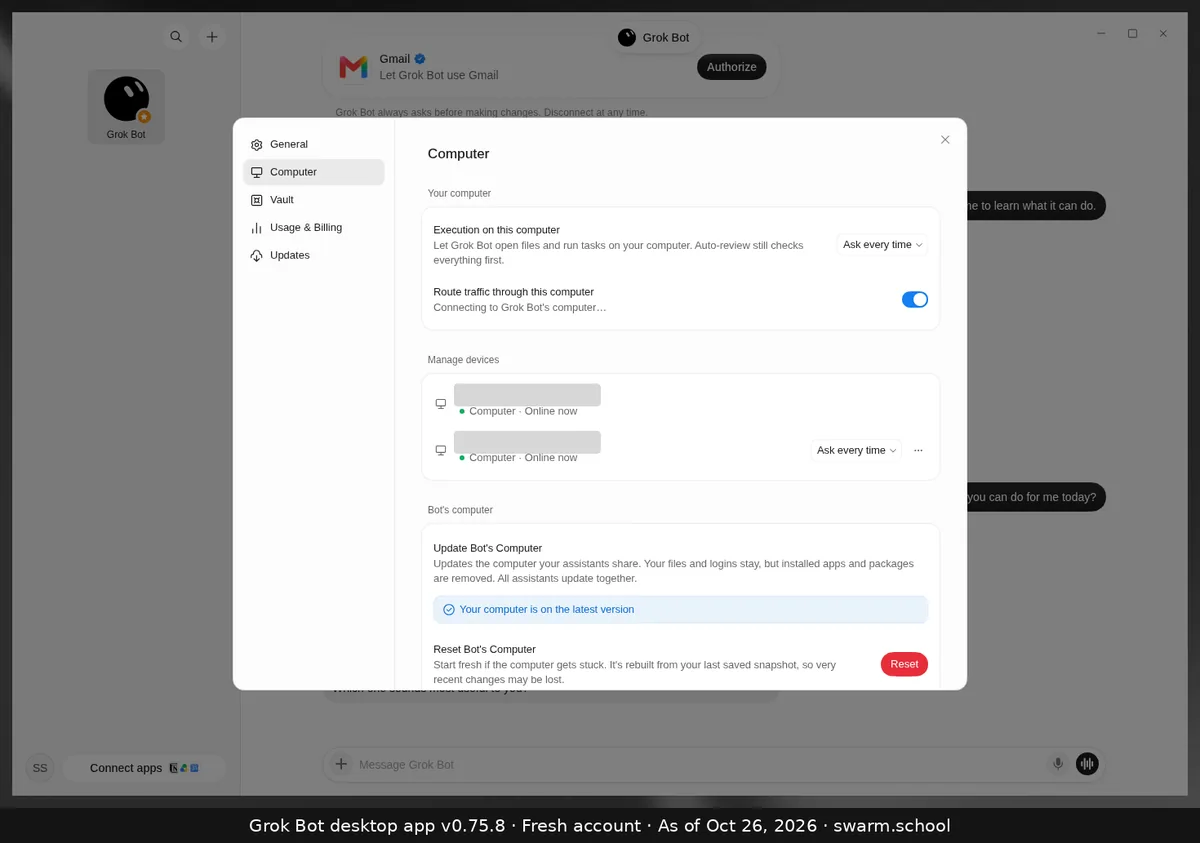
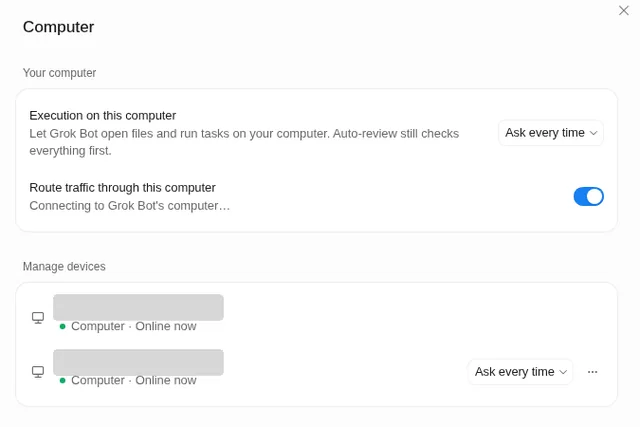
Bots can also open files and run tasks on your computer, if you allow it in Settings → Computer. Keep it on Ask every time or Never allow unless a job needs it. See local execution.
When the computer acts up
The Bot’s computer section in Settings has two buttons. The app describes them like this:
- Update Bot’s Computer: your files and logins stay, but installed apps and packages are removed, and all your Bots update together.
- Reset Bot’s Computer: rebuilt from your last saved snapshot, so very recent changes may be lost.
Try Retry, an app restart and Recover computer first. See Computer is asleep and errors.
Backups and a rollback drill
- Back up after every big step to somewhere outside the Bot’s computer, like Drive or Dropbox.
- Once a month, practise: ask a Bot to restore one file from backup and confirm it opens.
- Write a two-line note after any mishap: what broke, and what you changed.
After each finished job, copy the final files to [Drive folder] and list the links. Never delete the originals. Remember this.
FAQ
Can Bots see each other’s files?
Yes. They share one computer, so keep sensitive work in its own account, not just its own Bot.
Does Grok Bot work in Toast, Mindbody or Square?
There’s no connector, but a Bot can use their websites in its browser once you sign in, if you train it and keep approvals on.
Will Reset delete my chats?
Conversations are stored outside the computer, so no. Recent files can be lost, though, so try Update first.
Rather skip the training? The Swarm Toolkit includes tested bots for your field, with browser steps written out.
Swarm School is an independent site. We’re not affiliated with xAI or Cursor.
Sources
- https://docs.x.ai/grok-bot/faq
- https://docs.x.ai/grok-bot/troubleshooting
- https://docs.x.ai/grok-bot/computer-and-apps
Swarm School is independent and not affiliated with Grok Bot’s makers. Features change; check the official docs for current details.
Related guides
- Can Grok Bot use my own computer?Yes, if you allow it. Settings → Computer → Execution on this computer lets Bots open…
- Why does Grok Bot say "Computer is asleep"?"Computer is asleep" in a Bot's Computer tab shows that the Bot's cloud computer isn't…
- Where do I find my bot's files, details and computer?Click the Bot's name at the top of the chat (or press Ctrl+Alt+B). The info panel has…
- What does "Teach a task" do in Grok Bot?Teach a task (the + menu in the composer) lets you record yourself doing a browser…