Glossary
Grok Bot terms, in plain English.
19 terms you’ll meet while setting up Grok Bot, each in a sentence or two, with links to go deeper.
- Approval card
- A card in the chat that asks you to allow or deny an action before the bot does it, such as sending an email or making a purchase. Your first zero-risk task →
- Auto-review
- Grok Bot’s safety check that looks at an action before it runs. Actions you clearly asked for can go ahead; risky or irreversible ones become an approval card for you to answer.
- Bot
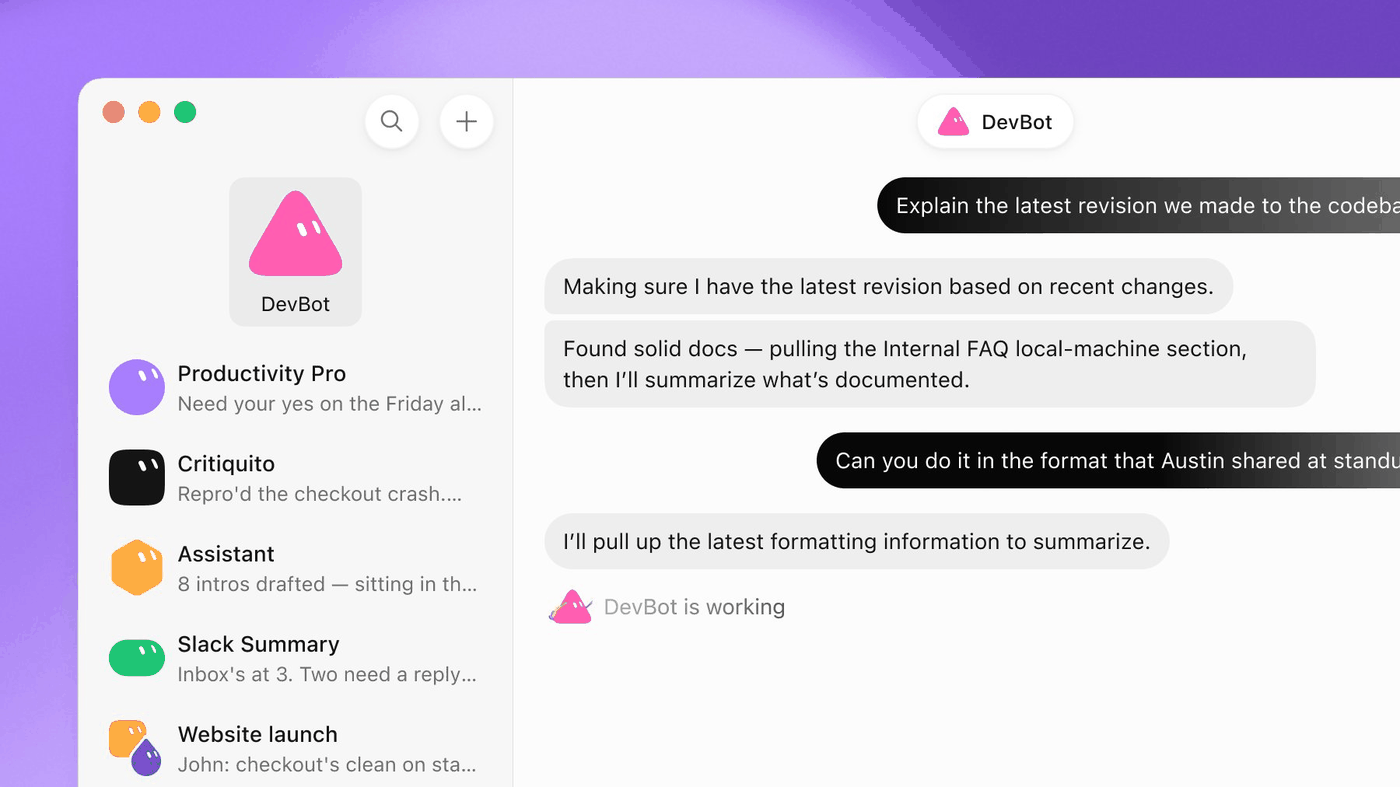
- One assistant in Grok Bot with its own name, instructions, memory, skills, routines and access to a cloud computer. Grok Bot in 5 minutes →
- Bot’s computer
- The cloud computer a bot uses for browsing, files and commands. You can watch it work or take control, for example to sign in.
- Chief of staff bot
- A coordinating bot, usually your primary bot, that hands work to the other bots, collects results and sends you one brief. A Swarm School pattern, not an official feature name. Chief of Staff template →
- Connector (plugin)
- A link between a bot and one of your apps, like Gmail, Google Calendar, Drive or Notion. You add connectors from Connect apps and sign in yourself.
- Draft card
- An email or Slack message the bot wrote for you, shown in the chat so you can edit it and press Send, or discard it.
- Handoff
- When one bot passes work to another bot with the context it needs: goal, files, what’s done and what’s next. Backup & Handoff template →
- House rules skill
- One skill that holds your standing rules. Every bot loads it, so all your bots follow the same rules. Example: “never send without asking, never delete files, ask before spending.”
- Memory
- Short facts and preferences a bot keeps between chats. Keep it small and current; long-lived methods belong in skills.
- Page
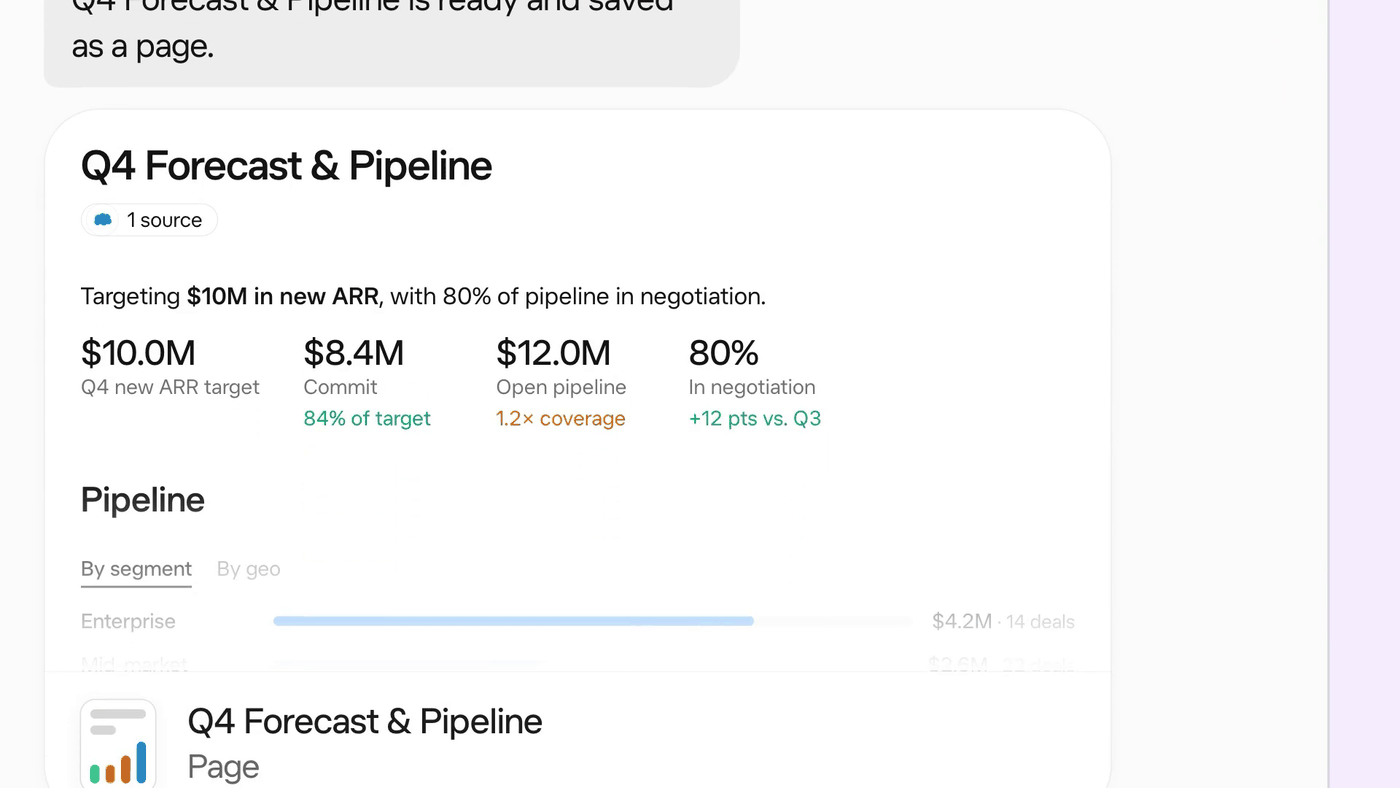
- A report, memo or dashboard a bot builds that you can edit together, share, or have the bot keep up to date. What changed in October 2026 →
- Primary bot
- The bot marked with a star in your sidebar. It can spot work it could take off your plate and offer to handle it.
- Routine
- A rule that tells one bot when to run a job by itself, on a schedule or after an event like a webhook or a message. Routines that don’t go wrong →
- Secure Form
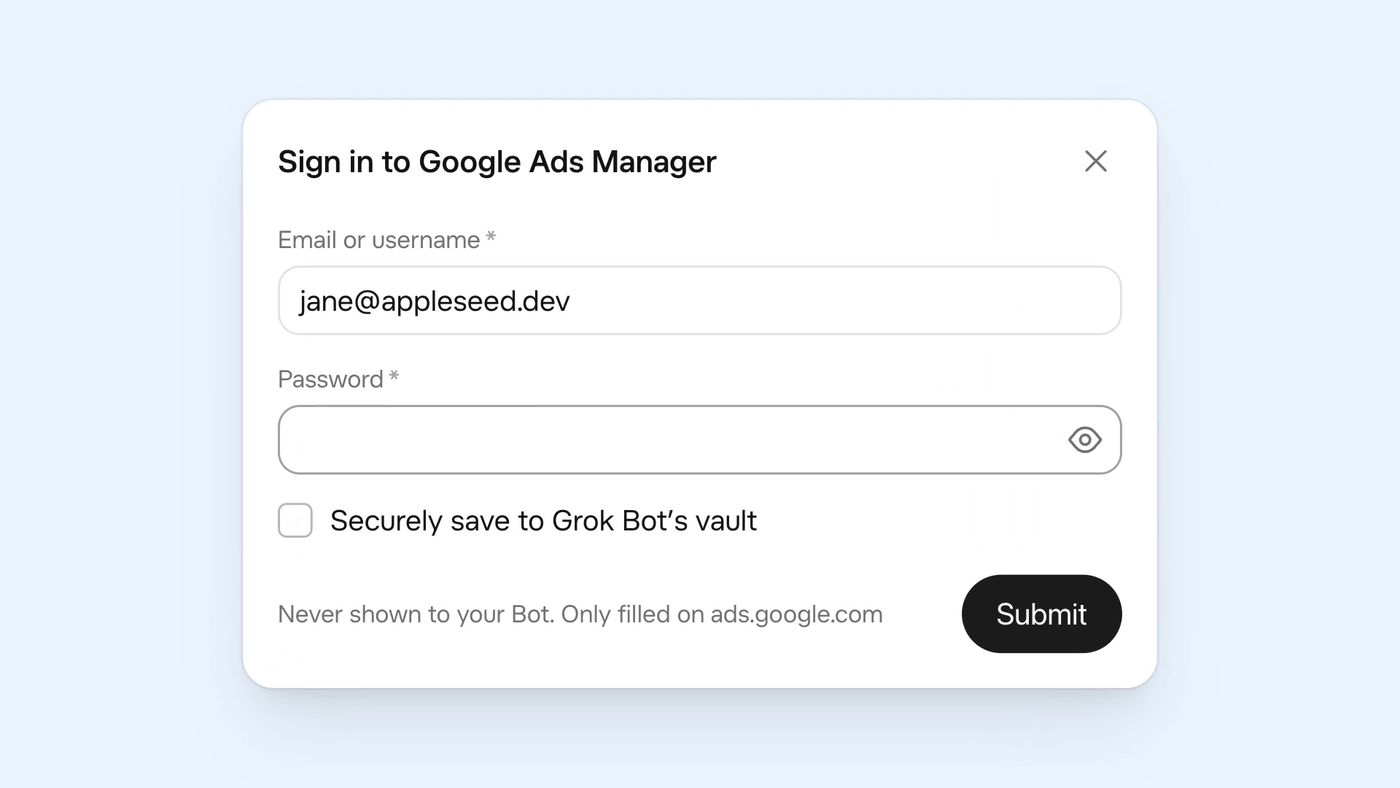
- A form the bot opens when it needs a login, card or other private detail, so you type it there instead of in the chat.
- Skill
- A saved set of instructions for how to do a task: when to use it, inputs, steps, how to check the result, what to return and what needs approval. Your private skills are shared across your bots. What makes a good skill →
- Swarm
- A small team of bots where each owns one area of work and one bot coordinates. You step in to approve, not to copy work between them. Why split work across bots →
- Team Bot
- A bot published for a whole team. Teammates chat with it in the app or Slack, each in their own conversation.
- Template
- A shareable recipe for a bot: its instructions, relevant memories, skills and plugins, without secrets or personal data. Others add their own copy from the link. Installing templates safely →
- Vault
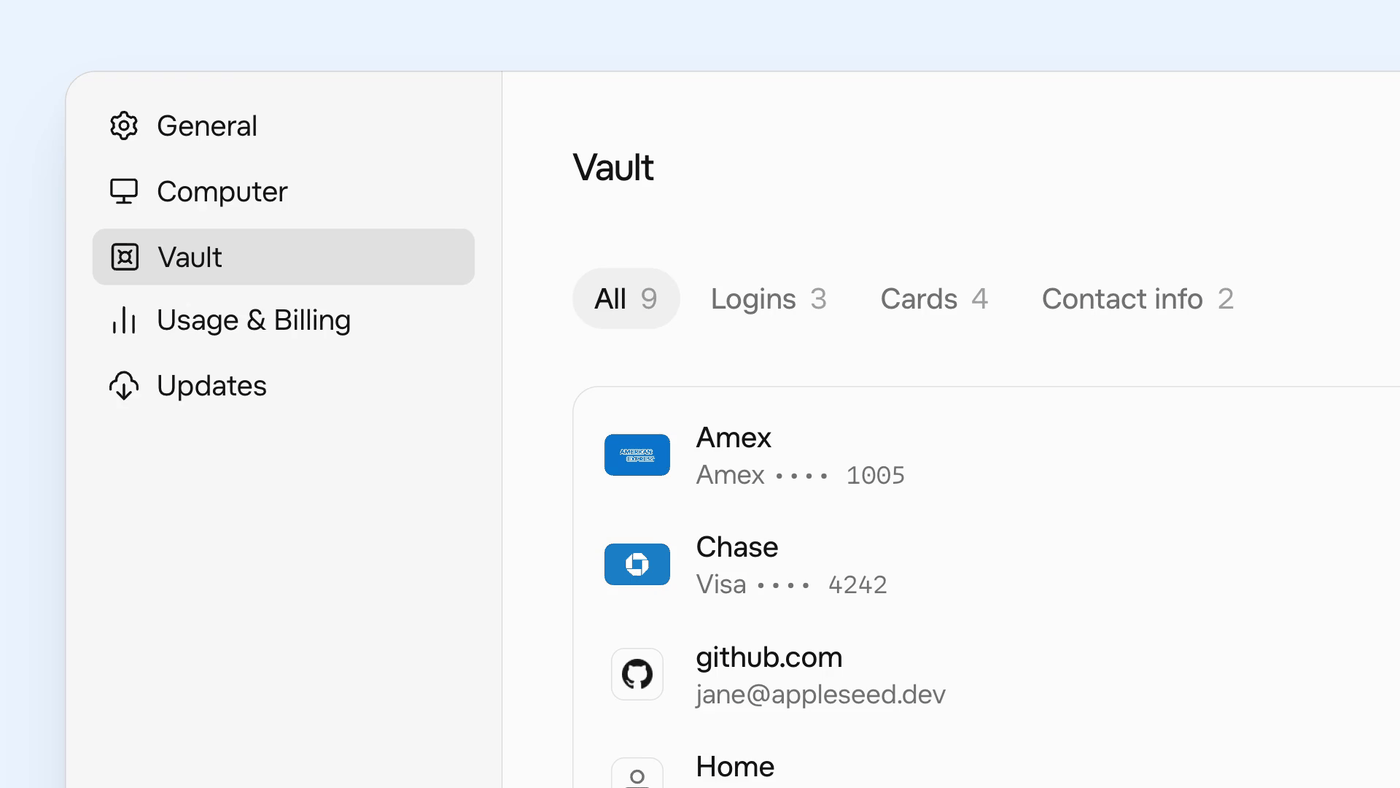
- A place in Settings where bots can save your logins, cards and contact details and fill them in to sign in or check out. Added in October 2026.
Terms marked as a Swarm School pattern are our names for a way of working, not official feature names. Images are a mix of Swarm School illustrations and official Grok Bot screenshots; screenshots are credited under each one.
Get the free 18-page setup guide.
The 9 setups most Grok Bot users skip, with a copy-paste prompt for each. Free PDF.