

Ask who owes you and have Grok Bot draft payment reminders for you to approve.
- Add to Grok Bot
- Review cash flow
- Draft invoices and estimates
- Set tool permissions
New to Grok Bot?
Get two weeks free on us.
Short answer
Intuit QuickBooks for Grok Bot connects your QuickBooks Online books. Add it from its plugin page, then ask about cash flow, profit or who still owes you, and have your Bot draft invoices, estimates and payment reminders for you to approve.
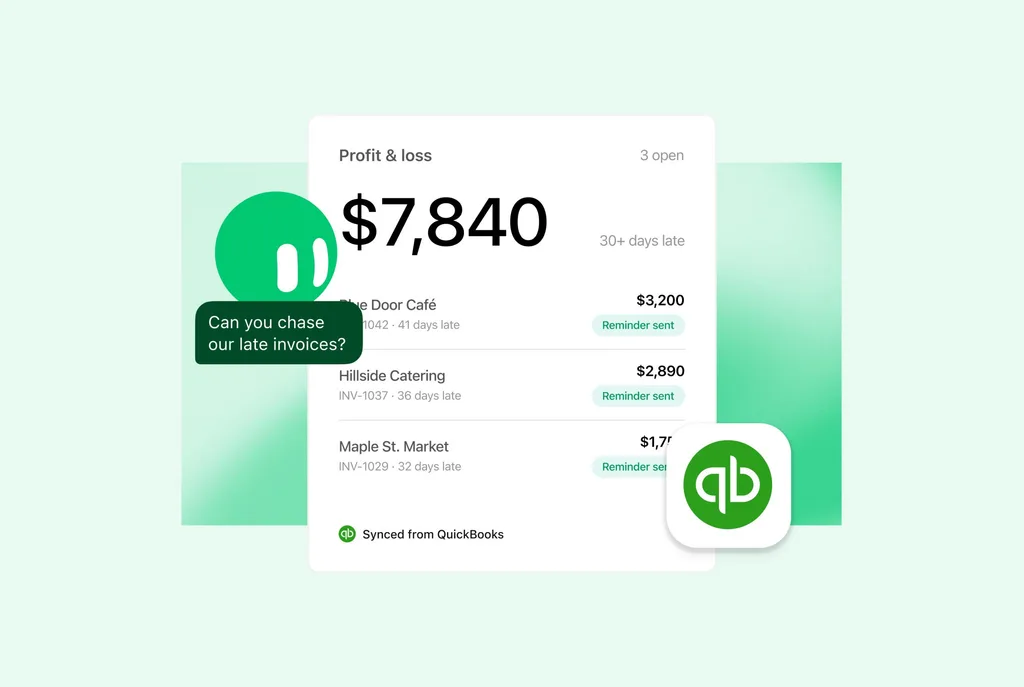
What Your Bot Can Do in QuickBooks
- ReportsSee profit and loss, cash flow and balance sheet reports.
- Aging reportsSee who owes you and which bills are due, with receivable and payable aging.
- SalesSee sales by customer and product.
- BenchmarksCompare profit, revenue and expenses with similar businesses in your region.
Invoices, Payments and Bookkeeping
- Invoices and estimatesCreate, send and follow up. Set up recurring invoices.
- Payment linksSend links in the US and Canada.
- Customers and productsManage customers, products and employees.
- PayrollReview payslips and preview your next payroll run.
- CSV importImport transactions into QuickBooks.
- QuickBooks CapitalGet answers about financing.
Add It to Grok Bot
- Open Intuit QuickBooks for Grok Bot.
- Select Add to Grok Bot.
- When Grok Bot asks you to authorize, sign in to QuickBooks Online in your browser. See Connect apps.
Grok Bot publishes Intuit QuickBooks for Grok Bot.
Set What Needs Your OK
On the QuickBooks connector’s page, set each tool to one of these:
- Always allowAlways allow the tool.
- Auto-reviewAuto-review is Grok Bot’s safety check.
- Needs approvalThe tool needs your approval.
- BlockedThe tool is blocked.
Set tools that send invoices or reminders to Needs approval. See set each tool’s permission.
Try These First
What does my cash flow look like this month?
Who still owes me? Draft payment reminders for overdue invoices for my approval.
Draft an invoice for [customer] for [products or services] for my approval.
Choose Your Next Guide
| You want to… | Read next |
|---|---|
| Connect more apps | Grok Bot connectors |
| See how an accounting team uses Grok Bot | Grok Bot for accounting teams |
| Try a free template for month-end close | QuickBooks Close Copilot |
| Explore a finance Bot | Finance and Books Superbot |
| See every November update | Grok Bot November updates |
Get the Free Power User Guide
Continue with the free Grok Bot Power User Guide.
FAQ
Who Makes the QuickBooks Plugin?
Quick answer: Grok Bot publishes Intuit QuickBooks for Grok Bot.
How Do I Add It?
Quick answer: Open Intuit QuickBooks for Grok Bot and select Add to Grok Bot. Sign in to QuickBooks Online when asked.
What Can I Ask?
Quick answer: Ask about cash flow, profit or who still owes you.
Does It Send Invoices on Its Own?
Quick answer: Grok Bot drafts invoices, estimates and payment reminders for you to approve. You set each tool’s permission.
Swarm School is an independent site. We’re not affiliated with xAI or Cursor.
Sources
- @bot on X (https://x.com/bot/status/2123840024747946383)
- Intuit QuickBooks for Grok Bot (https://x.ai/bot/plugin/72272620)
- Cursor Marketplace (https://cursor.com/marketplace/cursor/quickbooks-online)
- Grok Bot release notes (https://x.ai/changelog/bot)
Swarm School is independent and not affiliated with Grok Bot’s makers. Features change; check the official docs for current details.
Related Guides

Grok Bot Connectors: What You Can Connect
Every Grok Bot connector we could confirm in xAI's and Cursor's docs, what each one can do, and how to connect apps without giving your Bots too much access.



Grok Bot Accounting: Build a Team
Five Bots handle provisioning, billing, support, cash applications and collections, from customer setup through payment.
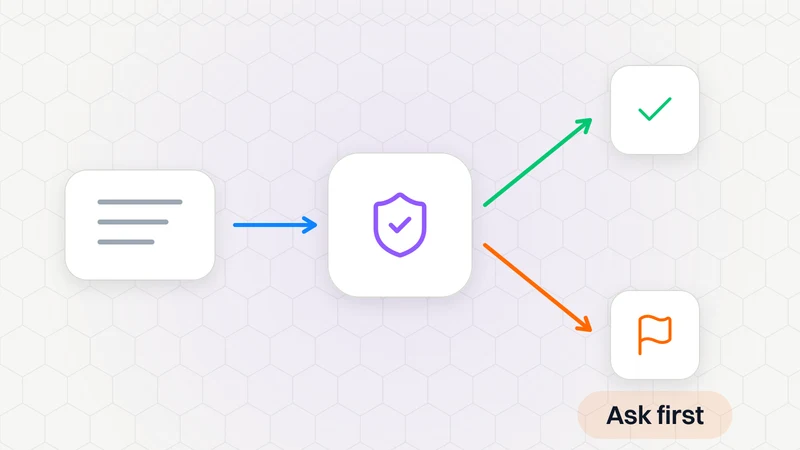
What Is Auto-Review in Grok Bot?
Auto-review checks Bot actions and asks when needed. Find it in Settings → General → Bot; it is on by default.

How to Use Grok Bot: a Practical Beginner's Guide
Learn how to set up Grok Bot, give a Bot a job, connect apps, set approval boundaries and build reusable skills.