
Your Bot finds products, prepares orders and tracks deliveries, and you review before paying.
- Find and compare products
- Review the order card
- Tap Pay to approve
- Track your deliveries
New to Grok Bot?
Get two weeks free on us.
Short answer
Grok Bot finds products, prepares orders and tracks deliveries. Review the items and total before paying.
Find Products
| Feature | What it does |
|---|---|
| Product cards | Show photos, price, rating, store and sometimes percent off list price. |
| Photos | Cards omit products without a real photo when others have one; results without photos appear as a text list. |
| Options | Pages show up to four per group with Show all. Sold-out options can be selected. |
| Notify me | Sets a routine to tell you when a sold-out item returns. |
| Page details | About and Reviews show details, rating and review count. Previous product and Next product navigate results. |
| Deals | Deal Watcher checks other stores before payment and names each store. The Bot enters promo codes it finds at checkout. |
Review and Pay
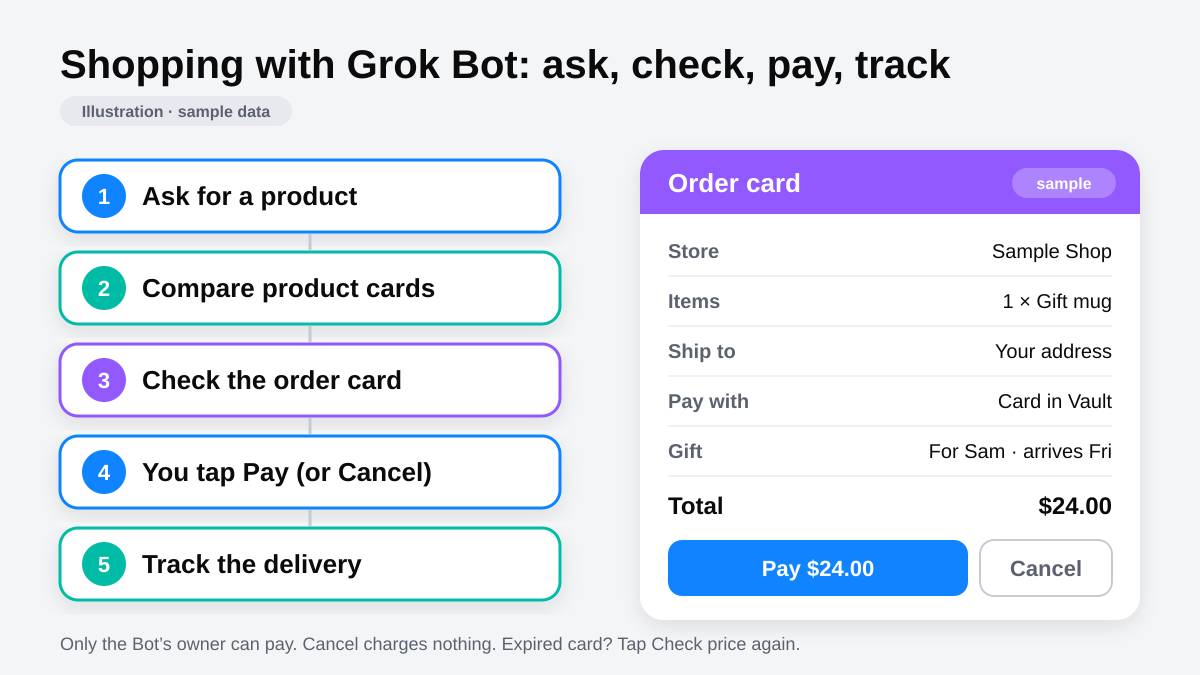
| Order card row | Review |
|---|---|
| Store and items | Seller and products |
| Ship to | Delivery address |
| Pay with | Payment method |
| Total | Amount to approve |
| Gift | Recipient, message, gift receipt and arrival time |
The Bot settles checkout contact details, such as the receipt email, before showing the order card.
- Review the order and tap Pay. The Bot uses a saved Vault card.
- With no saved card, the Bot asks for one in a Secure Form. An unsaved card gets no order card; approve the exact total in chat.
- A saved card fills at checkout without asking each time. No setting requires approval for every use.
- To approve every payment, leave Securely save to Bot’s vault unchecked or remove the card in Settings → Vault.
A form without that checkbox saves straight to Vault. Don’t submit it if you don’t want the card saved. See the Vault guide.
Multiple Payments
One order card covers up to 500 card payments. One Pay tap approves them for 24 hours; a new card covers the rest afterward.
| Detail | Behavior |
|---|---|
| Display | Ten or fewer payments appear individually; larger batches show a summary. |
| Processing | Payments run one at a time and stop if a card is declined. |
| Address | A batch ships to one address. |
| Wallets | Link and X Money need one order card per payment. |
If no connected-store card can pay, the Bot can add a Vault card or a new one and pay. If an unchosen site’s checkout keeps failing, it tries another and asks before paying.
Gifts
The Gift Concierge template keeps a budgeted gift list, finds ideas, tracks delivery and buys only gifts you approve.
Track Deliveries
| Update | What happens |
|---|---|
| Tracking | Checks grow more frequent near delivery, up to hourly when out for delivery. |
| Connected store | The Bot reports status changes, arrival time and any delivery PIN. |
| Shipment cards | Older cards fold to show Updated when a newer card arrives for the same order. |
Refunds and Usual Orders
| Task | What you review |
|---|---|
| Rebuild a usual order | Out-of-stock items and price changes first. |
| Schedule usual-list reorders | One approval per order, showing the checkout total. |
| Subscription refund request | The ways to ask, before the Bot sends or submits anything. A request is not a promised refund. |
FAQ
Can Grok Bot Buy Things for Me?
Quick answer: Yes. Review the order card and tap Pay when using a saved Vault card.
Can I Approve Each Payment?
Quick answer: Don’t save the card. An unsaved card requires approval of the exact total in chat.
Can It Watch for a Sold-Out Item?
Quick answer: Yes. Choose Notify me to set a restock routine.
Can It Plan Travel?
Quick answer: Yes. See flights and hotels for options and booking details.
Choose Your Next Guide
| You want to… | Read next |
|---|---|
| Manage payment details | Grok Bot Vault |
| Find travel options | Flights and hotels |
| Choose a template | Install templates safely |
Get the Free Power User Guide
Swarm School is an independent site. We’re not affiliated with xAI or Cursor.
Sources
- https://docs.x.ai/grok-bot/chat-and-collaboration
- https://docs.x.ai/grok-bot/vault
- https://x.ai/changelog/bot
Swarm School is independent and not affiliated with Grok Bot’s makers. Features change; check the official docs for current details.
Related Guides
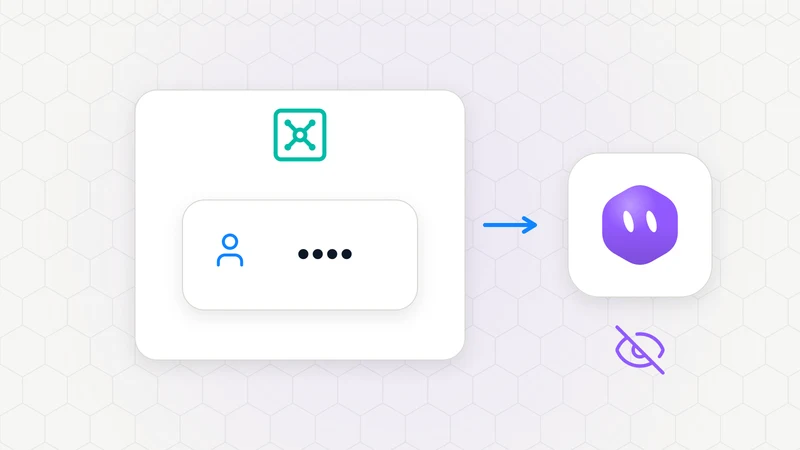
What Is the Grok Bot Vault, and How Do I Save a Login?
Grok Bot Vault saves logins, cards and contact info. Learn what Bots can see and how saved cards work at checkout.
Book Flights, Hotels and Rental Cars With Grok Bot
Book flights, hotels and rental cars with Grok Bot. Compare travel options, pick your favorites and plan your trip in one chat.
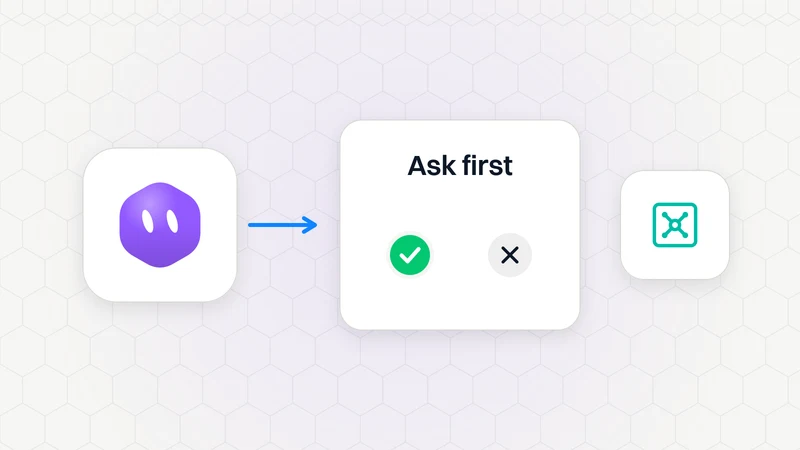
Keeping Grok Bot Safe: Approvals, Auto-Review, the Vault and Sign-Ins
How to keep Grok Bot safe: leave Auto-review on, add Ask first rules, keep passwords out of chat with the Vault, handle 2FA by taking over, and read a Bot's report properly.
The Grok Bot Phone Feature: Rules, Limits and What It Can Do
Grok Bot phone calls are outbound and included, but nothing dials until you tap Call. See the US limits, what's not allowed, and how to write a brief.