Grok Bot Updates
Grok Bot updates, explained
Read the latest changes, why they matter, and what to do next.
Latest edition
Grok Bot changes for October 2026
October was a big month. Bots got their own email inboxes, a Vault for logins and cards, Pages you can edit together, and fewer approval interruptions for things you clearly asked for. Here are the changes that matter most if you run more than one bot, in plain words, with what we’d do about each.
- Oct 23
A Vault for logins, cards and contact details
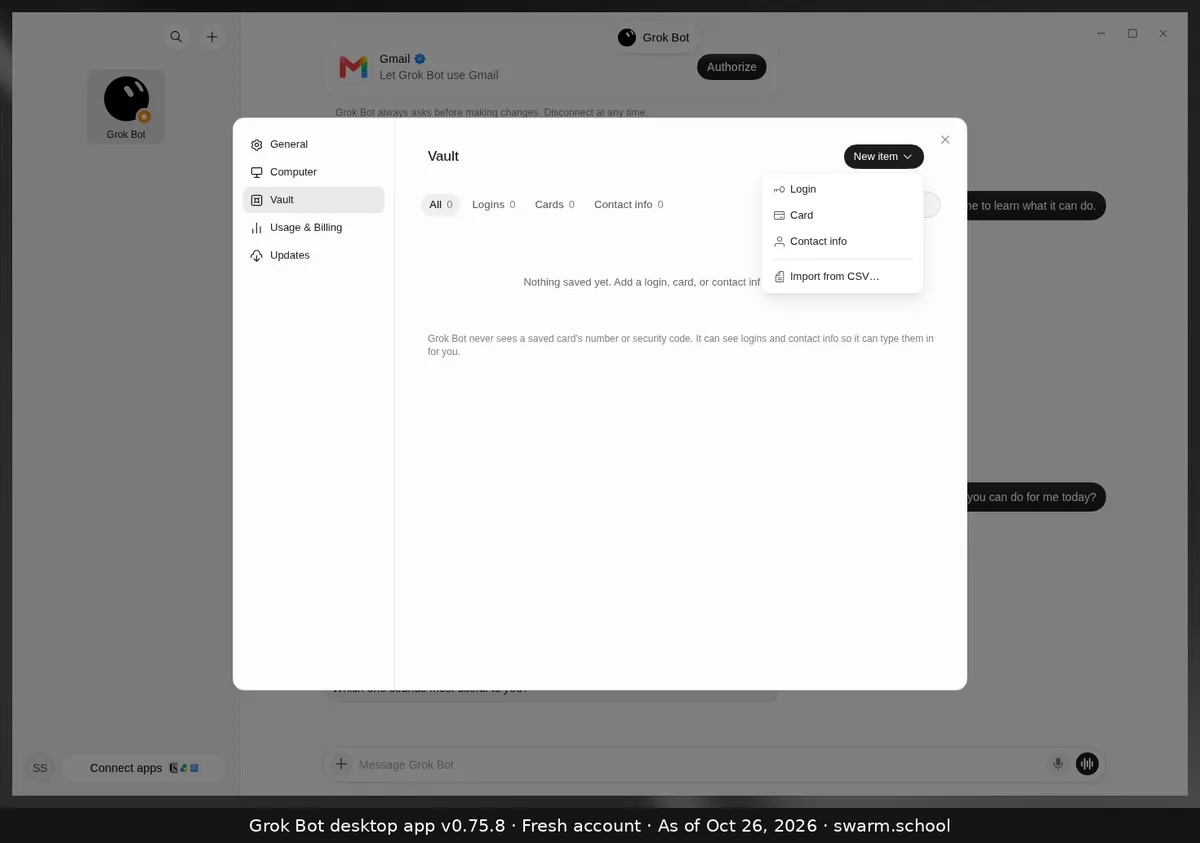
Grok Bot desktop app, Oct 26, 2026 It’s a safer place for private details than a chat message, and it means fewer “please type your password” interruptions.
- Oct 23
Fewer approval cards for things you asked for
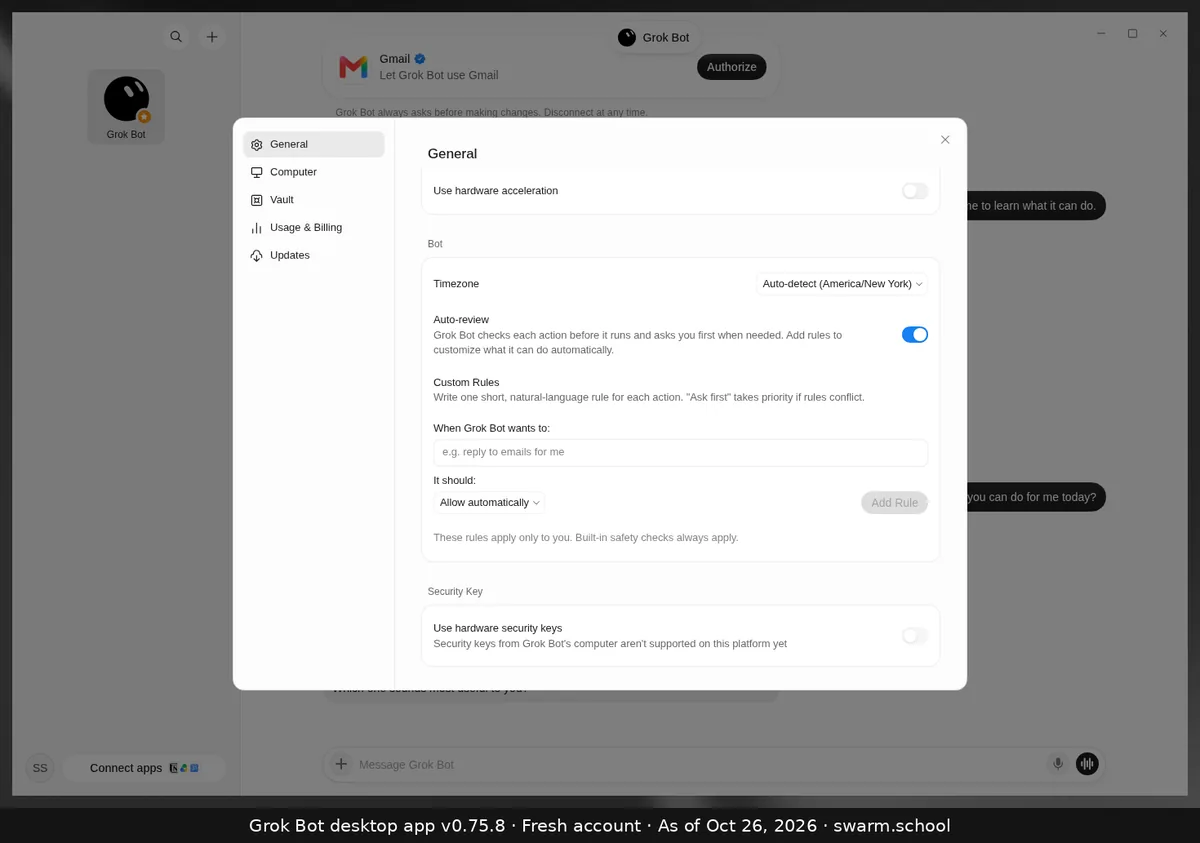
Grok Bot desktop app, Oct 26, 2026 Fewer interruptions for clear requests, and routines still can’t send without you.
- Oct 23
Routines can run more often
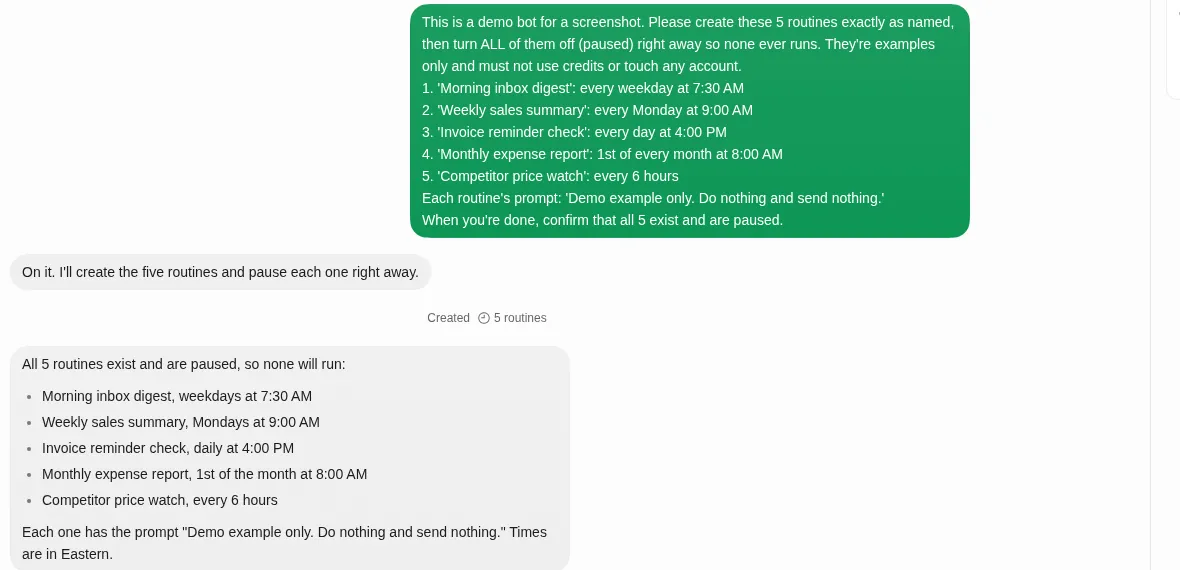
Grok Bot desktop app, Oct 26, 2026 Monitors and event-driven routines are less likely to hit a ceiling.
- Oct 22
Pages: reports and dashboards you edit together
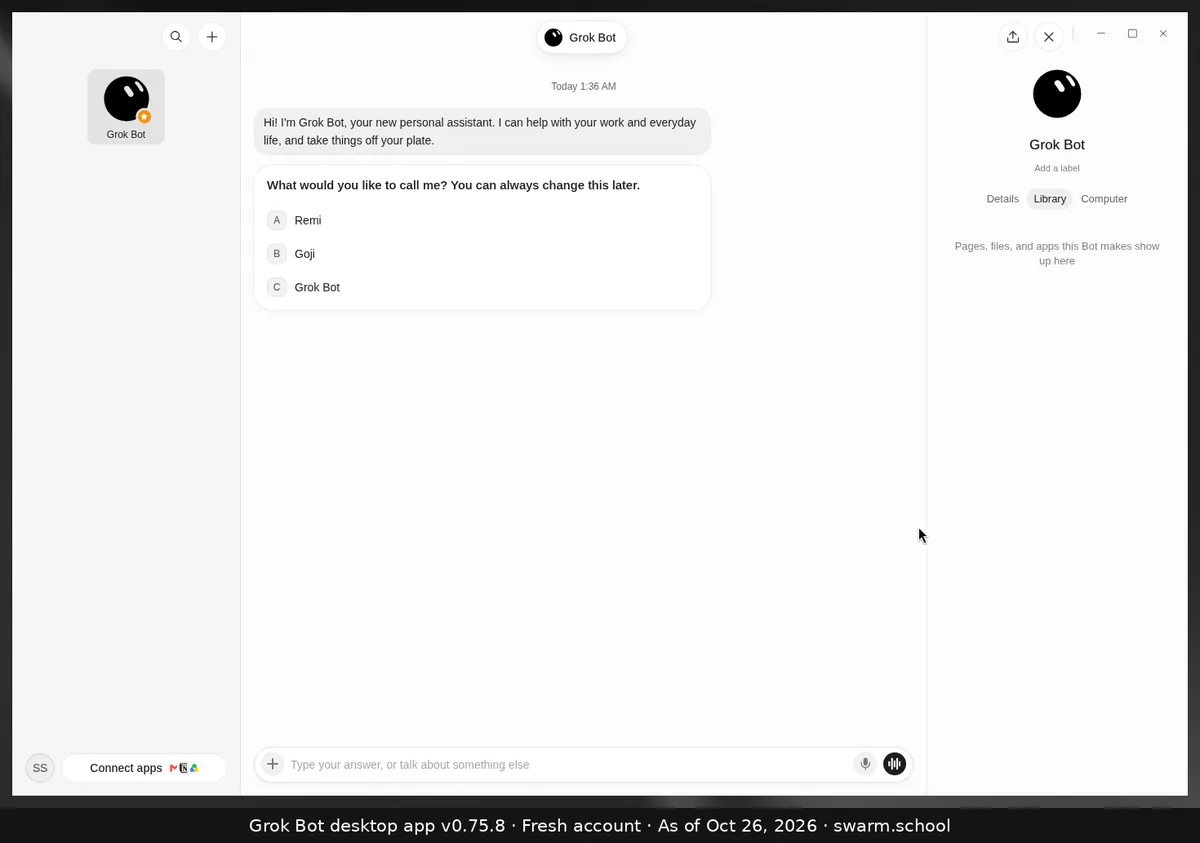
Grok Bot desktop app, Oct 26, 2026 A daily brief or project tracker can live in one place that updates, instead of a new chat message every time.
- Oct 22 and Oct 7
Video creation and slide decks
Content and reporting bots can produce finished formats, not just text.
- Oct 11, Oct 14 and Oct 22
Bots have their own email inboxes
You can give a bot its own address for sign-ups, receipts or forms, and trigger work from incoming mail without exposing your personal inbox.
- Oct 14
Room for many more plugin skills
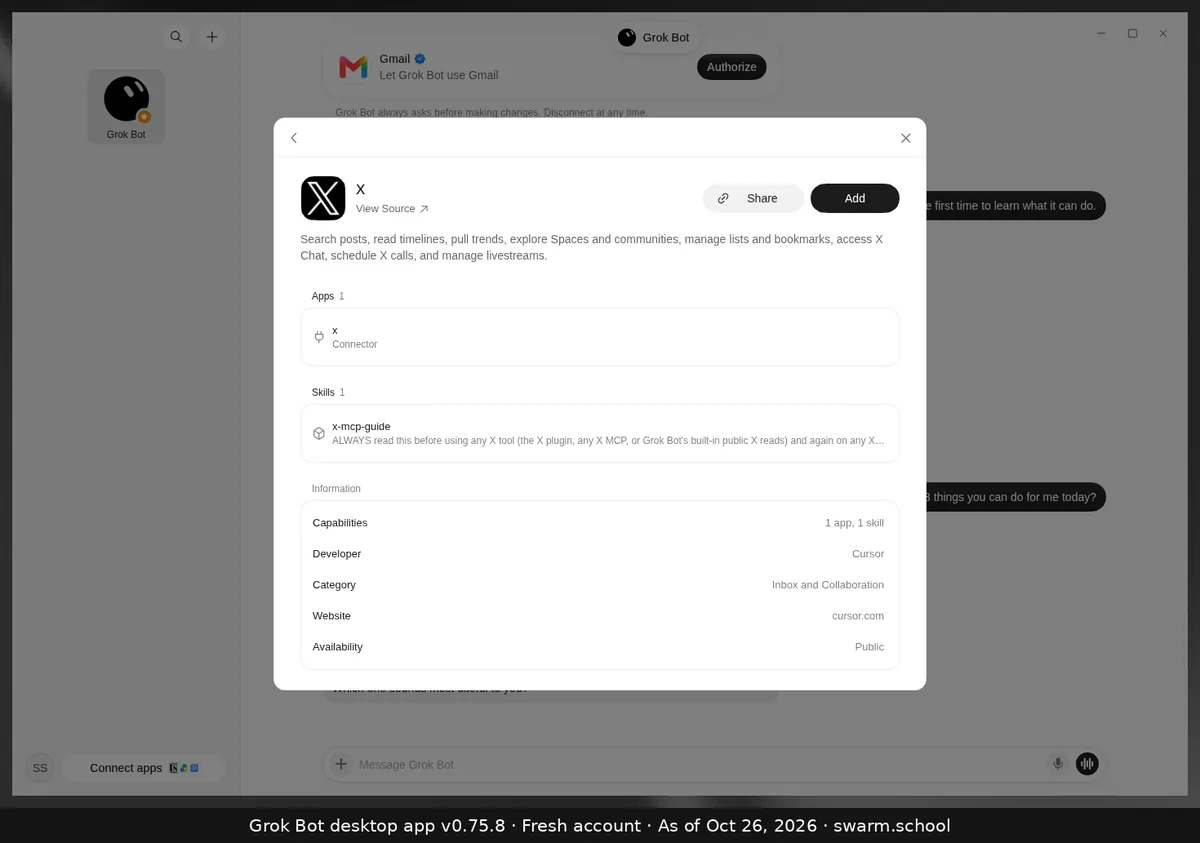
Grok Bot desktop app, Oct 26, 2026 Plugin skills you add are no longer silently left out.
- Oct 14
Low-disk warnings that ask before deleting
Fewer mystery failures from a full disk, and nothing disappears without your yes.
- Oct 11
Bots check before actions they can’t undo
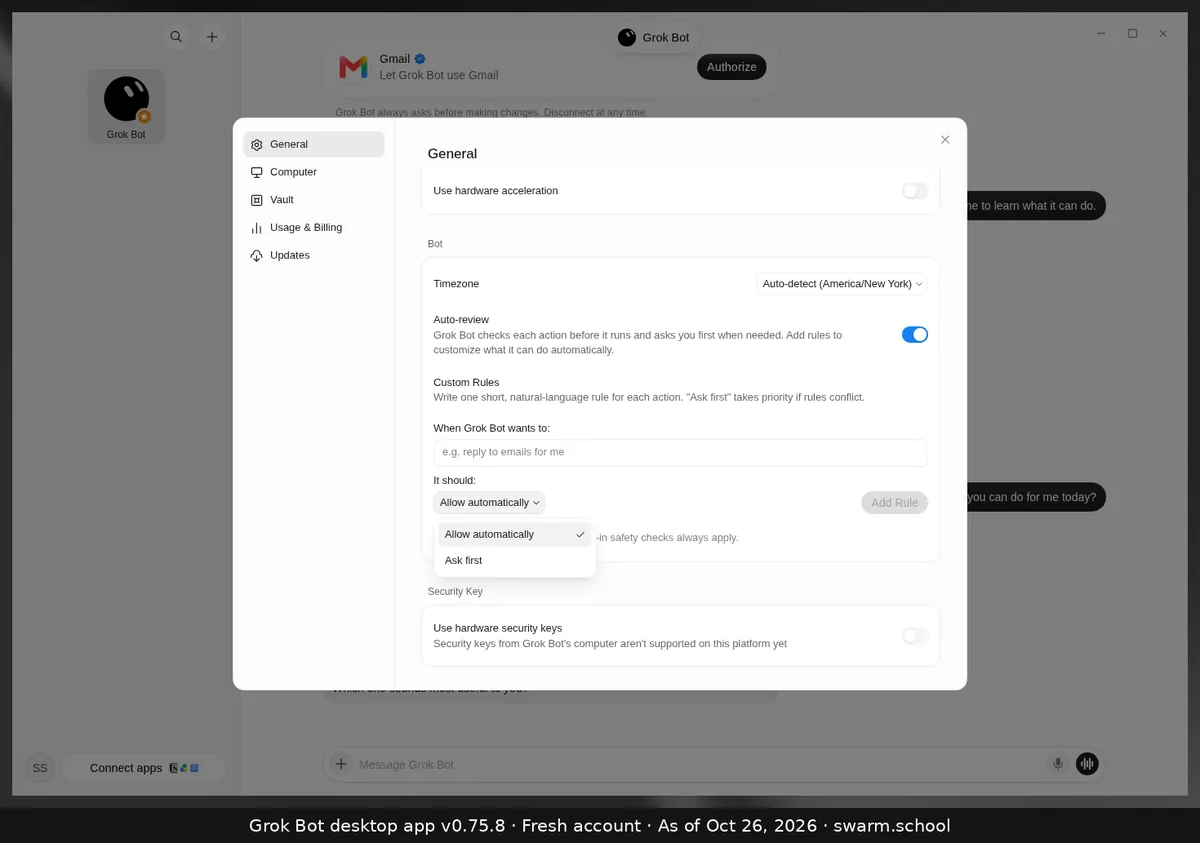
Grok Bot desktop app, Oct 26, 2026 This is the same approve-first habit we teach, now built in.
- Oct 11 and Oct 2
Templates are easier to find
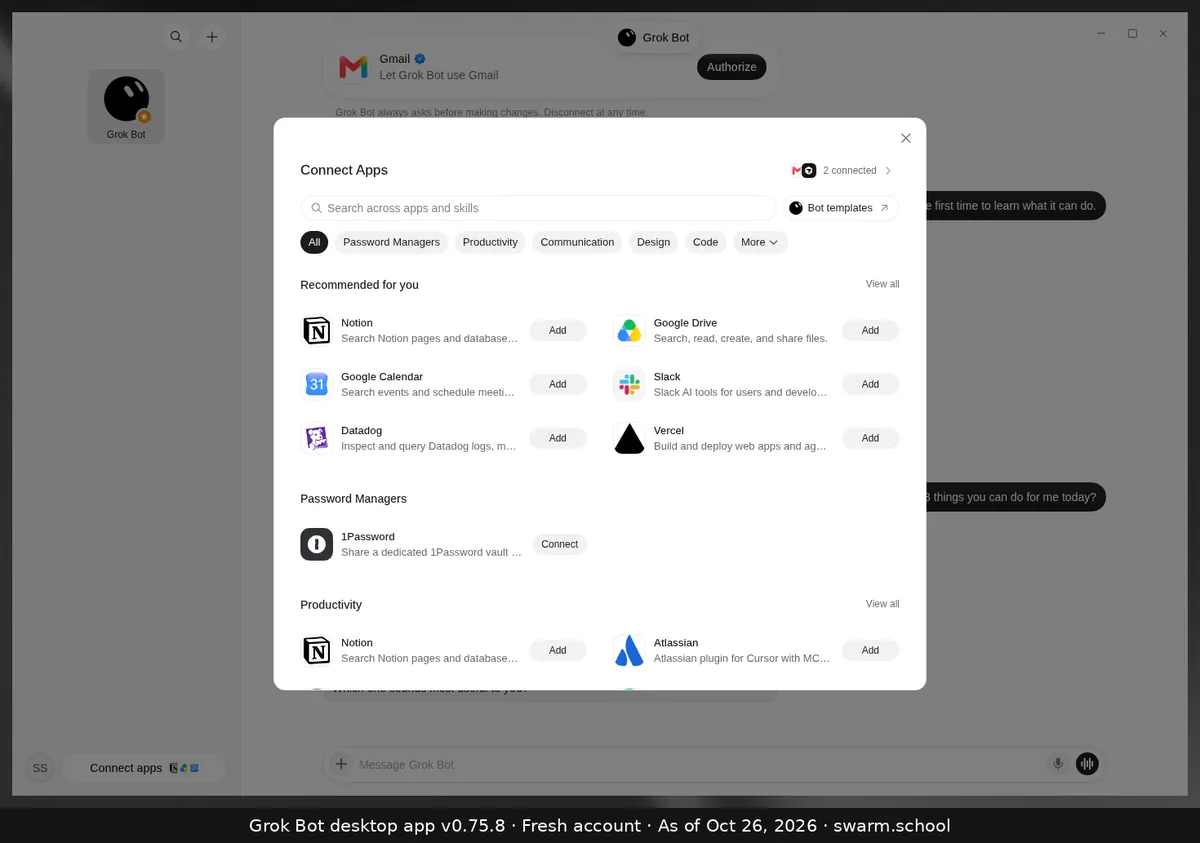
Grok Bot desktop app, Oct 26, 2026 More templates in front of more people, so checking them before you install matters more.
- Oct 2
Your primary bot offers to help
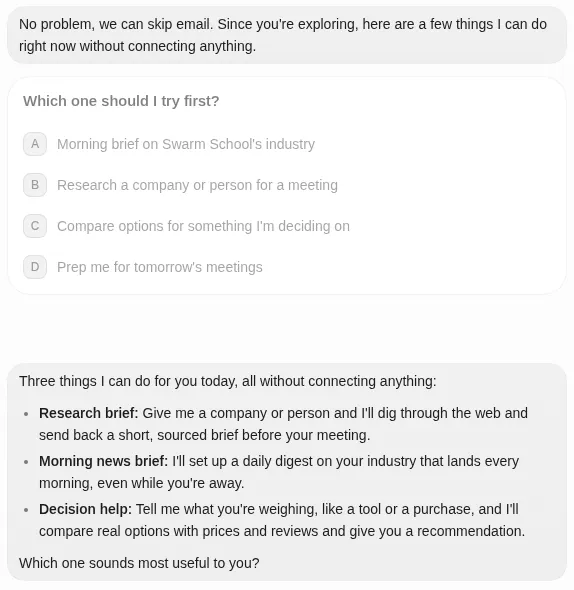
Grok Bot desktop app, Oct 26, 2026 It’s a natural fit for a chief of staff role.
- Oct 14
For teams: admins can turn off bot-to-bot messaging
If your swarm relies on handoffs and you’re on a team plan, this setting can quietly break it.
Get the free 14-page setup guide.
The 9 setups most Grok Bot users skip, with a copy-paste prompt for each. Free PDF.