
Grok Bot books flights, hotels and rental cars from one chat and finds the best deal.
- Ask with your preferences
- Compare flight details
- Add a hotel and car
- Choose your approval rules
New to Grok Bot?
Get two weeks free on us.
Short answer
Grok Bot books flights, hotels and rental cars from one chat and finds the best deal. You pick, it books.
| Trip item | What to ask |
|---|---|
| Flights | A route, dates and preferences. You get flight options and fare details. |
| Hotels | A destination and dates. You get hotel options, photos and prices. |
| Rental cars | A pickup place and dates. You get rental car options. |
Ask for Your Trip
Give Grok Bot your dates and preferences, and tell it when to wait for your approval.
Find flights to Austin for Thursday, back Sunday, with no red-eyes, and a hotel near downtown. Send me the two best options; don't book anything.
Find flights to Los Angeles for Saturday, Dec 5, returning Sunday, Dec 6, a hotel near downtown, and a rental car for the same dates. Show me the best options and wait for my OK before you book.
Compare Flights
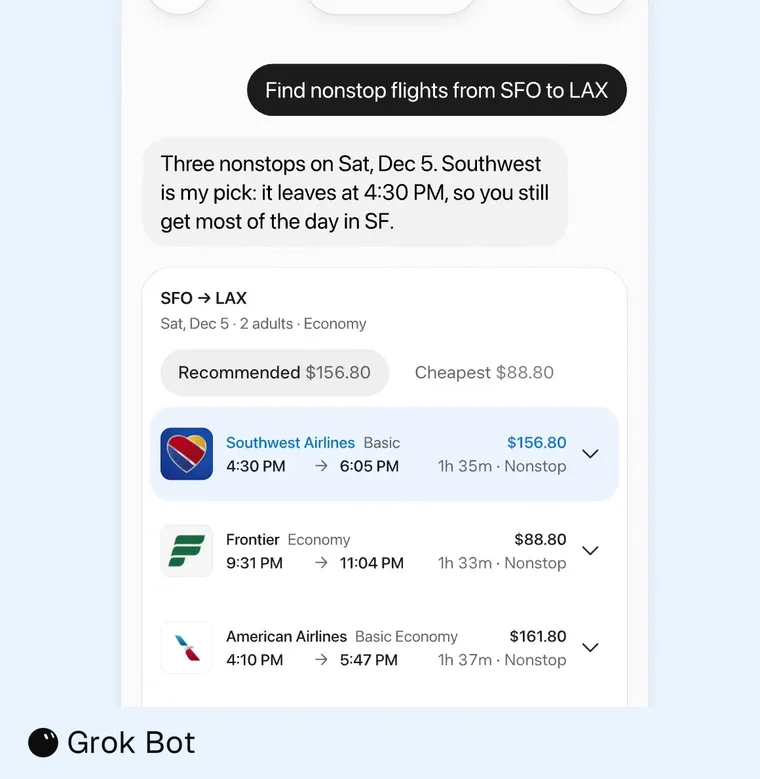
Ask in plain words, then compare the Bot’s pick and the flight details.
| Feature | What you can see or do |
|---|---|
| Flight card | See the route, date, travelers and cabin. Results list airline, fare type, times, duration and stops. |
| Recommended and Cheapest | Switch tabs to compare prices. |
| Bot’s pick | The Bot names its pick and explains why. |
| Flight result | Select it for Full details and Book, or expand bags, changes and refund rules. |
| Return flight | Pick the outbound flight, choose the returning flight, then select Back or Confirm. |
| Search progress | Steps include Searching flights and Checking the fare. Book buttons hide while the Bot books that flight. |
| Filters | If airline, departure time or stops have no matches, closest options show which filters were relaxed. |
| Sources | Searches check fares from multiple sources. Airline sites provide return fares, fare tiers and flight status. |
| Booking retry | A declined or cancelled booking shows Book again. Expired cheaper fares do not show a Book for button. |
Pick a Hotel
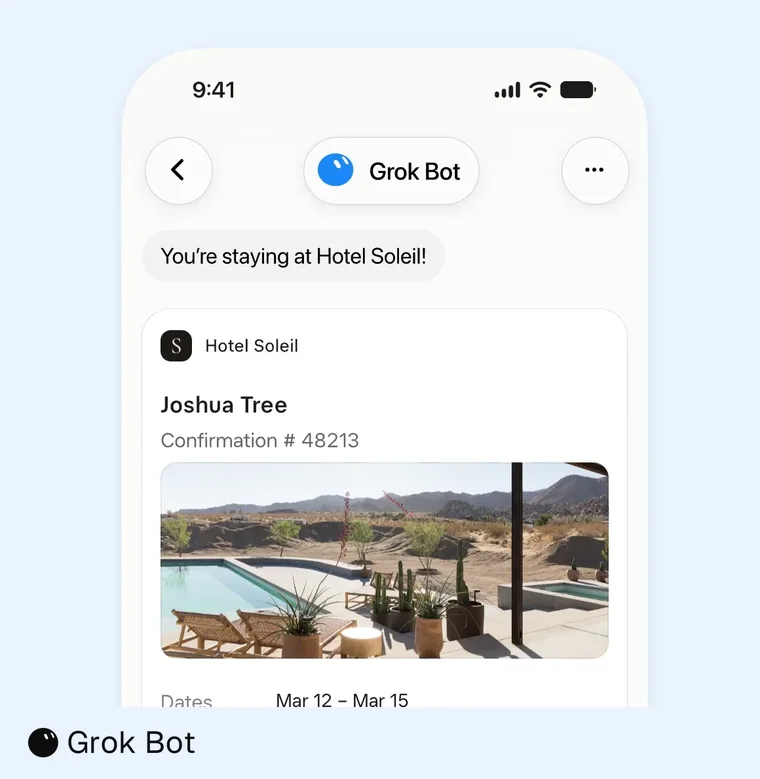
Compare photos and prices, then open a hotel to see its details.
| Feature | What you can see or do |
|---|---|
| Results | See photos, price per night, star rating, review count and Show map. |
| Rooms | Hotel searches show bookable rooms and rates. |
| Photos | Open a full-size viewer with hotel name, counter, thumbnails and previous and next buttons. |
| Maps | Zoom in or out; drag and recenter the Location map. Hotels are listed beside the map. |
| Hotel page | Copy the address, open the hotel’s Website, and see the About section, stars, review score and review count. |
| Booking | See the total for your nights and select Book. |
| Search radius | Hotel and car rental results show the radius in miles or kilometers to match your computer’s settings. |
Rent a Car
Grok Bot books rental cars in the same chat as your flights and hotel.
Find a rental car at LAX from Saturday, Dec 5 to Sunday, Dec 6, near my hotel. Show me the best options and wait for my OK before you book.
| Tip | Why it helps |
|---|---|
| Give a pickup place and dates. | The Bot searches for that place and those dates. |
| Ask in the same chat as your flight and hotel. | Your travel requests stay together. |
| Check the search radius. | It follows your computer’s miles or kilometers setting. |
Pay and Approve
Choose how to pay and set the approval rules that suit you.
| How you pay | What happens |
|---|---|
| Card saved in Vault | The card fills in at checkout without a separate approval each time. |
| Card in a Secure Form you don’t save | Leave “Securely save to Bot’s vault” unchecked. The Bot asks you to approve the exact total in chat; there is no order card. |
| Connected wallet | Use a connected wallet such as Link, X Money or Shop Pay at checkout. |
See the Vault guide, Auto-review guide and shopping and order cards. Auto Review checks actions before the Bot takes them; Ask first rules make purchases always ask for approval. Remove a saved card in Settings → Vault to approve each payment yourself.
FAQ
Can Grok Bot Book Flights, Hotels and Rental Cars?
Quick answer: Yes. It books all three from a chat.
Can It Find Options Without Booking?
Quick answer: Yes. Ask it to show options and not book anything.
Does Grok Bot Ask Before It Pays?
Quick answer: It depends on your payment and approval settings. An unsaved card requires approval of the exact total in chat. Ask first rules can require an approval card for purchases.
What If No Flights Match My Filters?
Quick answer: It shows the closest options and identifies the relaxed filters.
What If a Booking Is Declined?
Quick answer: The trip card shows Book again after a declined or cancelled booking.
Choose Your Next Guide
| You want to… | Read next |
|---|---|
| Review orders | Shopping and order cards |
| Manage payment details | Grok Bot Vault |
| Control what needs your OK | Grok Bot Auto-review |
| Start with a task | How to use Grok Bot |
Get the Free Power User Guide
Swarm School is an independent site. We’re not affiliated with xAI or Cursor.
Sources
- https://x.ai/changelog/bot
- https://docs.x.ai/grok-bot/use-cases
- https://docs.x.ai/grok-bot/vault
- https://x.com/bot/status/2123121401762918718
- https://x.ai/bot/use-cases
- https://docs.x.ai/grok-bot/approvals-security-and-privacy
Swarm School is independent and not affiliated with Grok Bot’s makers. Features change; check the official docs for current details.
Related Guides
Grok Bot Shopping: Order Cards, Gifts, Refunds and Reorders
Use Grok Bot shopping to compare products, check order totals and track deliveries. Learn the payment steps before you buy.
What Is the Grok Bot Vault, and How Do I Save a Login?
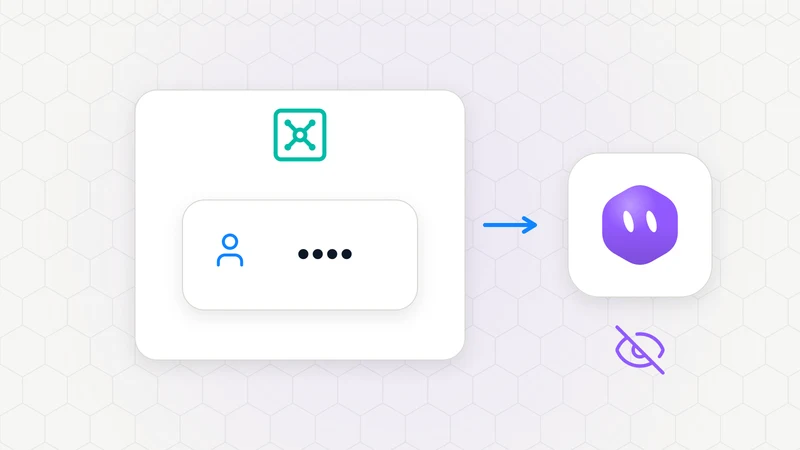
Grok Bot Vault saves logins, cards and contact info. Learn what Bots can see and how saved cards work at checkout.
What Is Auto-Review in Grok Bot?
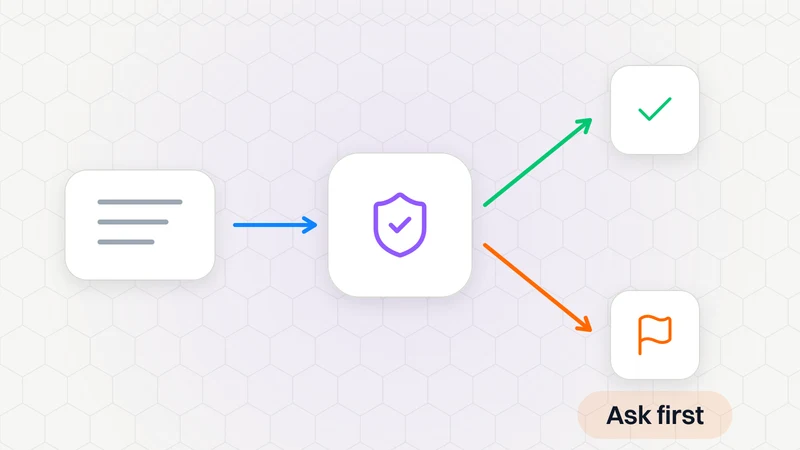
Auto-review checks Bot actions and asks when needed. Find it in Settings → General → Bot; it is on by default.

How to Use Grok Bot: a Practical Beginner's Guide
Learn how to set up Grok Bot, give a Bot a job, connect apps, set approval boundaries and build reusable skills.