Short answer
Go to x.ai/bot, download the desktop app for your computer, install it and sign in. Grok Bot runs on macOS, Windows and Linux, and there are companion apps for iPhone and Android.
As of Oct 26, 2026. Platform list from xAI’s official FAQ.
Steps
- Open x.ai/bot and download the version for your computer.
- Install it the usual way for your system, then open Grok Bot.
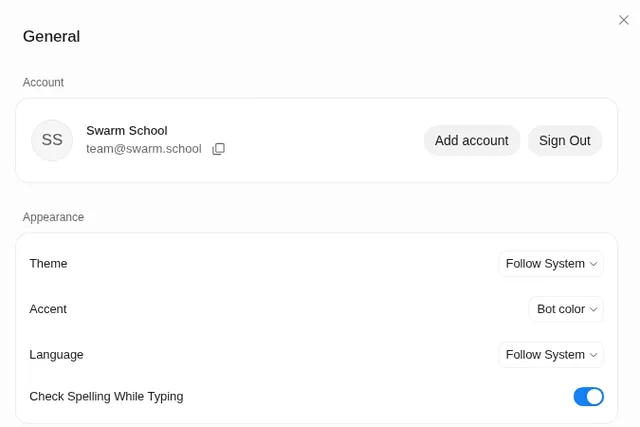
- Choose Sign in and finish in your browser. See how to log in.
Which version do I need?
| Device | Supported (per xAI’s FAQ) |
|---|---|
| Mac | macOS on Apple silicon and Intel |
| Windows | Windows on x64 and Arm64 |
| Linux | x64 and Arm64, as a .deb, an .rpm or an AppImage |
| iPhone / iPad | iOS 18 or later (iPadOS 18 or later) |
| Android | Android 9 or later |
Before you download
- You need a plan that includes Grok Bot. Check Grok Bot pricing first.
- Only download from x.ai. Skip “Grok Bot” downloads on other sites.
- Phone too? The same Bots and chats sync across your signed-in devices. See Grok Bot on your phone.
Once it’s installed, here’s what happens the first time you open it.
Sources
Swarm School is independent and not affiliated with Grok Bot’s makers. Features change; check the official docs for current details.
Related guides
- How do I log in to Grok Bot?Open the app, choose Sign in and finish signing in with your Cursor account in the…
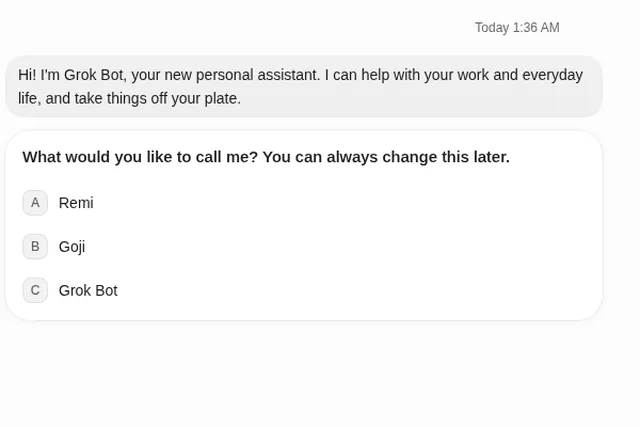
- What happens the first time you open Grok Bot?Your first Bot says hello, asks what to call it, offers to connect Gmail, and suggests…
- Can I use Grok Bot on my phone?Yes. Grok Bot has a companion app for iPhone (iOS 18+) and Android (9+). Your Bots and…
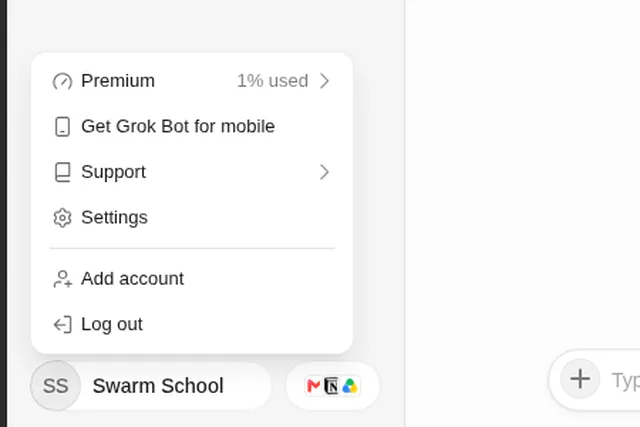
- How do I update Grok Bot?Open Settings → Updates and choose Check for Updates, then Restart to Update.…