Short answer
A skill is a saved set of instructions for one task, like “Weekly report” or “Reply to reviews”. Do the task with your Bot until it works, ask the Bot to save the method as a skill, test it on a fresh example, and only then put it on a schedule. That order comes straight from xAI’s docs.
As of Oct 26, 2026 (Grok Bot desktop app v0.75.8).
Skill or routine?
- A skill says how to do a task.
- A routine says which Bot runs it and when. See routines.
Use a skill in chat by typing / and its name. The Skills panel is Ctrl+Shift+W.
The six parts of a good skill
| Part | What to write |
|---|---|
| When to use it | One or two lines, and when not to use it |
| Inputs and access | Apps, files or logins it needs. If access is missing, it should say so, not guess |
| Steps | Short, numbered, naming the sources and the order |
| How to check the result | Every number has a source, every link opens, the format matches |
| What to return | The exact output and where it goes |
| What needs approval | Sending, posting, buying, deleting, publishing, changing anything live |
When to save one
Save a skill once you’ve done the task at least twice and liked the result. Before that, you’re only saving a guess. Then ask:
Save the process we just used as a skill called “[name]”. Use six headings: When to use it, Inputs and access, Steps, How to check the result, What to return, What needs my approval. Keep it under one page. Show it to me before saving.
Trim the draft, then test it on a new example.
Teach a task: show, don’t type
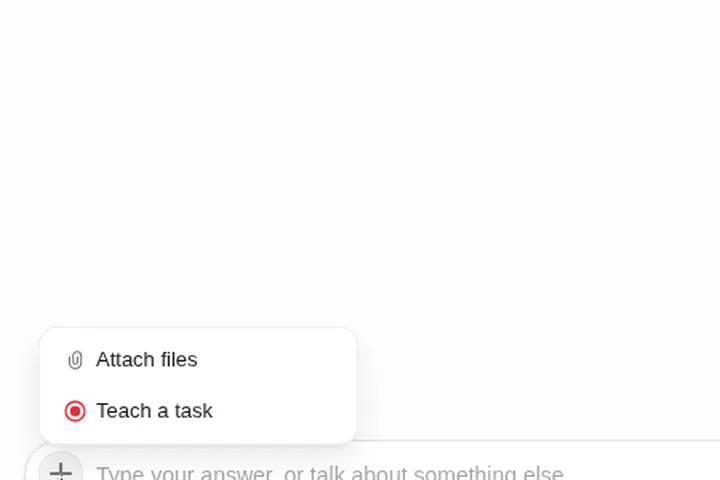
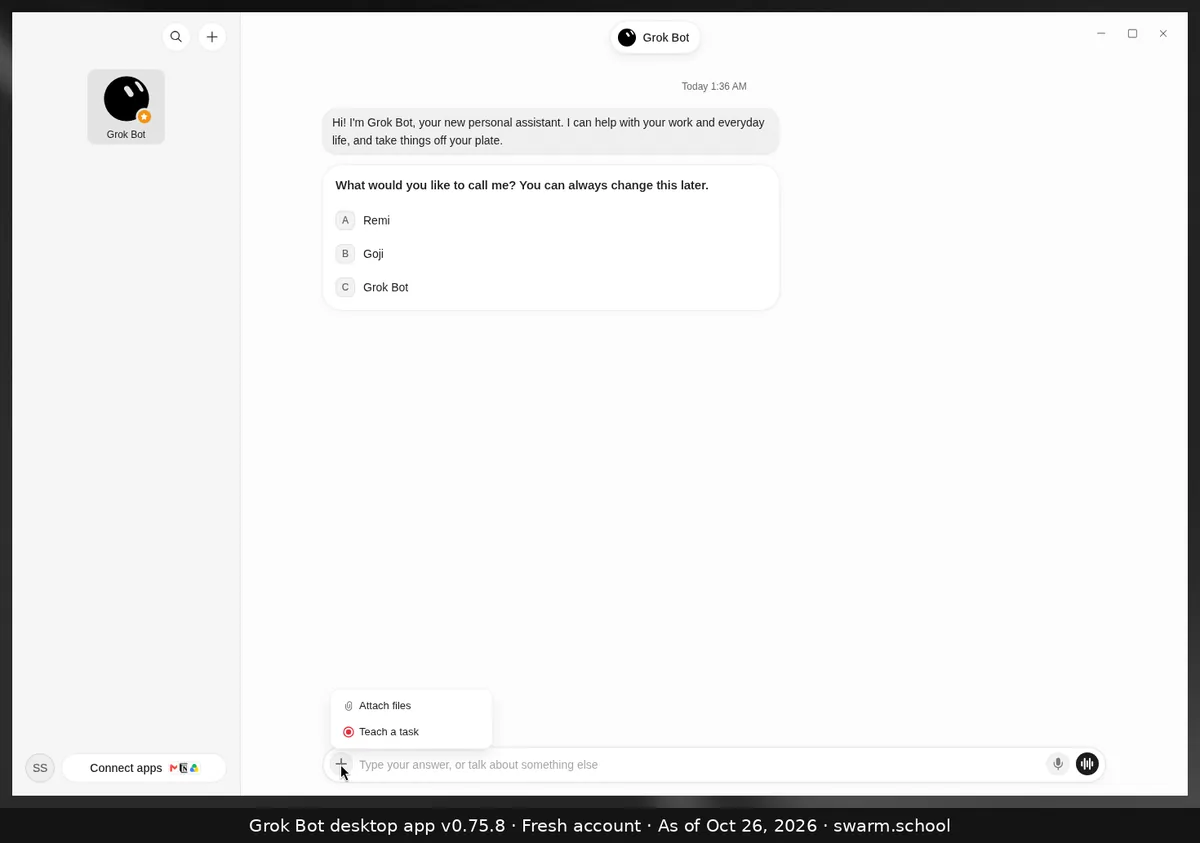
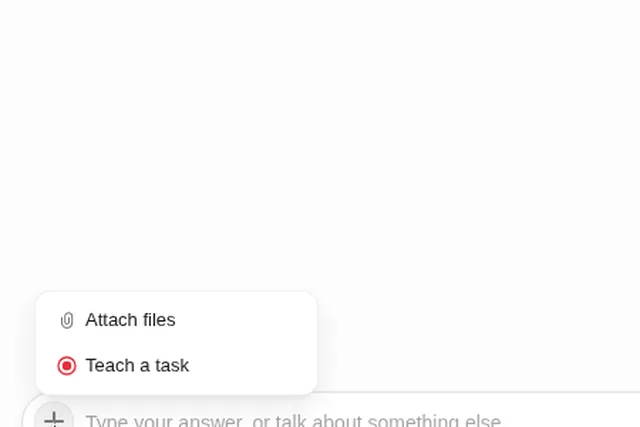
For work in a website, Teach a task in the composer’s + menu lets you record the workflow once. xAI says recordings can be up to ten minutes and the Bot turns them into a draft skill. Add the decision rules and approval stops it couldn’t see. Details: Teach a task.
One library for all your Bots
Keep a short House rules skill that every Bot loads: your tone, what always needs your OK, and where files go. Keep job skills (like “Invoice chaser”) for the Bot that does that job.
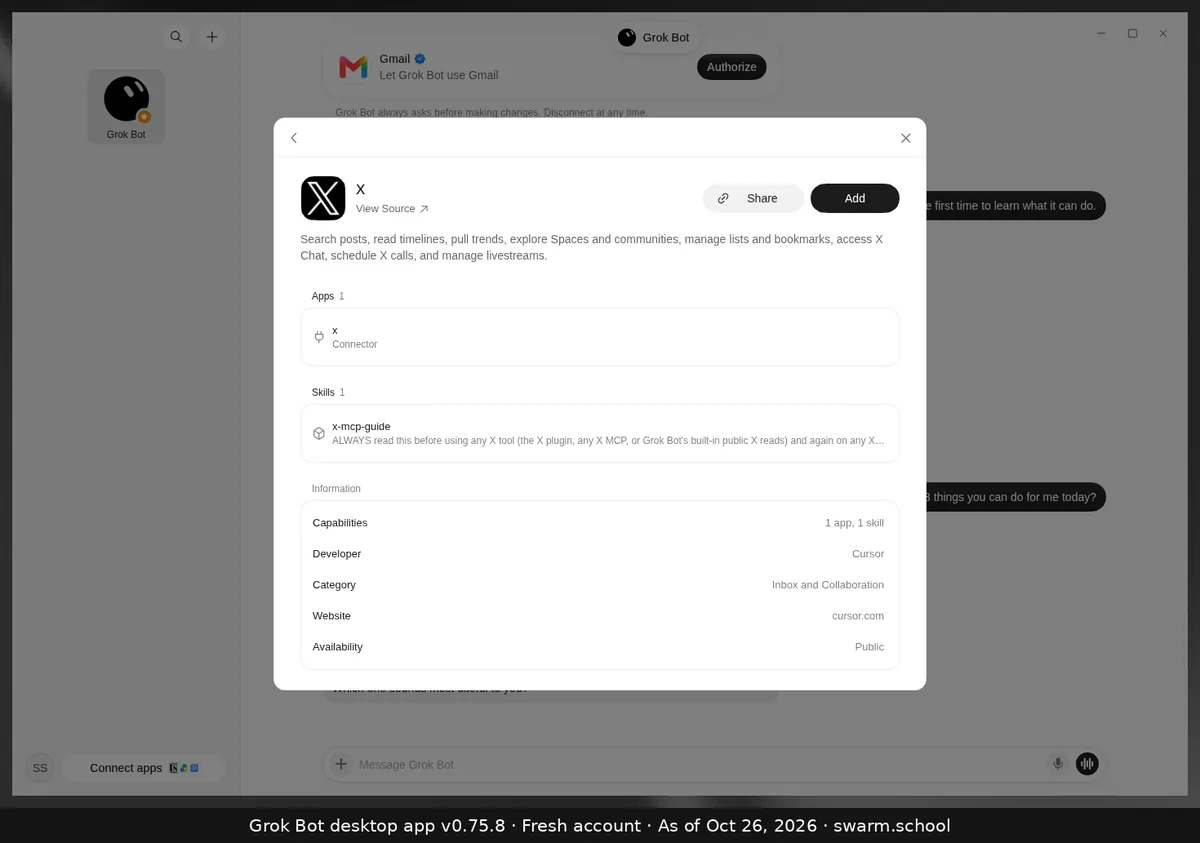
Apps from Connect apps can bring their own skills too. The X detail page, for example, lists one app and one skill.
Keep skills small
- One job per skill. If it’s longer than a page, split it.
- A version line at the top: “v3, Oct 26: added the refund rule.”
- Prune monthly: merge duplicates, delete what you don’t use.
- Re-test after a website or app changes. Old click-paths break quietly.
Smaller skills also use less of your weekly allowance. See usage and tokens.
FAQ
Do I need to code to write a skill?
No. Skills are plain-language instructions, and the Bot can write the first draft for you.
Can a skill send email by itself?
Only if you let it. Put sends in “What needs approval” and add an Ask first rule. See custom rules.
Where are skills different from memory?
Memory holds short facts and preferences. Skills hold repeatable methods. See Grok Bot memory.
Rather skip the build? The Swarm Toolkit includes tested skills you can import.
Swarm School is an independent site. We’re not affiliated with xAI or Cursor.
Sources
- https://docs.x.ai/grok-bot/skills-routines-and-automations
- https://docs.x.ai/grok-bot/faq
- https://docs.x.ai/grok-bot/chat-and-collaboration
Swarm School is independent and not affiliated with Grok Bot’s makers. Features change; check the official docs for current details.
Related guides
- What does "Teach a task" do in Grok Bot?Teach a task (the + menu in the composer) lets you record yourself doing a browser…
- How to set up Grok Bot routines that don't go wrongA plain-English guide to Grok Bot routines: schedule vs. event, the seven-part routine…
- Grok Bot memoryWhat a Grok Bot remembers, what belongs in memory vs. notes vs. skills, why big memory…
- How to use Grok BotHow to use Grok Bot, step by step: install it, sign in, give your first Bot one clear…