Short answer
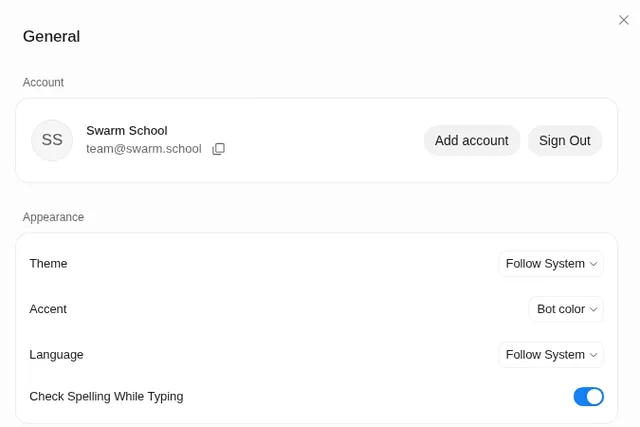
Yes. xAI’s FAQ says there’s a companion app for iPhone and Android, and the same Bots and chats sync across your signed-in devices. Work runs on the Bot’s cloud computer, so closing the app or locking your phone doesn’t stop it.
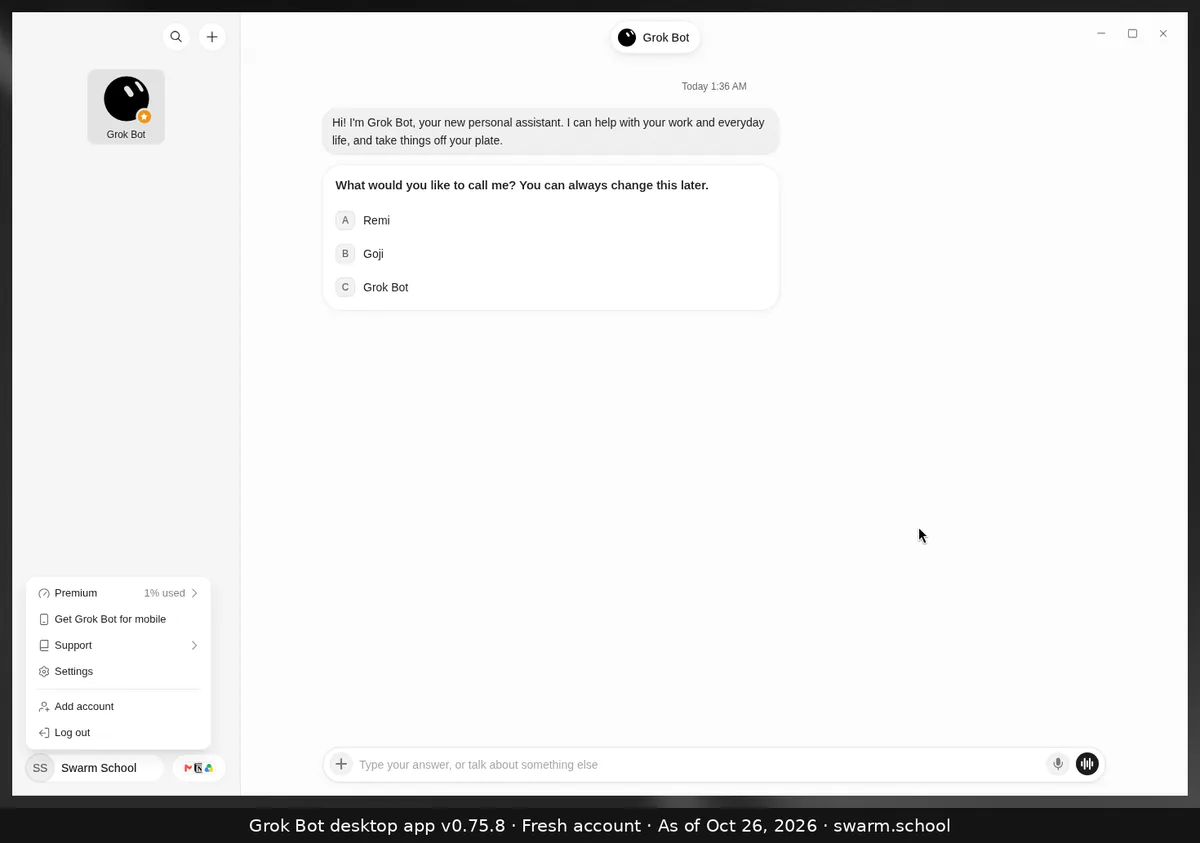
As of Oct 26, 2026. Desktop screenshot from app v0.75.8.
How to get it
- On desktop, click your name at the bottom left and choose Get Grok Bot for mobile.
- Or install it from your phone’s app store. It needs iOS 18 or later (also runs on iPad with iPadOS 18+) or Android 9 or later.
- Sign in with the same account you use on desktop.
What you can do on the phone
From the official help pages:
- Chat with your Bots, and dictate with Start dictation.
- Voice chat with a Bot. See voice chat.
- Fix a stuck computer: Settings → Bot → Bot Computer → Reset Computer (a last resort).
- Change the language. The phone’s follow-device option is called System, and its list is shorter than on desktop.
Some desktop features may not be on the phone app yet, so set up new apps and local-computer access from the desktop app if you can’t find them on your phone.
Don’t have the desktop app yet? See how to download Grok Bot.
Sources
- https://docs.x.ai/grok-bot/faq
- https://cursor.com/help/grok-bot/voice-chat
- https://docs.x.ai/grok-bot/troubleshooting
Swarm School is independent and not affiliated with Grok Bot’s makers. Features change; check the official docs for current details.
Related guides
- How do I download Grok Bot for Mac or Windows?Download Grok Bot from x.ai/bot. The desktop app runs on macOS (Apple silicon and…
- How do I use voice chat in Grok Bot?Leave the message box empty and click the waveform button (Start voice chat) at the…

- How do I dictate to Grok Bot instead of typing?Click the microphone in the message box, or click or hold Ctrl+D (Cmd+D on Mac). Grok…

- How do I log in to Grok Bot?Open the app, choose Sign in and finish signing in with your Cursor account in the…