16 bots · one practical starting point
Superbots System
Explore our complete set of Superbots. Start with one that matches a job you do often.






Pick a recurring job and start with the Superbot built for it.
Who It Helps
Anyone choosing a first Superbot.
What You Need
One recurring job and a few example details.
Add the Bots You Want
Add each bot you want. You can skip any of them. Get Bot opens only that bot’s add page. Come back here and mark it added yourself.
0 of 16 marked added Saved on this device.
Social Media Superbot
Plan social posts.
Strategy, posts, queue audits, replies, clips and reports on every network you use.
Connections: BufferPostizBulkPublishZernio
XCanvaOpusClipTubeAlfredHiggsfieldGoogle SheetsGoogle DriveDropboxNotion. Set up only the apps you need. Setup and first testHiggsfield Superbot
Prepare visual concepts.
Ad batches, UGC, trained characters and platform-ready files. Credits quoted first.
Connections: Higgsfield
Google DriveDropboxCanva. Set up only the apps you need. Setup and first testMoney Superbot
Review a budget.
Monthly bookkeeping, tool-to-tool data moves, bills and refunds owed. Never moves money.
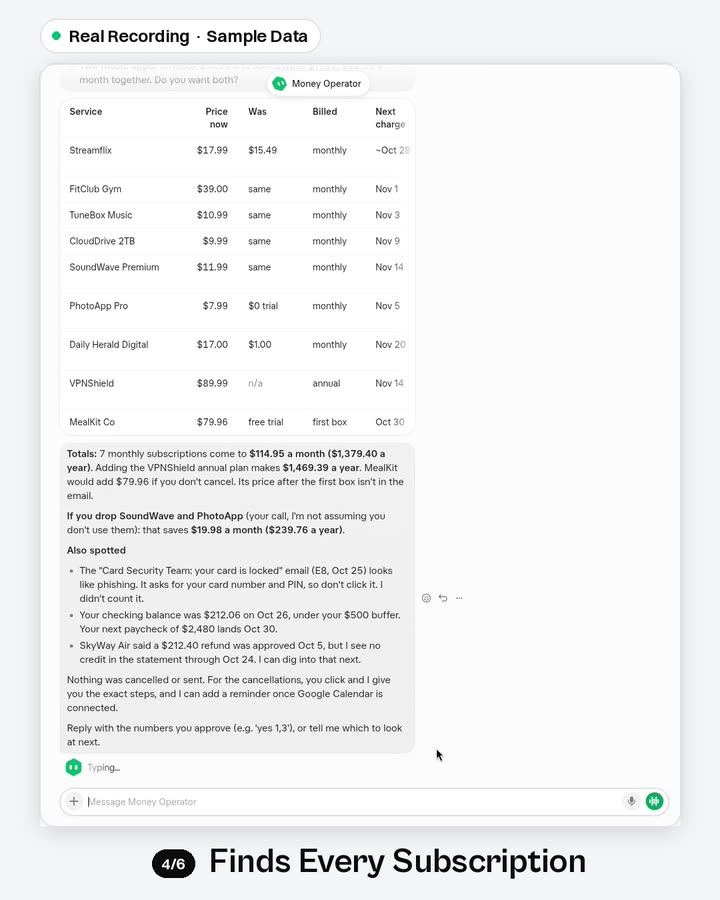
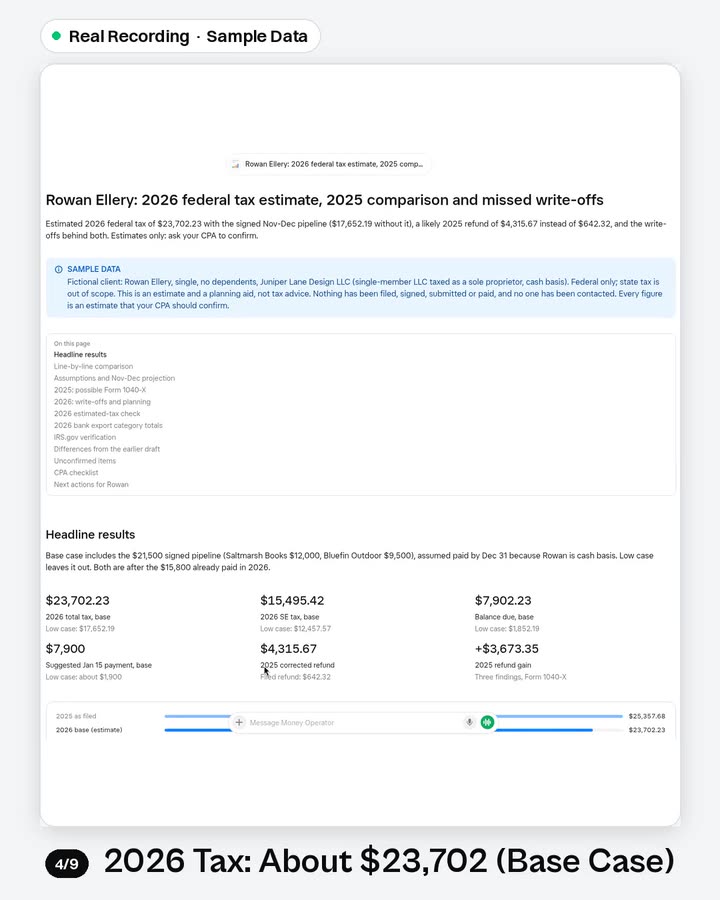
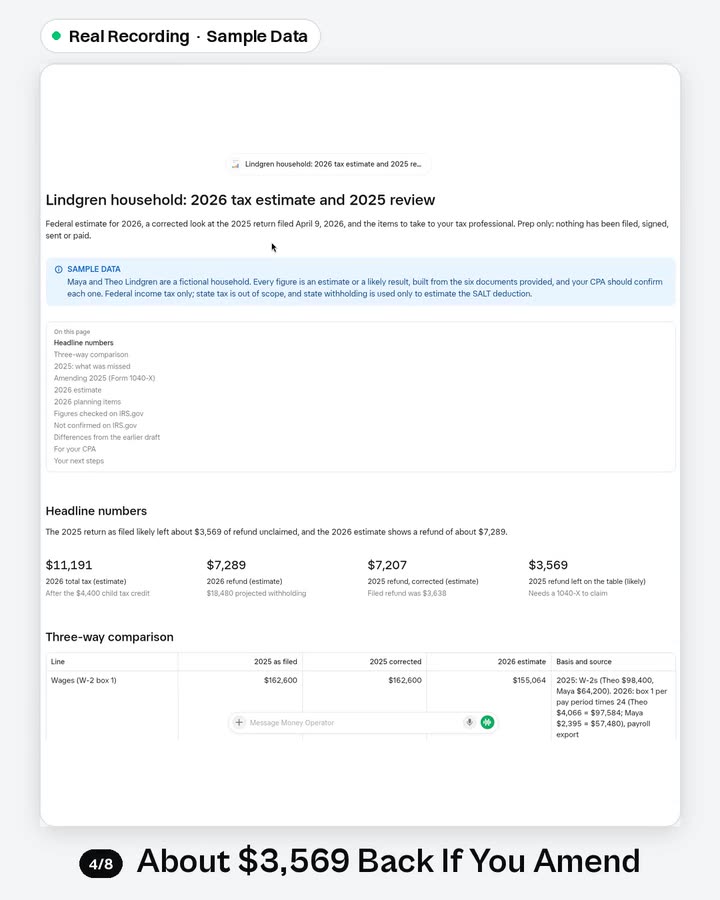
Connections:
Gmail Google CalendarGoogle SheetsGoogle DriveDropboxNotion
 Outlook. Set up only the apps you need. Setup and first test
Shopify Store Superbot
Review store details.
Daily store check, customer reply drafts, staged fixes and promo plans. Live on your yes.
Connections: Shopify. Set up only the apps you need. Setup and first test
Inbox Superbot
Draft replies.
Inbox-zero rules, follow-ups, replies in your voice, cleanup and invoices to a sheet.
Connections:
GmailOutlookGoogle CalendarGoogle SheetsGoogle DriveDropbox. Set up only the apps you need. Setup and first testShopping & Deals Superbot
Compare supplies.
Fake-deal checks, real totals, price-drop claims, return deadlines and price watches.
Connections:
GmailOutlookGoogle SheetsGoogle Calendar. Set up only the apps you need. Setup and first testCalendar & Life Admin Superbot
Plan commitments.
Calendar conflicts, family coverage, forms, RSVPs, renewals and a morning brief.
Connections:
Google CalendarGmailOutlookGoogle SheetsNotion. Set up only the apps you need. Setup and first testFinance & Books Superbot
Organize costs.
Month-end close (wrapping up the month’s books), invoices, bills, cash and payroll prep on whatever books you use.
Connections:
GmailOutlookGoogle SheetsGoogle DriveDropboxOneDrive. Set up only the apps you need. Setup and first testResearch Superbot
Collect sources.
Sourced briefs, side-by-side comparisons, claim checks and what-changed alerts.
Connections:
Google DriveDropboxNotionGoogle SheetsGmail. Set up only the apps you need. Setup and first testCareer Superbot
Prepare career plans.
Finds openings, tailors your résumé and tracks applications.
Connections:
Google DriveGoogle DocsGoogle SheetsNotionDropboxGmailOutlook. Set up only the apps you need. Setup and first testHealth & Habits Superbot
Plan a simple habit.
Meals, workouts and habit check-ins that fit your week. Not medical advice.
Connections:
Google DriveGoogle DocsGoogle SheetsNotionDropboxGoogle Calendar. Set up only the apps you need. Setup and first testTravel Superbot
Draft a trip plan.
Plans trips end to end: fares, stays, tables and a day plan.
Connections:
GmailOutlookGoogle CalendarGoogle SheetsGoogle DocsGoogle DriveNotionDropbox. Set up only the apps you need. Setup and first testEmail Campaign Superbot
Draft campaign email.
Email drafts, list health checks and welcome flows that wait for your approval.
Connections:
GmailGoogle DriveGoogle DocsGoogle SheetsDropbox. Set up only the apps you need. Setup and first testQuickBooks Superbot
Prepare bookkeeping drafts.
Runs QuickBooks Online end to end: close, bank feed, invoices, bills, cash and sales tax.
Connections:
GmailOutlookGoogle SheetsGoogle DriveDropboxOneDrive. Set up only the apps you need. Setup and first testSEO Blog Superbot
Draft a sourced article.
Finds blog keywords, writes sourced posts and saves blog drafts. You press publish.
Connections: Google Docs
Google DriveGoogle SheetsNotionDropbox. Set up only the apps you need. Setup and first testMeta Ads Superbot
Draft ads for review.
FB and IG ad audits, weekly reports and test drafts. New ads start paused.
Connections:
Google DriveGoogle DocsGoogle SheetsNotionDropboxGmail. Set up only the apps you need. Setup and first test
Try the First Task
Choose one recurring job. Add its bot and ask for a small sample using details you provide.
Suggested Order
Social Media Superbot → Higgsfield Superbot → Money Superbot → Shopify Store Superbot → Inbox Superbot → Shopping & Deals Superbot → Calendar & Life Admin Superbot → Finance & Books Superbot → Research Superbot → Career Superbot → Health & Habits Superbot → Travel Superbot → Email Campaign Superbot → QuickBooks Superbot → SEO Blog Superbot → Meta Ads Superbot
A Small Handoff
Job details → one small sample → your review.
You copy the useful result into the next bot’s chat. Adding these bots does not connect their accounts or pass work automatically.
Start with one bot. The smaller systems below offer focused starting points.
A Few Quick Answers
Do I need every bot?
No. Start with one that matches your job. Some bots appear in more than one system; skip any you already have or do not need.
Does this connect the bots?
No. Each bot is added separately. You choose what to share between them. Adding a bot does not grant access to your accounts.
Can I come back later?
Yes. Your manual checklist is saved in this browser when storage is available. It does not track actual installs.