

Grok Bot on Mac can use Messages, Mail, Notes, Reminders, Calendar, Location and Contacts.
- Open Connect Apps
- Click Allow per app
- Review macOS prompts
- Check texts before sending
New to Grok Bot?
Get two weeks free on us.
Short answer
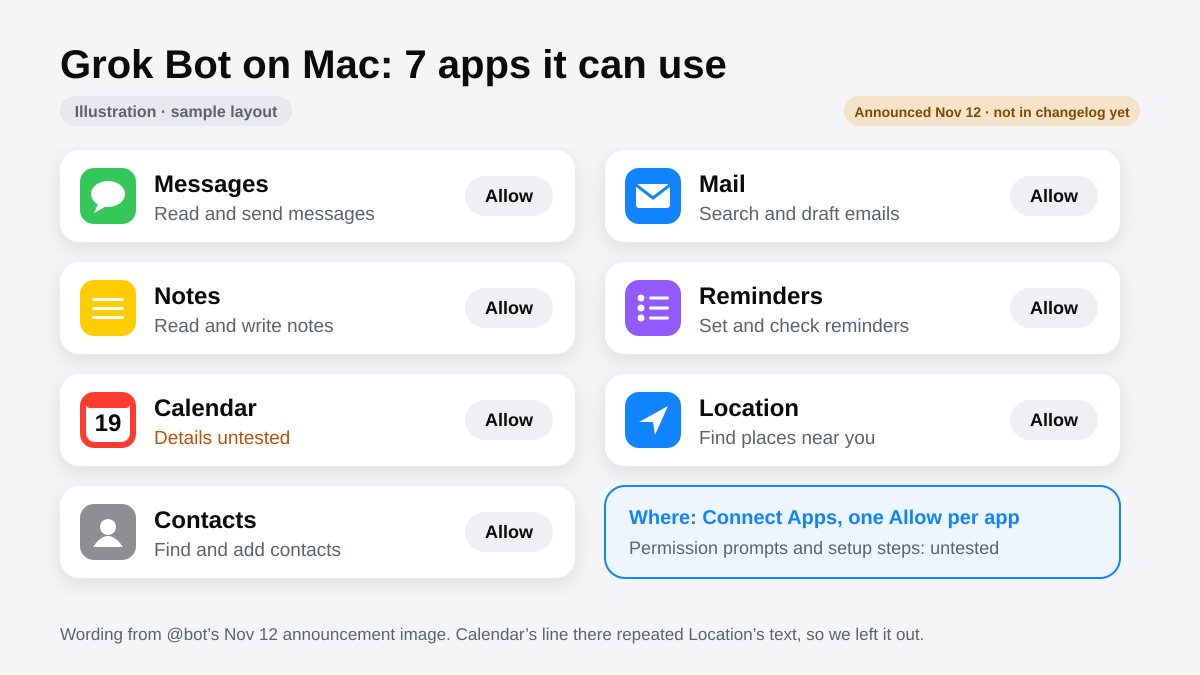
Grok Bot on Mac can now use Messages, Mail, Notes, Reminders, Calendar, Location and Contacts. That means it can read and send texts, search and draft email, write notes, set reminders, find places near you, and look up or add contacts — from the Mac app.
What Each App Lets It Do
Each app has its own job once you allow it.
| App | What it can do |
|---|---|
| Messages | Read and send messages |
| Search and draft emails | |
| Notes | Read and write notes |
| Reminders | Set and check reminders |
| Location | Find places near you |
| Contacts | Find and add contacts |
Keep your notes in Obsidian? Add Obsidian for Grok Bot.
For travel, see flights and hotels.
How to Turn It On
Each app sits in Connect Apps with an Allow button.
- Look for Connect Apps in Grok Bot on your Mac.
- Click Allow beside the app you want.
- Review any macOS permission prompts before accepting.
Mac vs Phone
| App | Mac | Phone |
|---|---|---|
| Calendar | Available on Mac | iPhone and Android: read, add, change or delete events; no changing or deleting repeating events; never invites anyone |
| Contacts | Find and add contacts | iPhone and Android: look up contacts; read-only |
| Location | Find places near you | iPhone and Android: position, not an address |
| Reminders | Set and check reminders | iPhone only: read, add, change, check off or delete |
| Alarms | Not on Mac | iPhone and Android: alarms and timers |
| Home | Not on Mac | iPhone only: read and change Apple Home accessories |
| Messages / Mail / Notes | Mac only | — |
Phone rules: On phones, app access works in your own chat with a Bot you own, with Grok Bot open on the phone. See Grok Bot on phone.
Stay Safe
Messages can Read and send messages; Contacts can Find and add contacts. Ask to check the recipient and exact text before anything is sent. Mail can Search and draft emails.
Check first: Read Grok Bot safety and approvals and check what your Bot will send.
FAQ
Does It Work on IPhone?
Quick answer: Messages, Mail and Notes are on Mac. Phones already have Calendar and Contacts; Reminders and Home are iPhone only.
Can It Send Emails?
Quick answer: Mail can Search and draft emails.
Sources
Swarm School is independent and not affiliated with Grok Bot’s makers. Features change; check the official docs for current details.
Related Guides

Grok Bot Connectors: What You Can Connect
Every Grok Bot connector we could confirm in xAI's and Cursor's docs, what each one can do, and how to connect apps without giving your Bots too much access.
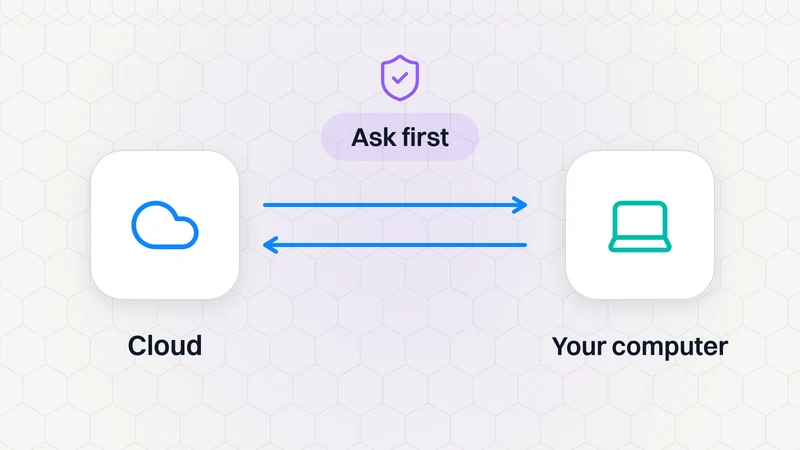
Can Grok Bot Use My Own Computer?
Yes, if you allow it. Settings → Computer → Execution on this computer lets Bots open files and run tasks on your machine: Always allow, Ask every time or Never allow.
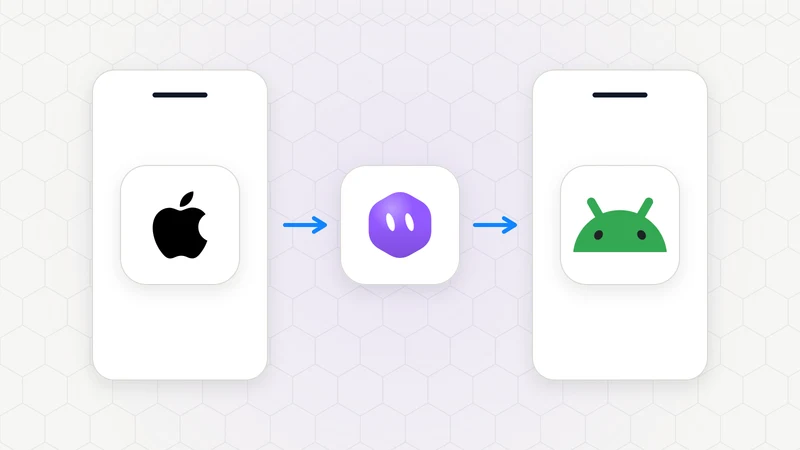
Can I Use Grok Bot on My Phone?
Yes. Grok Bot has a companion app for iPhone (iOS 18+) and Android (9+). Your Bots and chats sync with the desktop app, and work keeps running when your phone is locked.
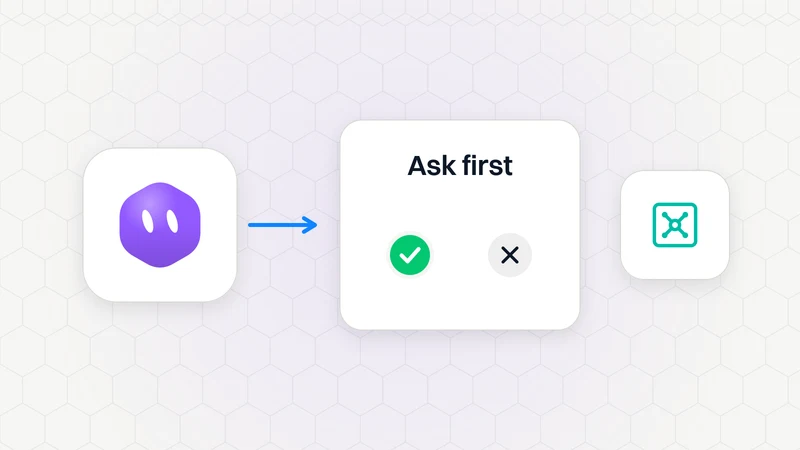
Keeping Grok Bot Safe: Approvals, Auto-Review, the Vault and Sign-Ins
How to keep Grok Bot safe: leave Auto-review on, add Ask first rules, keep passwords out of chat with the Vault, handle 2FA by taking over, and read a Bot's report properly.