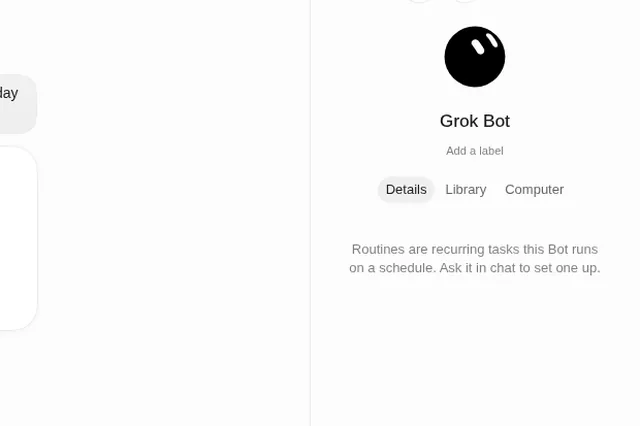
Short answer
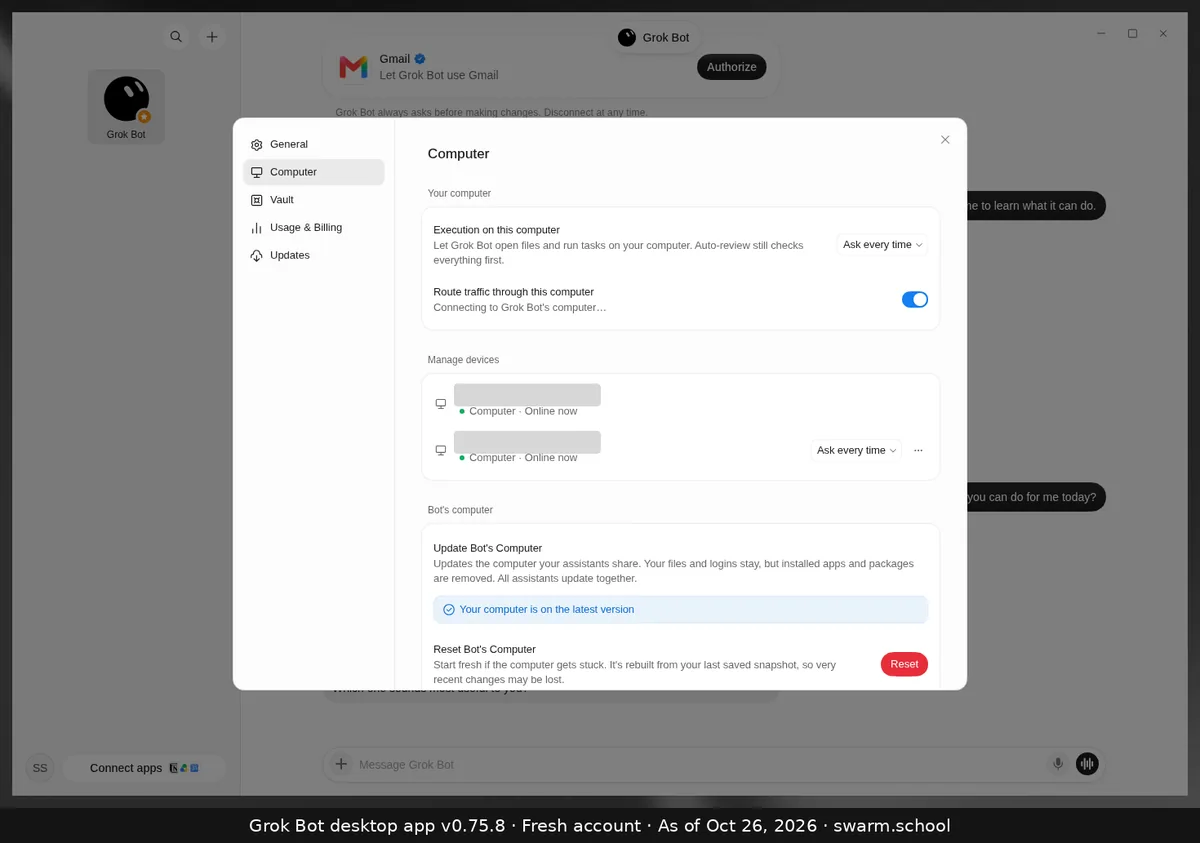
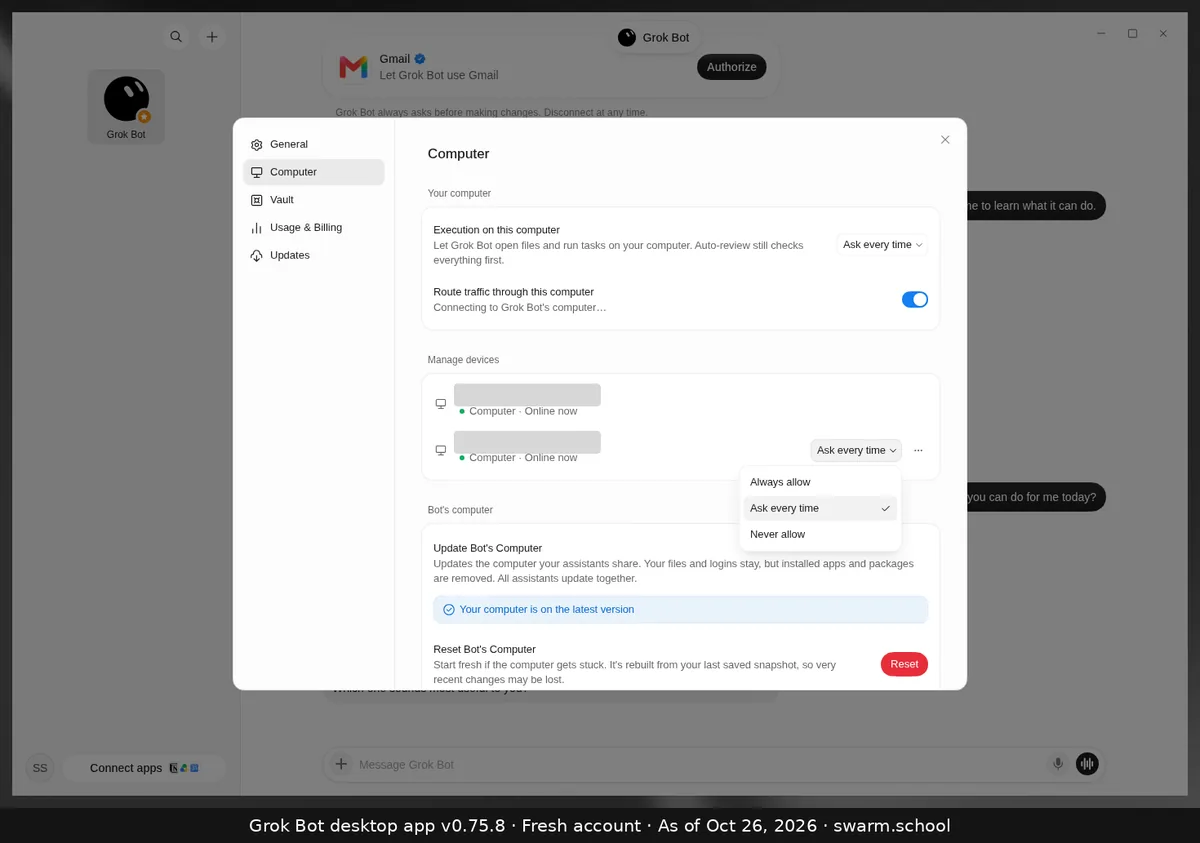
Yes, but only if you allow it. Bots normally work on their own cloud computer. Settings → Computer → Execution on this computer decides whether they can also open files and run tasks on the computer in front of you. The choices are Always allow, Ask every time and Never allow.
As of Oct 26, 2026 (Grok Bot desktop app v0.75.8). Device names are blurred.
Steps
- Open Settings (Ctrl+,) → Computer.
- Under Your computer, open the Execution on this computer dropdown.
- Choose Ask every time (what our fresh account showed) or Never allow.
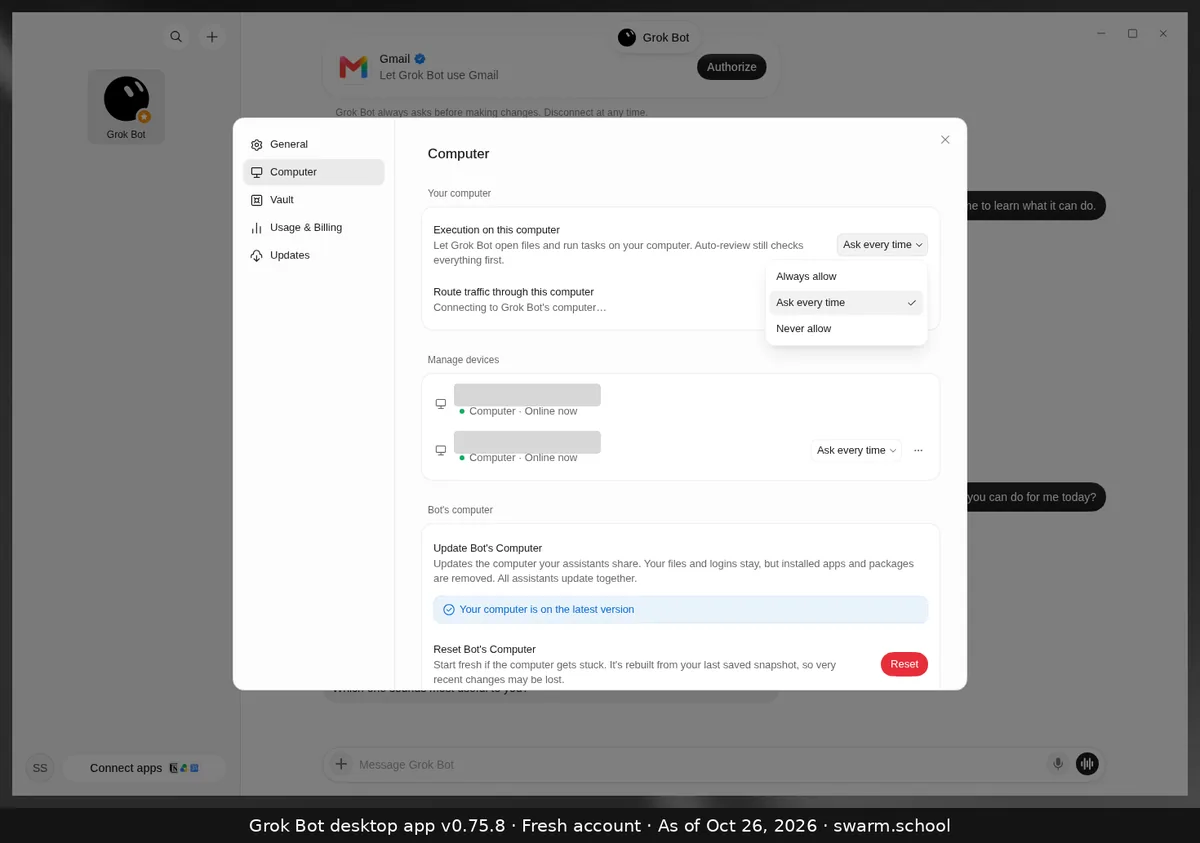
Several computers? Each one under Manage devices has its own dropdown with the same three choices.
Our advice
- The app notes that Auto-review still checks everything first, even when local execution is allowed.
- xAI’s troubleshooting page says to keep local access off unless a task really needs files or commands on your machine.
- Always allow is the setting to be most careful with. Read Keeping Grok Bot safe before you pick it.
Sources
Swarm School is independent and not affiliated with Grok Bot’s makers. Features change; check the official docs for current details.
Related guides
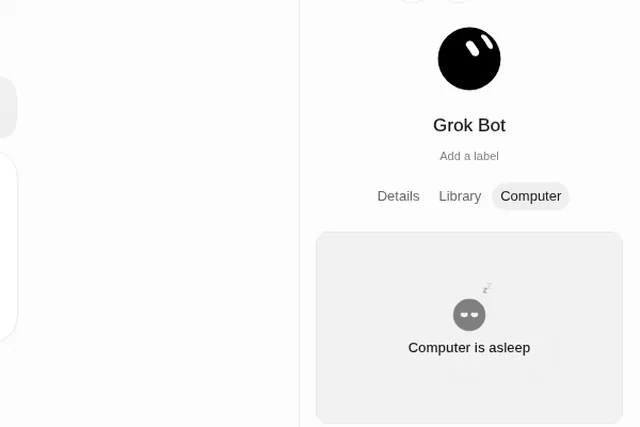
- Why does Grok Bot say "Computer is asleep"?"Computer is asleep" in a Bot's Computer tab shows that the Bot's cloud computer isn't…
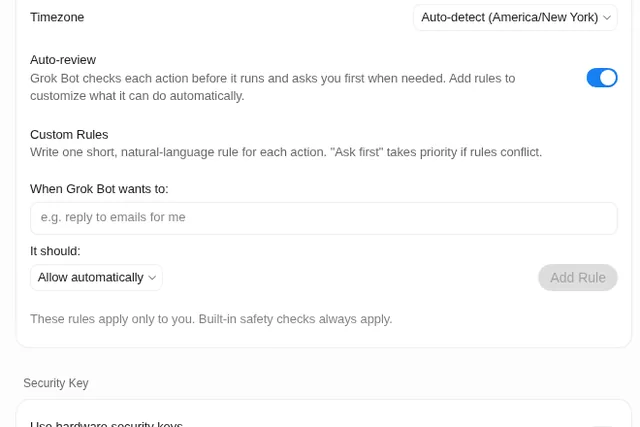
- What is Auto-review in Grok Bot?Auto-review checks each action before your Bot runs it and asks you first when needed.…
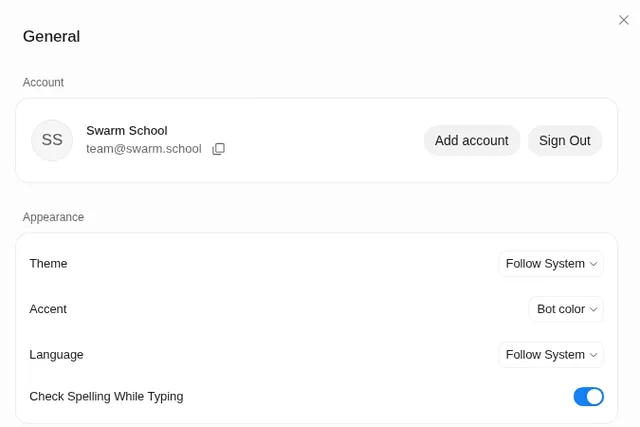
- Where are Grok Bot's settings?Press Ctrl+, (Cmd+, on Mac) or open the account menu at the bottom left and choose…
- Where do I find my bot's files, details and computer?Click the Bot's name at the top of the chat (or press Ctrl+Alt+B). The info panel has…