What It Does
You Ask
A personal ops chief of staff for creators.
It Works
A personal ops chief of staff for creators.
Your Result
A personal ops chief of staff for creators.
A personal ops chief of staff for creators.
A personal ops chief of staff for creators.
A personal ops chief of staff for creators.
A personal ops chief of staff for creators.
Get the bot above.
Review permissions for your account.
Read the result before going further.
Reads the apps you connect; check what it asks for before adding.
Not made by Swarm School or xAI. We can’t make any guarantees about it. You’re responsible for its actions. Review permissions; never run unchecked. Read the bot-use terms and how to add a bot safely.
Made this bot? Request removal.
Get more from Grok Bot Free 16-page Grok Bot Power User Guide (PDF). Get the setups most users skip, with copy-paste prompts.

Ask Grok Bot a question on its official help site. It answers from those help pages, links the ones it used, and can draw a diagram of how a task runs.
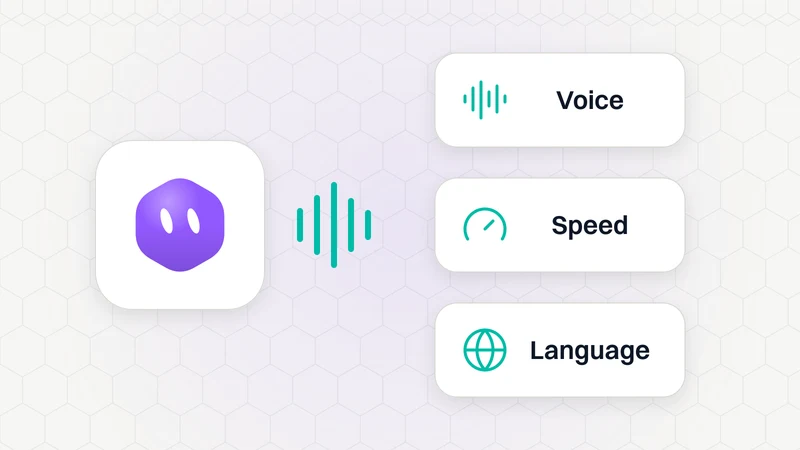
Change Voice and Speed in a call or the Bot's Voice menu; use call settings for Language and Auto-detect.
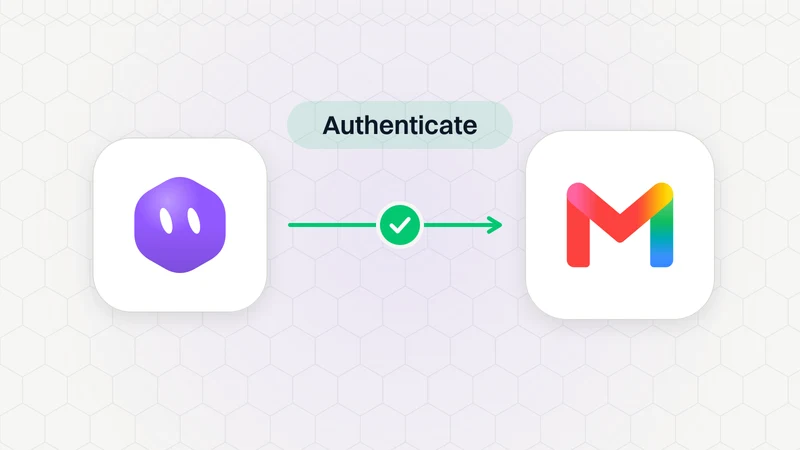
Open Connect apps, search Gmail and choose Authenticate when its account shows Needs auth. Or use the Authorize card in chat to sign in to your app.