Short answer
Start a voice chat, then choose Show settings during the call. That’s where you change the Voice, the Speed and the Language. Language has an Auto-detect option that picks the language from what you say.
As of Oct 26, 2026 (Grok Bot desktop app v0.75.8). Steps from Cursor’s official help page.
Steps
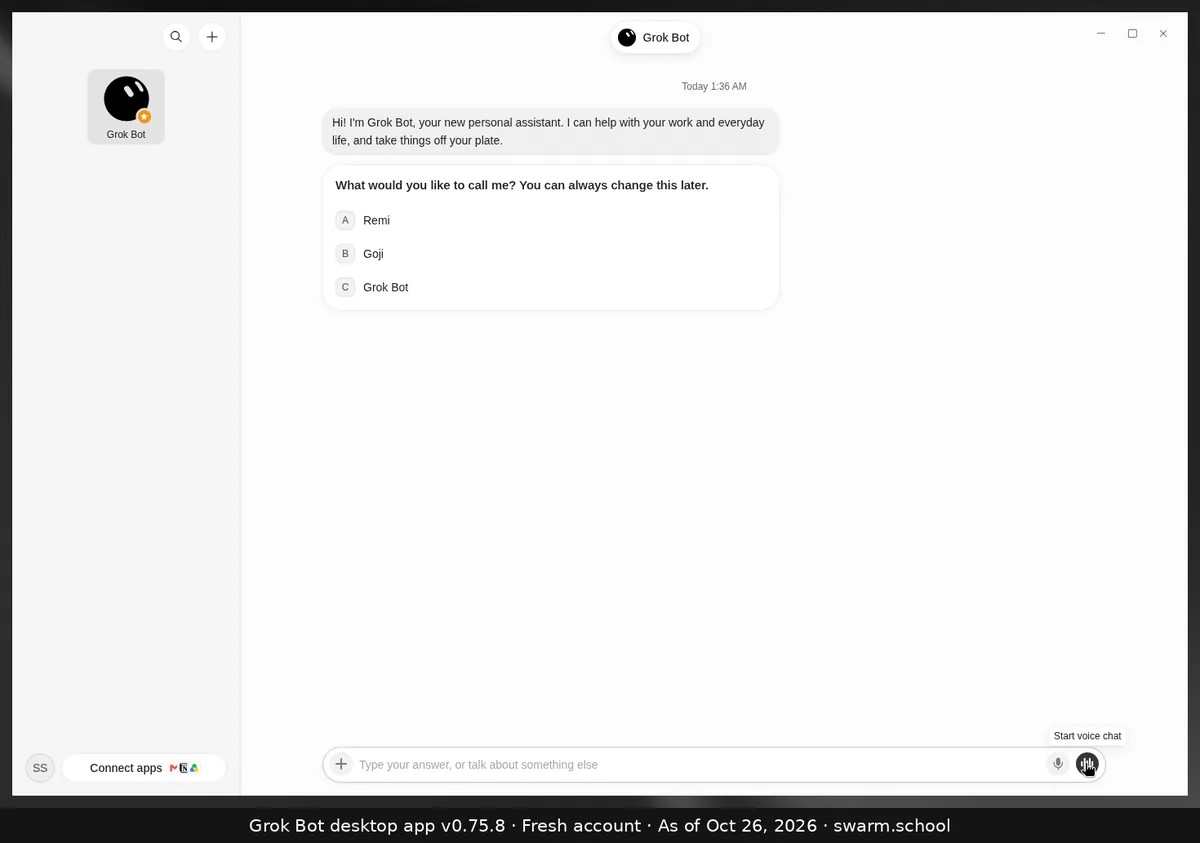
- Open the Bot’s chat and leave the message box empty.
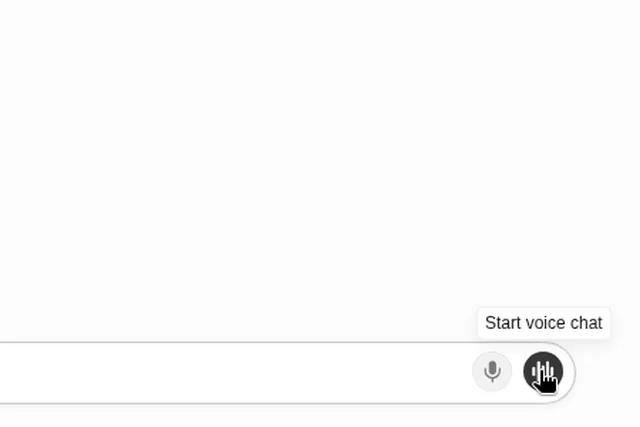
- Click the waveform button, Start voice chat (see how voice chat works).
- During the call, choose Show settings, then pick a Voice, a Speed and a Language.
Good to know
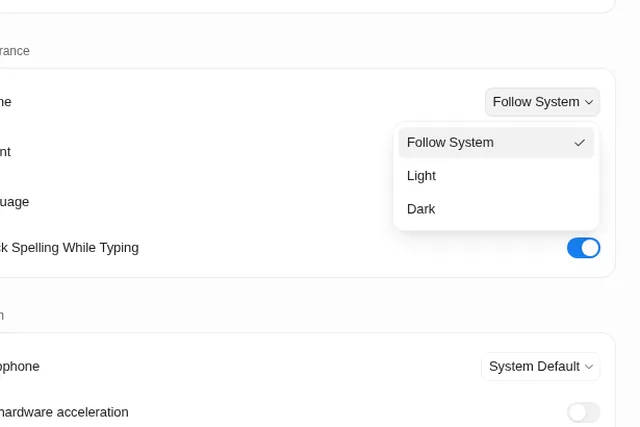
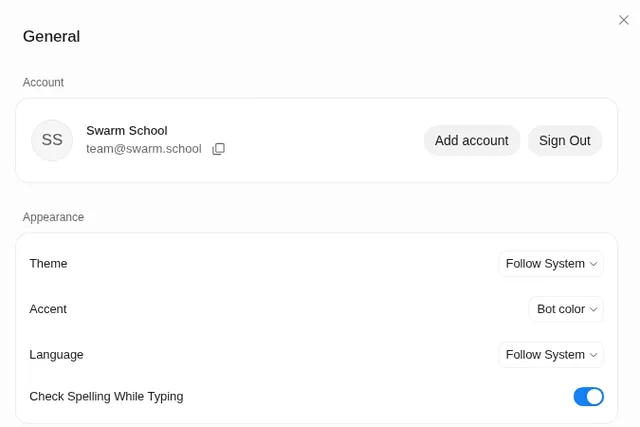
- The voice options live inside the call. The General settings page only has your Microphone choice.
- The voice is a call setting, not the Bot’s name or avatar. You change those from the Bot’s details. See creating and naming a Bot.
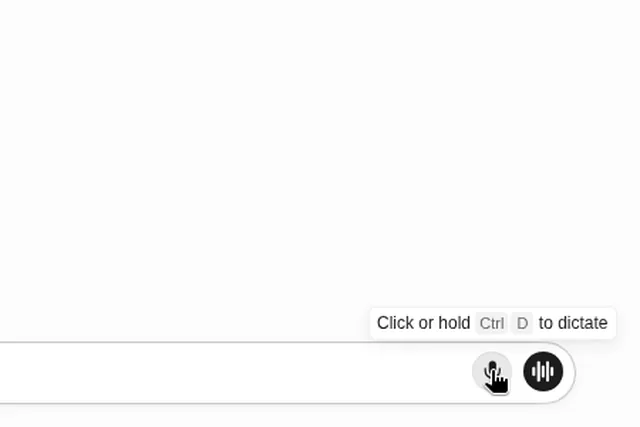
- Want text instead of a spoken reply? Use dictation: you speak, the Bot replies in text.
Sources
Swarm School is independent and not affiliated with Grok Bot’s makers. Features change; check the official docs for current details.
Related guides
- How do I use voice chat in Grok Bot?Leave the message box empty and click the waveform button (Start voice chat) at the…
- How do I dictate to Grok Bot instead of typing?Click the microphone in the message box, or click or hold Ctrl+D (Cmd+D on Mac). Grok…
- Where are Grok Bot's settings?Press Ctrl+, (Cmd+, on Mac) or open the account menu at the bottom left and choose…
- How do I turn on dark mode or change Grok Bot's language?Settings → General → Appearance: set Theme to Dark (or Follow System) and pick a…