
Ask Grok Bot on its help site and get answers linked to the help pages.
- Open the help site
- Ask your question
- Follow the page links
- Ask for a task diagram
New to Grok Bot?
Get two weeks free on us.
Short answer
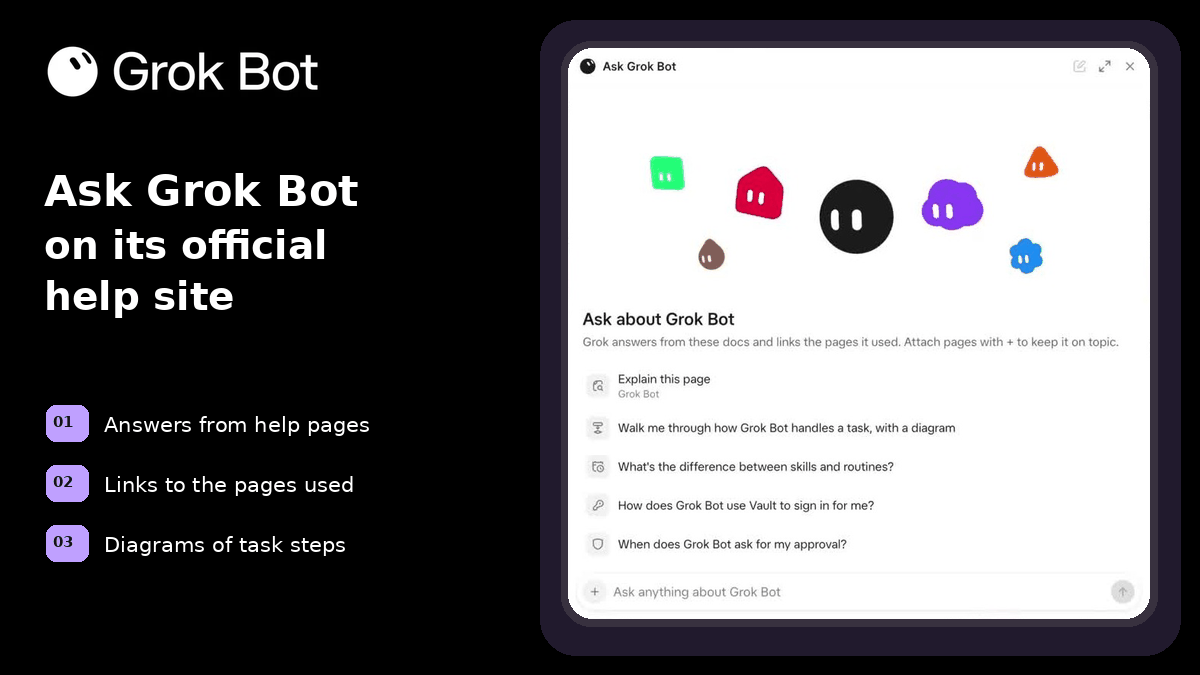
Ask Grok Bot a question on Grok Bot’s official help site, the Grok Bot overview. It answers from those help pages and links the pages it used. It can also draw a diagram of how a task runs.
How to Ask Your First Question
Start on the Grok Bot overview.
- Open the Grok Bot’s official help site: Grok Bot overview.
- Use the field at the bottom: Ask anything about Grok Bot.
- Type a question or pick a suggested prompt.
- Read the answer and follow its help-page links.
- Ask a follow-up.
Pick a Suggested Question
Choose a prompt.
| Prompt |
|---|
| Explain this page |
| Walk me through how Grok Bot handles a task, with a diagram |
| What’s the difference between skills and routines? |
| How does Grok Bot use Vault to sign in for me? |
| When does Grok Bot ask for my approval? |
See a Task Diagram and Links
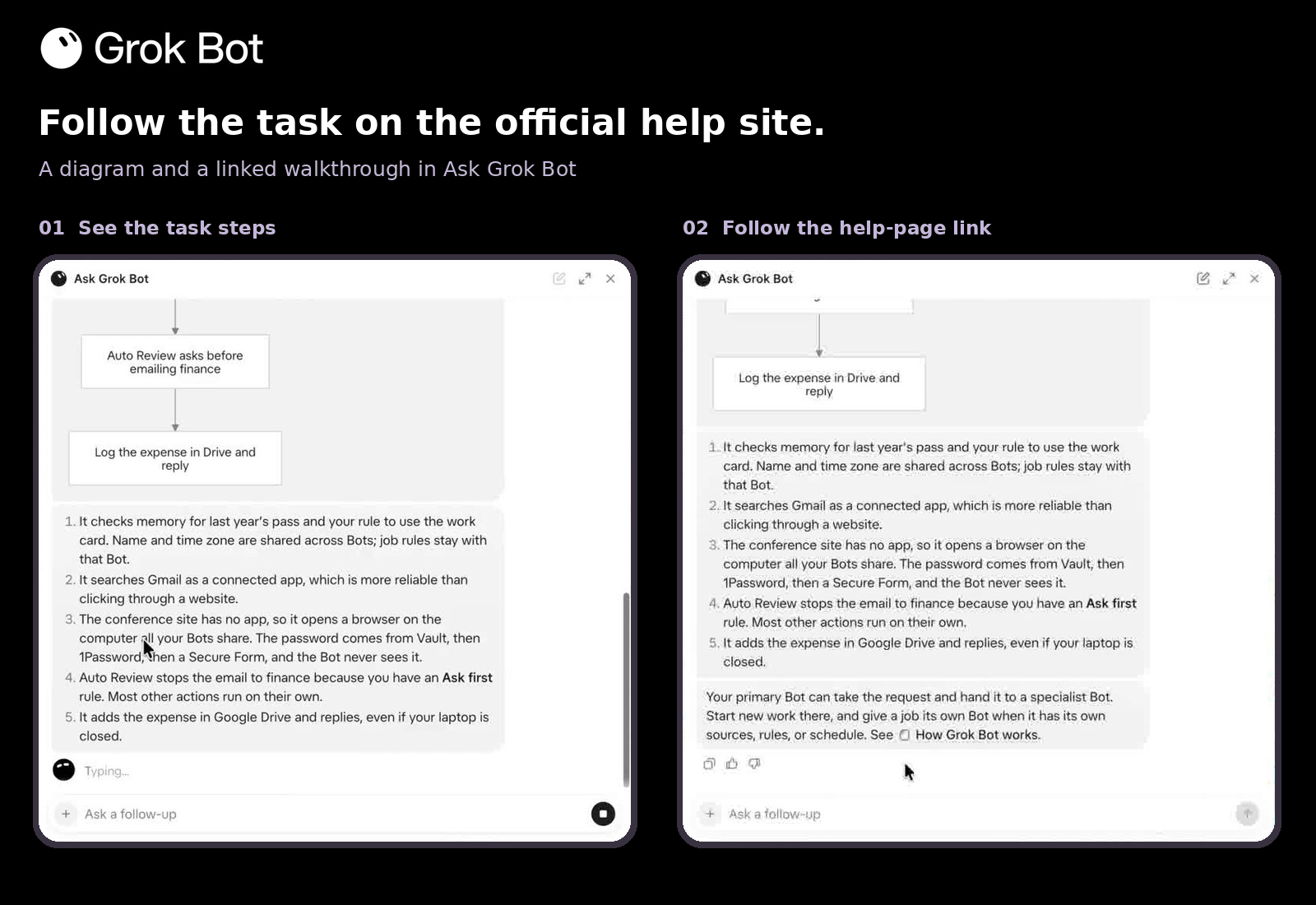
Ask how a task runs. Grok Bot can draw a diagram and link the help pages it used.
Keep Your Question on Topic
Attach help pages with + to keep the answer on topic.
Choose Your Next Guide
Keep learning about the topic behind your question.
| Your question | Read next |
|---|---|
| Skills or routines? | Grok Bot skills |
| Signing in with Vault? | Grok Bot Vault |
| Getting started? | How to use Grok Bot |
Get the Free Power User Guide
Continue with the free Grok Bot Power User Guide.
FAQ
Where Do I Find Ask Grok Bot?
Open the Grok Bot’s official help site: Grok Bot overview. The field at the bottom says Ask anything about Grok Bot.
Does It Use the Help Pages?
Yes. It answers from those help pages and links the pages it used.
Can It Draw a Task Diagram?
Yes. Ask it to walk through how Grok Bot handles a task, with a diagram.
What Should I Ask?
Pick a suggested prompt about the page, task steps, skills and routines, Vault or approvals. You can also type your own question.
Do I Still Need the App?
This panel helps you learn from Grok Bot’s official help site. To use Bots themselves, follow how to use Grok Bot.
Swarm School is an independent site. We’re not affiliated with xAI or Cursor.
Sources
Swarm School is independent and not affiliated with Grok Bot’s makers. Features change; check the official docs for current details.
Related Guides
How to Use Grok Bot: a Practical Beginner's Guide
Learn how to set up Grok Bot, give a Bot a job, connect apps, set approval boundaries and build reusable skills.
What Happens the First Time You Open Grok Bot?
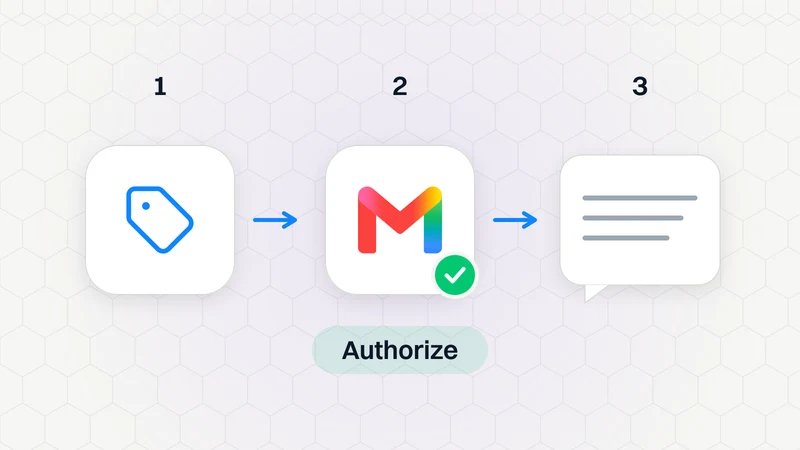
Your first Bot says hello, asks what to call it, offers to connect Gmail, and suggests things it can do without connecting anything. Here's the whole first chat, step by step.
Grok Bot Error Messages Explained (and Fixes)
What Grok Bot error messages mean and how to fix them, from usage limits and unreachable computers to blocked apps, plus "Grok was unable to finish replying".

Grok Bot Skills: How to Write, Save and Teach Them
Learn how to write, save and teach Grok Bot skills, and use reusable instructions for recurring work.