Short answer
Grok Bot measures work in tokens, the small chunks of text an AI model reads and writes. Your plan includes a weekly allowance, and the app shows how much of it you’ve used as a percentage. The same request can use a different amount each time, because the cost depends on how much the Bot reads, thinks and does, not on how many messages you send.
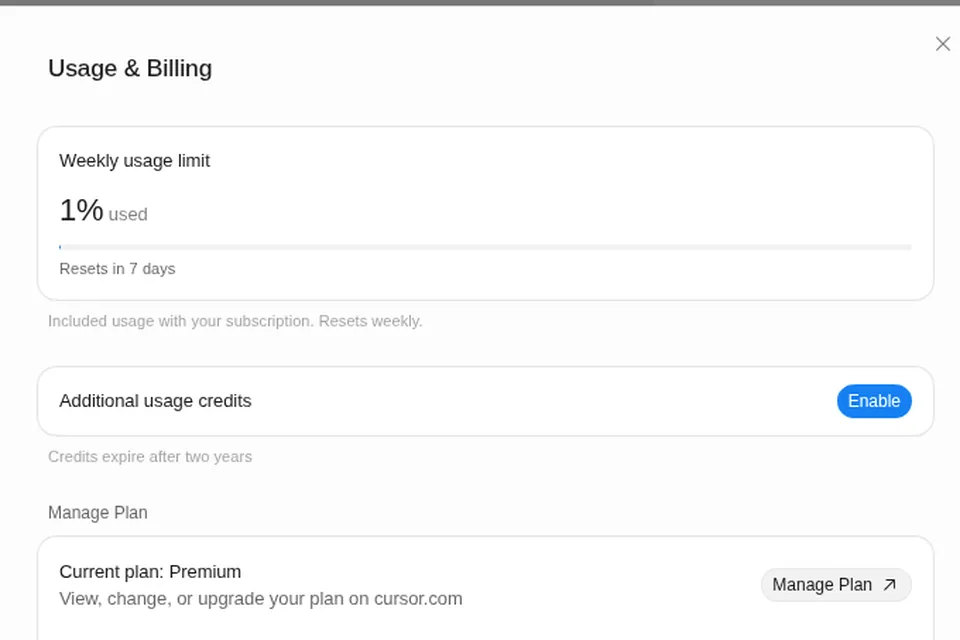
As of Oct 26, 2026 (Grok Bot desktop app v0.75.8). Our fresh account showed 1% used.
Quick answers
- Where’s the bar? Where to see your usage
- When does it reset? Usage reset
- What happens at 100%? When you hit the weekly limit
- What’s the Enable button? Additional usage credits
What a token is
A token is a piece of text, often part of a word. Everything a model reads (your message, files, web pages, its memory and notes) and everything it writes (its thinking, replies and tool steps) is counted in tokens. More reading and more steps means more tokens.
Why the same task costs different amounts
Cursor’s help says usage is measured by agent steps and tokens, not by message count. So one short message can use a lot if the Bot:
- Reads a lot: long PDFs, many web pages, a big inbox, or long memory.
- Takes many steps: clicking through a website, retrying, checking its work.
- Runs on a schedule: a routine repeats all of that every time it fires.
A “quick” question that kicks off research across 20 sites can cost more than an hour of light chat.
Why a % bar instead of a number
Three things in the official docs explain it:
- One shared pool. On The X Subscription, Grok Bot draws from the same weekly pool as Grok and Cursor, so a Grok Bot-only number wouldn’t tell the whole story.
- Different work costs different amounts. xAI says usage rates vary by product.
- The model changes per task. Grok Bot picks the model for each request, and you can’t see which one ran. Cursor says usage is recorded as Grok Bot usage, not by model. See changing the model.
A percentage of your weekly allowance is the one figure that stays true across all of that.
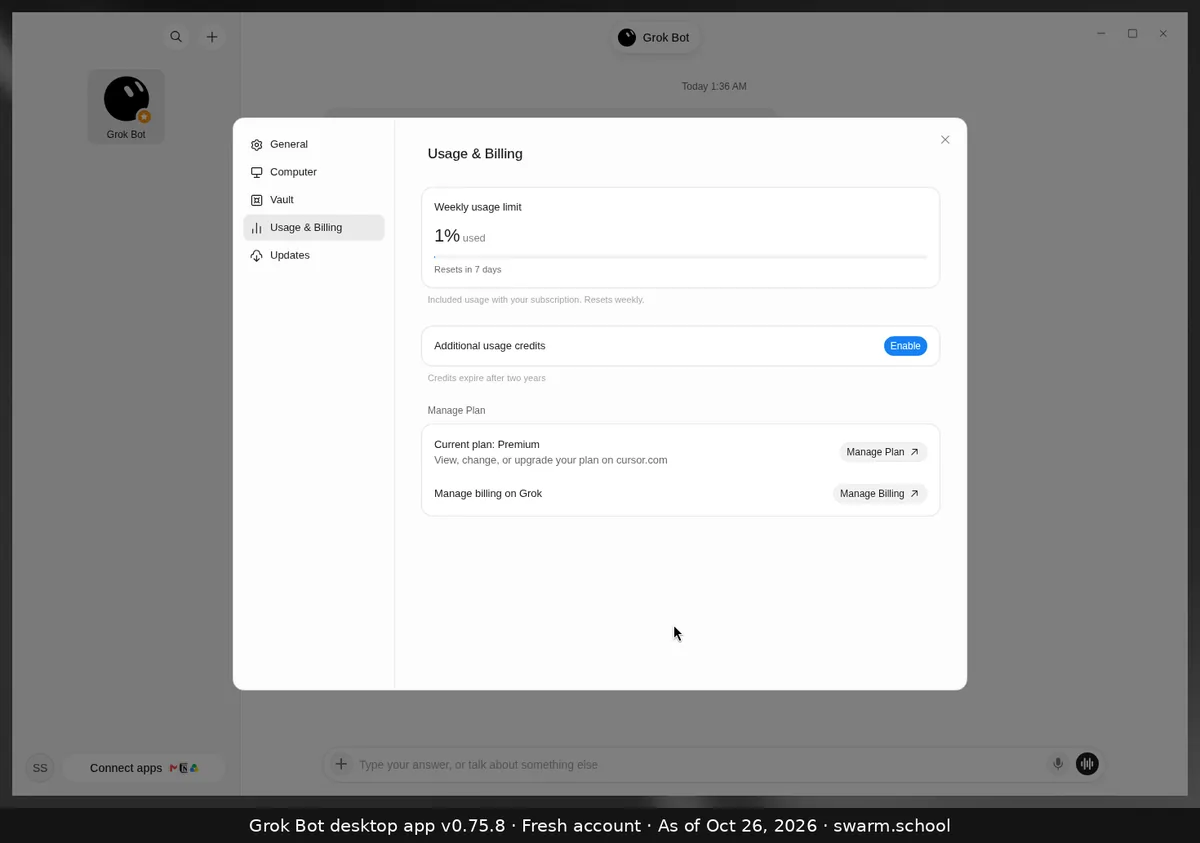
Reading the Usage & Billing page
| What you see | What it means |
|---|---|
| Weekly usage limit · 1% used | Share of this week’s included usage you’ve used |
| Resets in 7 days | Days until the bar goes back to 0% |
| Additional usage credits · Enable | Paid, prepaid credit used after 100%. Off until you enable it |
| Current plan · Manage Plan | Your plan. Bigger plans have bigger weekly pools |
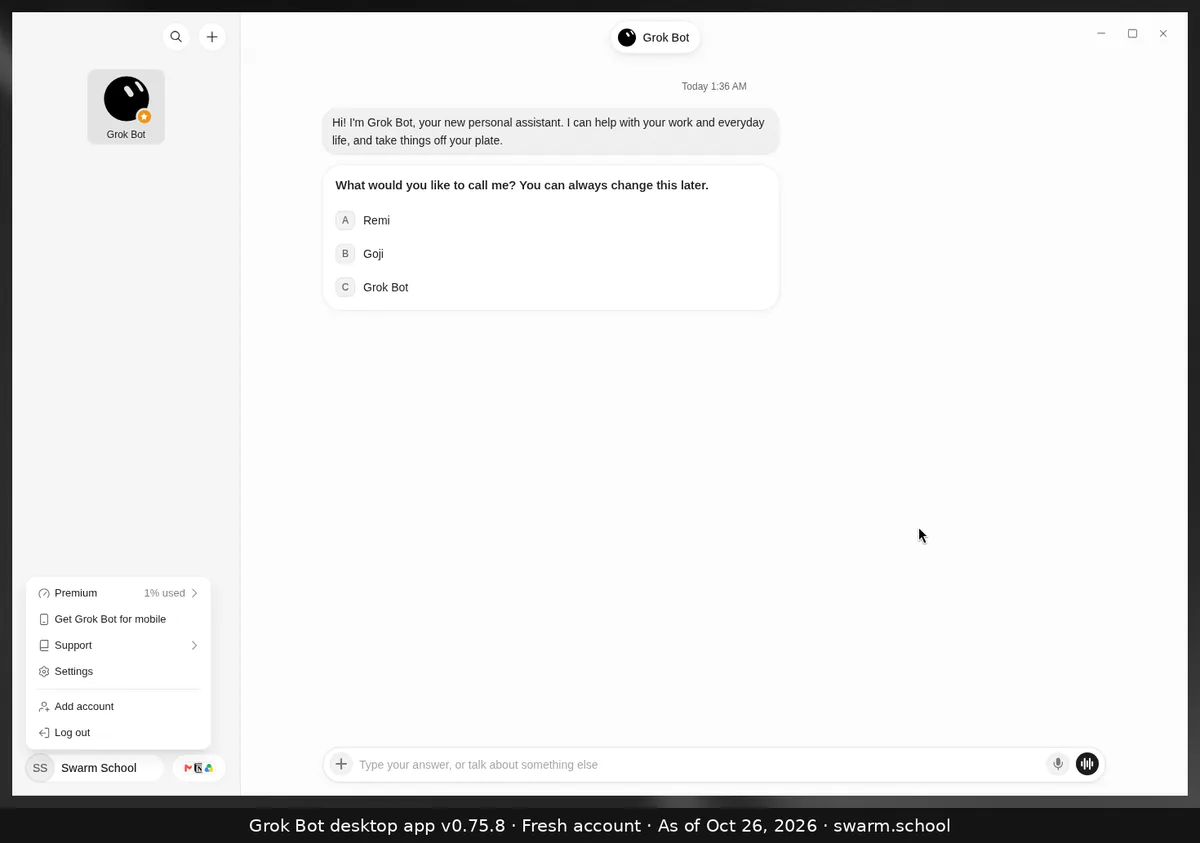
The account menu at the bottom left shows the same ”% used” next to your plan name.
Make your week last
- Keep memory small. Every note a Bot loads costs tokens each time. See Grok Bot memory.
- Brief tightly. Say which sources to use and when to stop.
- Test on a sample first. Run a big job on 5 items before 500.
- Keep event triggers narrow. xAI warns that “every new message” listeners waste usage. See routines.
- Batch routines. One morning brief beats five small checks.
- Prefer connectors to browsing. A connector is more structured than clicking through a site. See connectors.
FAQ
Does Grok Bot show how many tokens I’ve used?
Not in the desktop app. It shows a weekly percentage and a reset countdown.
Is a message the same as a unit of usage?
No. Usage follows tokens and agent steps, so one message can be cheap or expensive.
Does unused usage roll over?
No. Cursor’s help says unused included usage doesn’t roll over. Prepaid credit is separate and doesn’t reset weekly.
Which plan gives me more?
Higher tiers include larger weekly pools. See Grok Bot pricing.
Swarm School is an independent site. We’re not affiliated with xAI or Cursor.
Sources
- https://docs.x.ai/x-subscription/usage-limits
- https://docs.x.ai/x-subscription/extra-usage
- https://cursor.com/help/grok-bot/plans
- https://cursor.com/help/grok-bot/models
- https://cursor.com/help/models-and-usage/usage-limits
Swarm School is independent and not affiliated with Grok Bot’s makers. Features change; check the official docs for current details.
Related guides
- Where do I see my usage in Grok Bot?Your Grok Bot usage is in Settings → Usage & Billing as a weekly % bar with a reset…
- When does the Grok Bot usage limit reset?Grok Bot's included usage resets weekly. Settings → Usage & Billing shows a countdown…
- What happens when Grok Bot hits its weekly limit?When your weekly Grok Bot usage hits 100%, your Bots stop until the reset, unless…
- What are "Additional usage credits" in Grok Bot?Additional usage credits are prepaid, paid credit that keeps Grok Bot working after…