Short answer
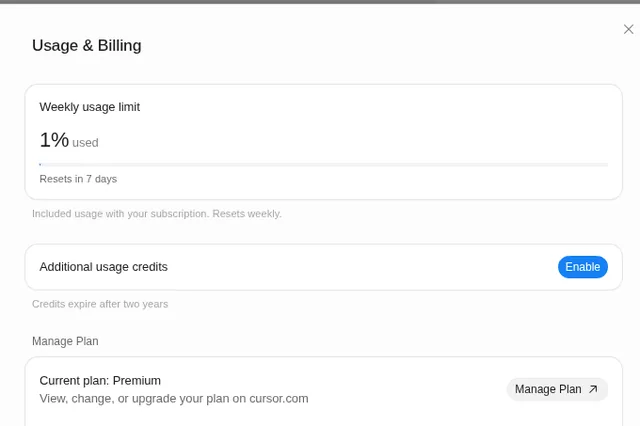
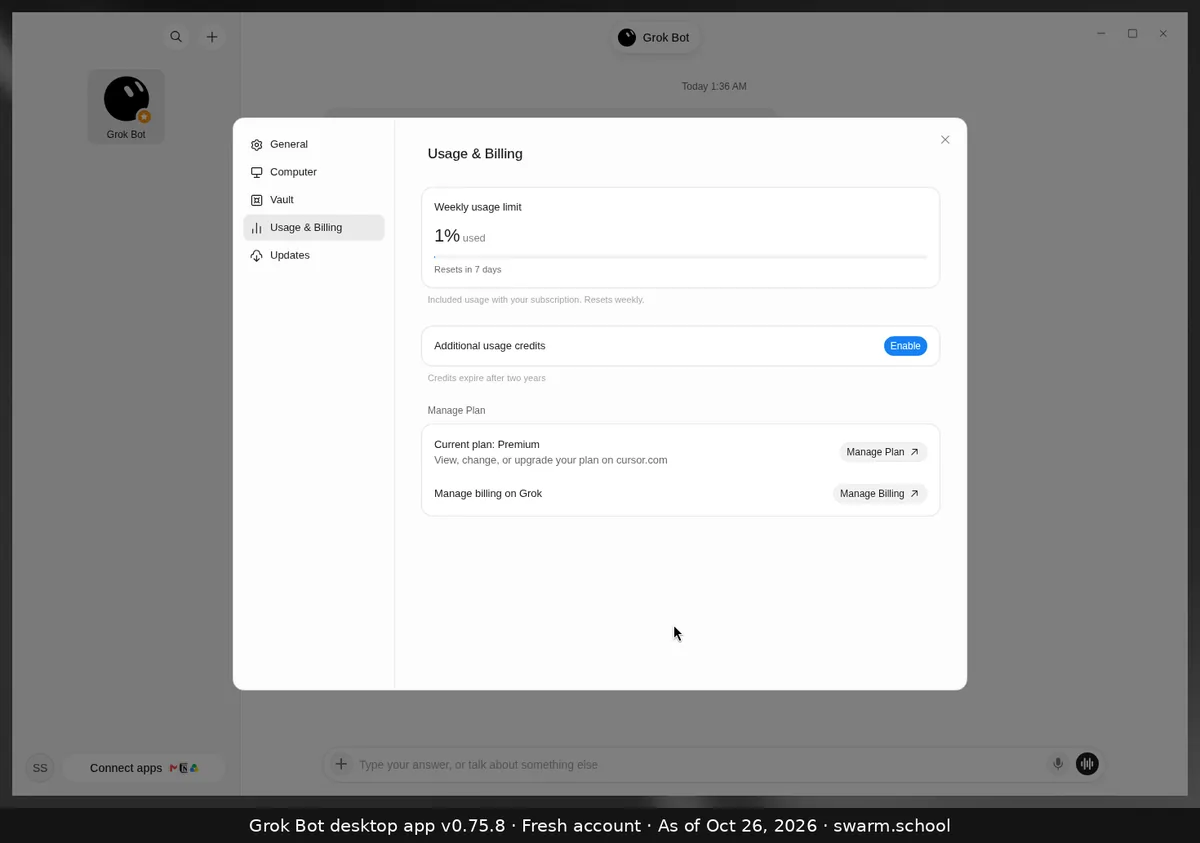
They’re prepaid credit you buy so Grok Bot can keep working after your included weekly usage runs out. They cost real money, they’re separate from your weekly % bar, and they stay off until you choose Enable in Settings → Usage & Billing.
As of Oct 26, 2026 (Grok Bot desktop app v0.75.8).
The short version
- Off by default. Nothing is charged unless you turn it on.
- Used only after your weekly pool is empty, for first-party usage. On The X Subscription, third-party models in Cursor are paid from this credit from the first use.
- Doesn’t reset weekly. Unused credit stays until it’s spent or expires. Official sources have listed different expiry periods, so check the note next to Enable in your app before you buy.
- Auto Top-up is optional. It only runs if you switch it on.
- Set a spending cap. xAI’s docs describe a monthly additional usage limit. Adding credit doesn’t raise that cap.
Before you press Enable
- Check how many days are left until your weekly reset. Waiting is free.
- If you do enable it, set a monthly cap first.
- Find out what’s using your week. Our usage and tokens guide explains.
Sources
- https://docs.x.ai/x-subscription/extra-usage
- https://docs.x.ai/x-subscription/usage-limits
- https://cursor.com/help/models-and-usage/usage-limits
Swarm School is independent and not affiliated with Grok Bot’s makers. Features change; check the official docs for current details.
Related guides
- What happens when Grok Bot hits its weekly limit?When your weekly Grok Bot usage hits 100%, your Bots stop until the reset, unless…
- When does the Grok Bot usage limit reset?Grok Bot's included usage resets weekly. Settings → Usage & Billing shows a countdown…
- Where do I see my usage in Grok Bot?Your Grok Bot usage is in Settings → Usage & Billing as a weekly % bar with a reset…
- Grok Bot pricingGrok Bot pricing, checked Oct 25, 2026: it comes with X Subscription Premium ($30/mo)…