Short answer
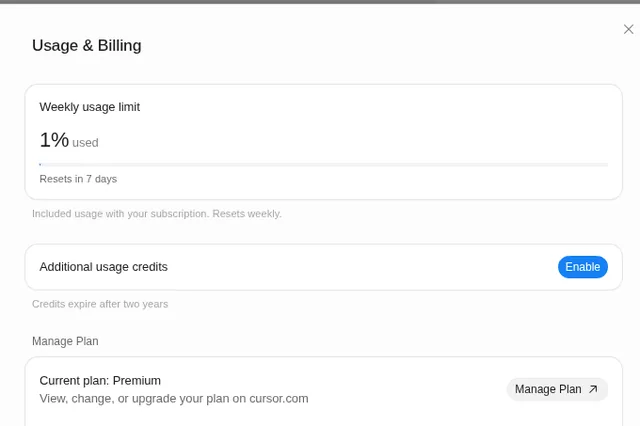
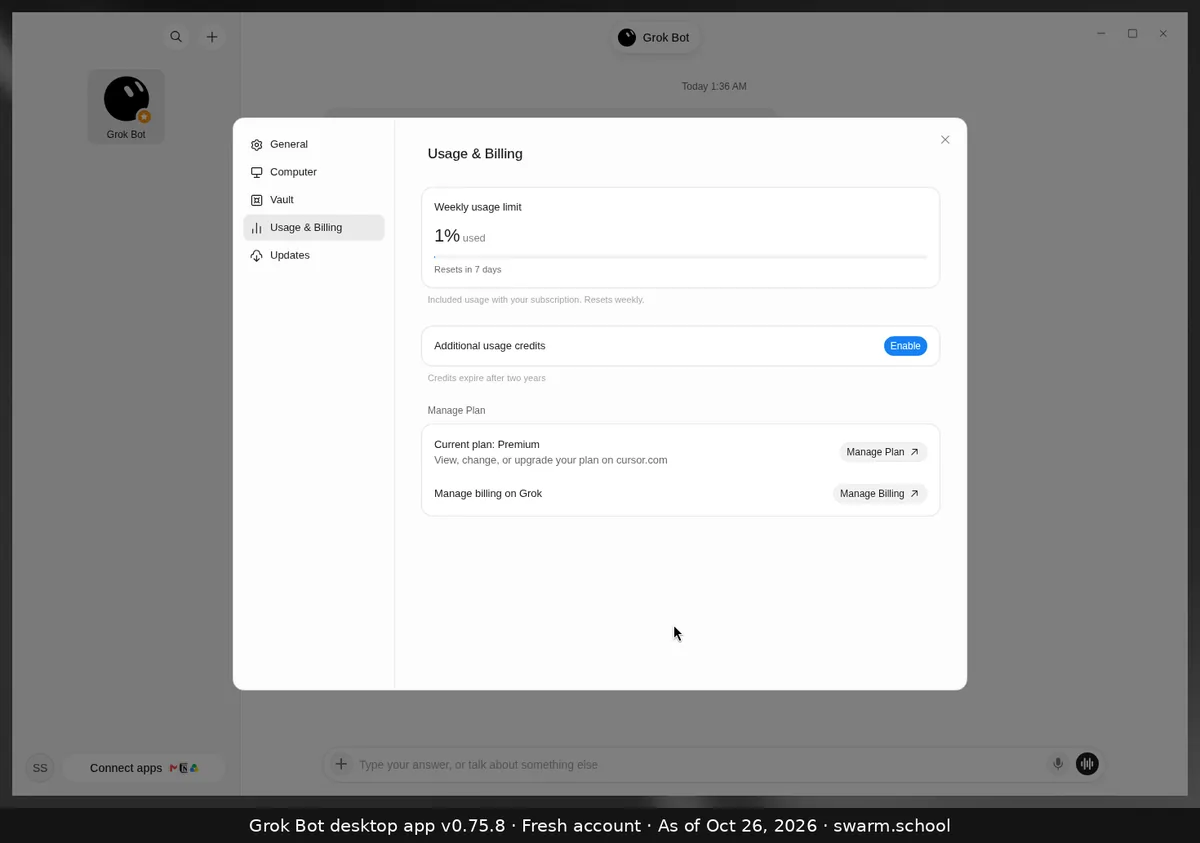
Every week. Your included Grok Bot usage resets weekly, and the app shows a countdown under the bar in Settings → Usage & Billing, such as “Resets in 7 days”. Unused usage doesn’t carry over to the next week.
As of Oct 26, 2026 (Grok Bot desktop app v0.75.8).
How to check your reset
- Open Settings (Ctrl+, or Cmd+,) → Usage & Billing.
- Look under the bar for “Resets in … days”.
- On The X Subscription, the next reset date is also shown under Usage at grok.com/dashboard.
What resets and what doesn’t
- Resets: your included weekly usage, the % bar.
- Doesn’t reset: prepaid additional usage credits. Cursor’s help says top-up credit stays until it’s used or expires. See Additional usage credits.
- Legacy Cursor plans work differently: Cursor’s help says included usage there resets monthly with your billing cycle.
The exact reset day and time can depend on your plan and when you subscribed, so go by the countdown in your own app.
Ran out before the reset? See what happens when you hit the weekly limit.
Sources
- https://docs.x.ai/x-subscription/usage-limits
- https://cursor.com/help/models-and-usage/usage-limits
- https://cursor.com/help/grok-bot/plans
Swarm School is independent and not affiliated with Grok Bot’s makers. Features change; check the official docs for current details.
Related guides
- Where do I see my usage in Grok Bot?Your Grok Bot usage is in Settings → Usage & Billing as a weekly % bar with a reset…
- What happens when Grok Bot hits its weekly limit?When your weekly Grok Bot usage hits 100%, your Bots stop until the reset, unless…
- What are "Additional usage credits" in Grok Bot?Additional usage credits are prepaid, paid credit that keeps Grok Bot working after…
- Grok Bot pricingGrok Bot pricing, checked Oct 25, 2026: it comes with X Subscription Premium ($30/mo)…