Short answer
You can’t, and that’s by design. Grok Bot has no model picker. For each task it uses the model it expects to do the job best, and that can change from one request to the next. Cursor’s help page says you can’t choose, request or block a specific model.
As of Oct 26, 2026 (Grok Bot desktop app v0.75.8).
What this means for you
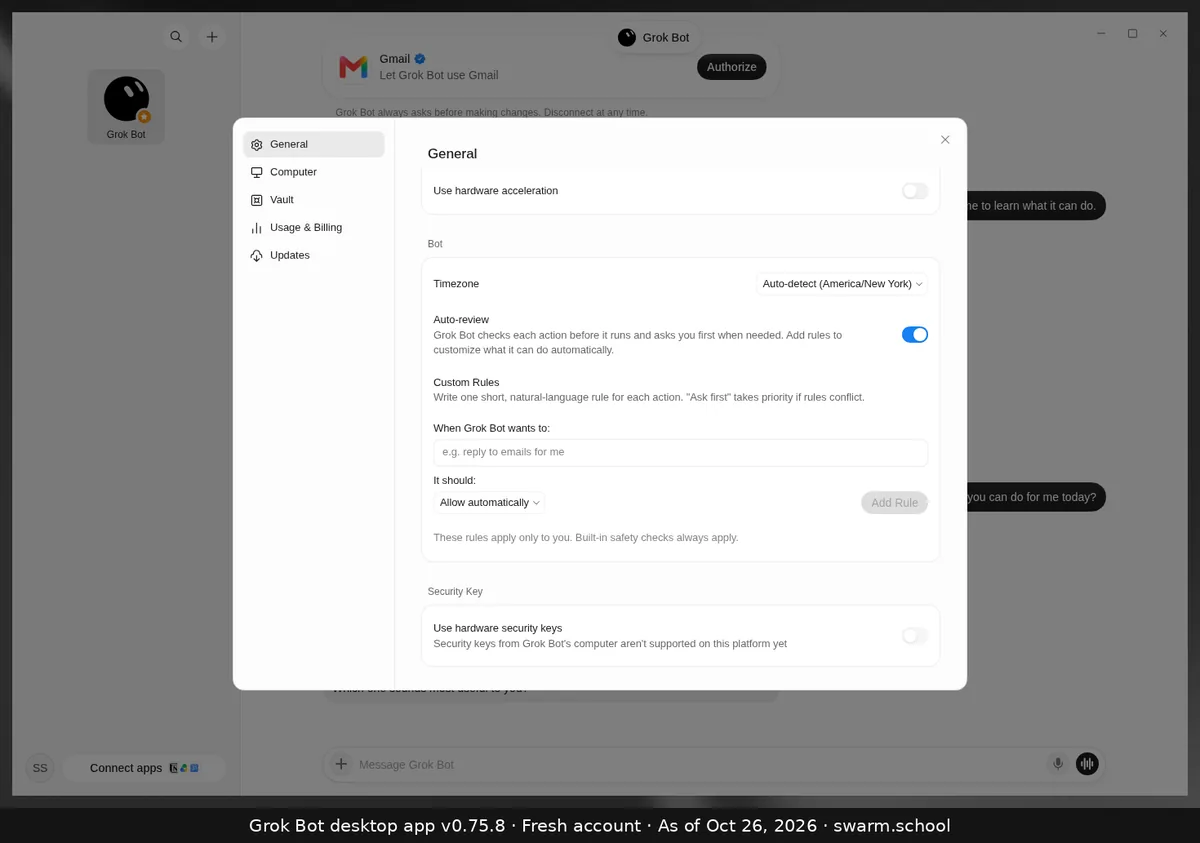
- No setting to look for. The Bot section of Settings has time zone, Auto-review and custom rules, and nothing about models.
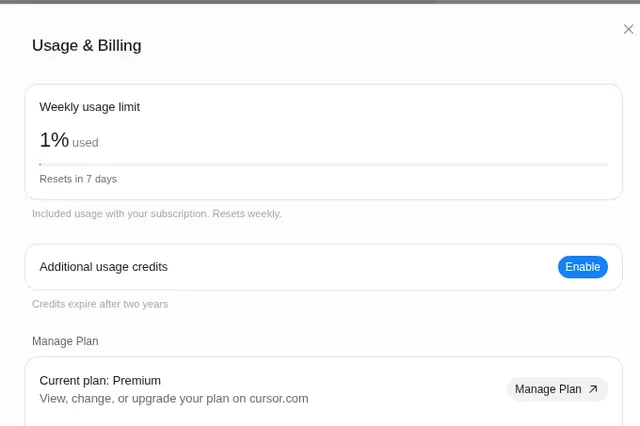
- You can’t see which model ran a task. Usage shows as Grok Bot usage, not by model or provider.
- It can be an xAI model or a third-party one. Cursor says third-party providers come only from its sub-processor list.
- Team model allowlists in Cursor don’t apply to Grok Bot.
How to get better results instead
- Give clear briefs: the outcome, sources, limits, format and a review point. See how to use Grok Bot.
- Save methods that work as skills.
- Keep memory lean, so the Bot isn’t wading through old notes.
Coming from Cursor, where you do pick models? See Grok Bot and Cursor. How models relate to your weekly bar: usage and tokens explained.
Sources
Swarm School is independent and not affiliated with Grok Bot’s makers. Features change; check the official docs for current details.
Related guides
- Where are Grok Bot's settings?Press Ctrl+, (Cmd+, on Mac) or open the account menu at the bottom left and choose…
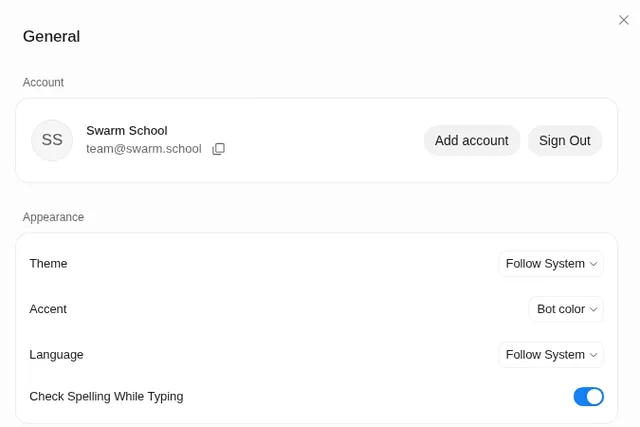
- Grok Bot usage and tokens explainedWhat tokens are, why the same Grok Bot task can cost different amounts, why the app…
- Grok Bot and CursorHow Grok Bot works with Cursor: it comes with paid Cursor plans, signs in with your…
- Where do I see my usage in Grok Bot?Your Grok Bot usage is in Settings → Usage & Billing as a weekly % bar with a reset…