Short answer
Each Bot can remember stable preferences, its role and summaries of past work. Keep that memory short and current: short facts in memory, working documents in files, and repeatable methods in skills. A lean memory keeps a Bot sharper and uses less of your weekly allowance.
What a Bot remembers
From xAI’s FAQ:
- Stable preferences, role context and summaries of prior work.
- Each Bot’s conversation and learned role are separate from your other Bots.
- Context can move between Bots through shared files, browser sessions, group messages and direct handoffs.
- For important decisions, xAI suggests asking the Bot to check the current source rather than trust its memory.
Which layer holds what
| Put it in… | When it’s… | Example |
|---|---|---|
| Memory | A short fact or preference | “Invoices go out on the 1st.” “Use British spelling.” |
| Files / notes | A working document that changes | The client list, this month’s plan |
| A skill | A method you repeat | “How to do the weekly report” |
| A custom rule | What needs your OK | “Ask first before sending email” |
A lasting rule is something you tell the Bot to remember (“From now on, never send without my approval”). A one-off task isn’t.
Why big memory hurts
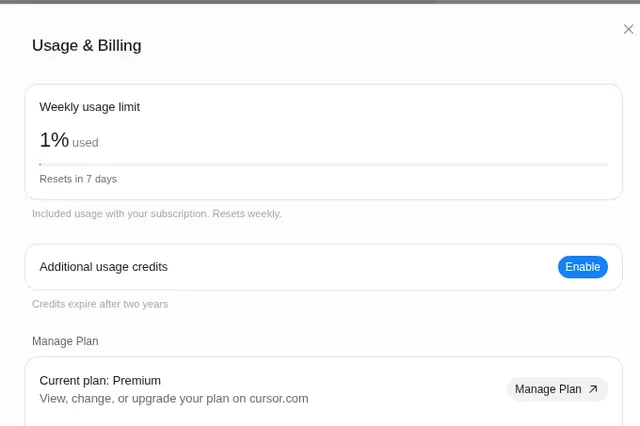
- It costs tokens every time. Whatever a Bot loads, it reads, and that uses your allowance. See usage and tokens.
- It goes stale. Old facts conflict with new ones, and the Bot gets vaguer.
- Long chats aren’t memory. Rules buried 300 messages back get lost. Save them properly.
Keep it small: three habits
- Save at the end of a job, not during. Ask: “What did you learn from this job that you’ll need next time? Save only that, in one or two lines.”
- Replace, don’t stack. “Replace the old shipping rule with this one” beats adding a second rule.
- Ask what it remembers. “List everything you remember about me and this job, in bullets.” Correct anything wrong.
A monthly memory audit (copy this)
Make it a routine. See routines that don’t go wrong.
On the 1st of each month at 9 AM, review everything you remember about me and your job. List items that are out of date, duplicated, or better kept as a file or skill. Propose cuts and merges as a table. Don’t delete or change anything until I approve.
A good audit report is short: what to keep, what to cut and why, and what to move into a skill.
Several Bots?
Give each Bot only the memory its job needs, and use handoffs for the rest. See running several Bots.
FAQ
Does Grok Bot remember between chats?
Yes. Each Bot keeps its role and preferences over time, but separately from your other Bots.
Can I make it forget something?
Ask it to remove or replace that item, then ask what it remembers to check.
Is memory shared between Bots?
Not directly. Shared files and handoffs carry context between them.
Swarm School is an independent site. We’re not affiliated with xAI or Cursor.
Sources
- https://docs.x.ai/grok-bot/faq
- https://docs.x.ai/grok-bot/chat-and-collaboration
- https://docs.x.ai/grok-bot/skills-routines-and-automations
Swarm School is independent and not affiliated with Grok Bot’s makers. Features change; check the official docs for current details.
Related guides
- Grok Bot skillsA Grok Bot skill is saved instructions for one task. Learn the six parts of a good…
- Grok Bot usage and tokens explainedWhat tokens are, why the same Grok Bot task can cost different amounts, why the app…
- How to set up Grok Bot routines that don't go wrongA plain-English guide to Grok Bot routines: schedule vs. event, the seven-part routine…
- Grok agents explained"Grok agents" can mean three xAI things: Grok Bot's always-on Bots, the Grok API…