Short answer
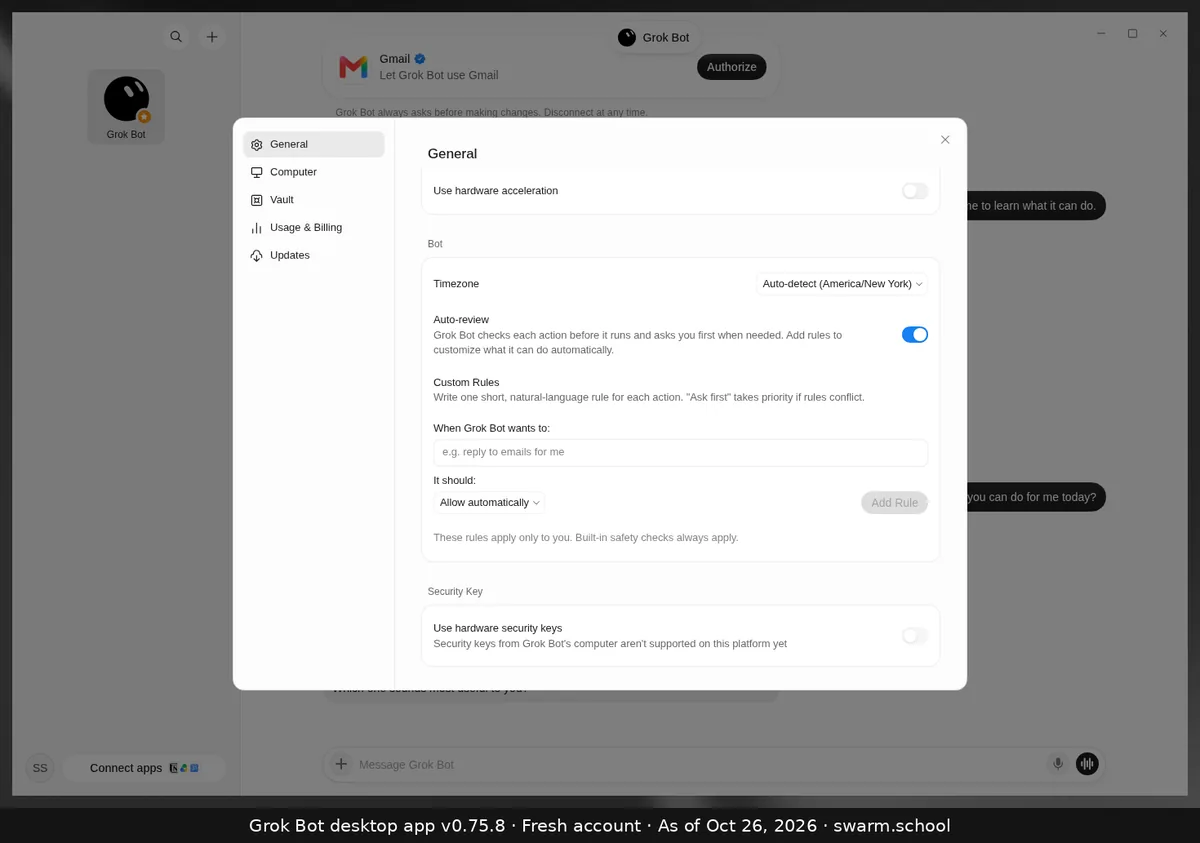
Auto-review is Grok Bot’s safety check. In the app’s words, “Grok Bot checks each action before it runs and asks you first when needed.” You’ll find the switch in Settings → General, under Bot. It was on when we opened a fresh account.
As of Oct 26, 2026 (Grok Bot desktop app v0.75.8).
How it works
- When an action needs your OK, the Bot stops and shows an approval in chat. Nothing happens until you answer.
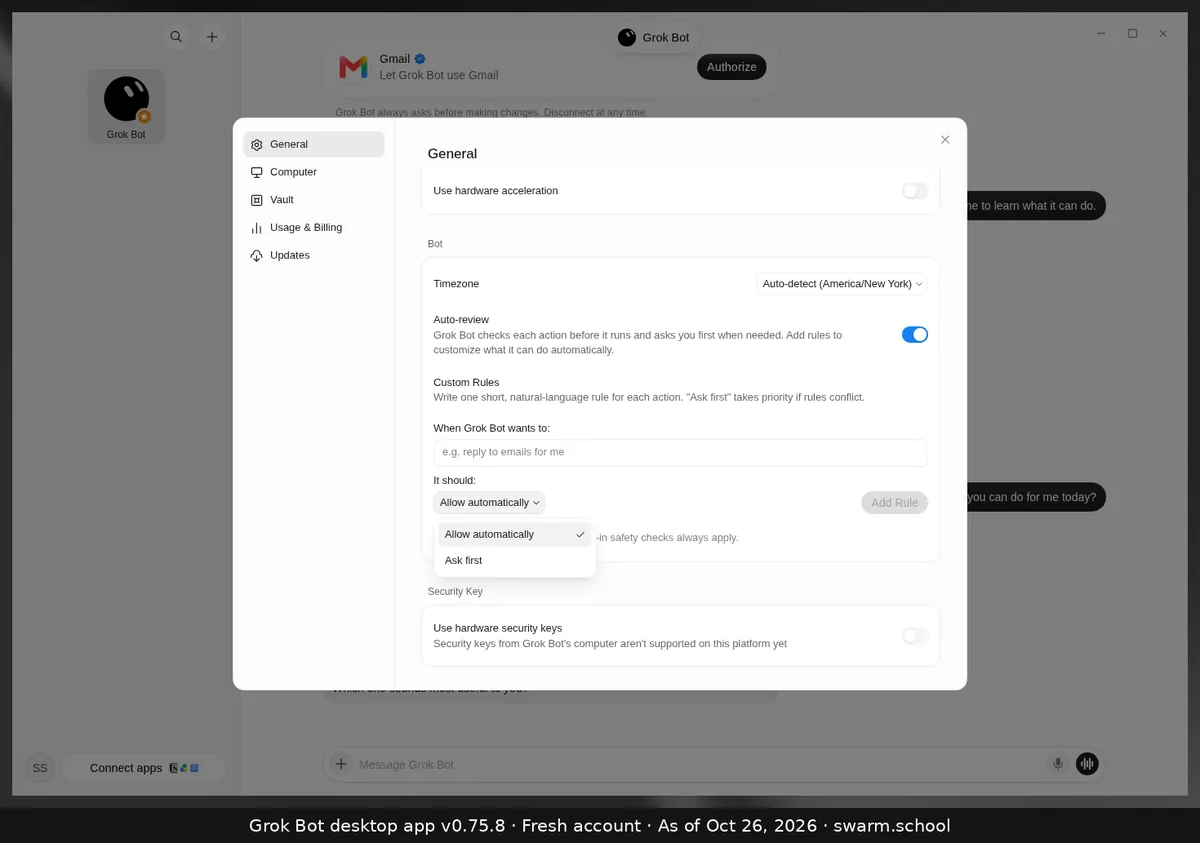
- You can tune it with Custom Rules: “When Grok Bot wants to… it should Allow automatically / Ask first”.
- If rules conflict, “Ask first” wins. The app adds: “These rules apply only to you. Built-in safety checks always apply.”
Our advice
- Leave Auto-review on.
- Add Ask first rules for anything you can’t undo: sending, posting, paying, deleting, publishing. See how to add custom rules.
- Use Allow automatically only for small, safe, repeated actions, like reading a folder you own.
Passwords and one-time codes go through a takeover or the Vault, never chat. The full picture is in Keeping Grok Bot safe.
Sources
- https://docs.x.ai/grok-bot/faq
- https://docs.x.ai/grok-bot/troubleshooting
- https://docs.x.ai/grok-bot/settings-and-notifications
Swarm School is independent and not affiliated with Grok Bot’s makers. Features change; check the official docs for current details.
Related guides
- How do I add custom rules to Grok Bot?In Settings → General → Bot → Custom Rules, describe an action in plain words, choose…
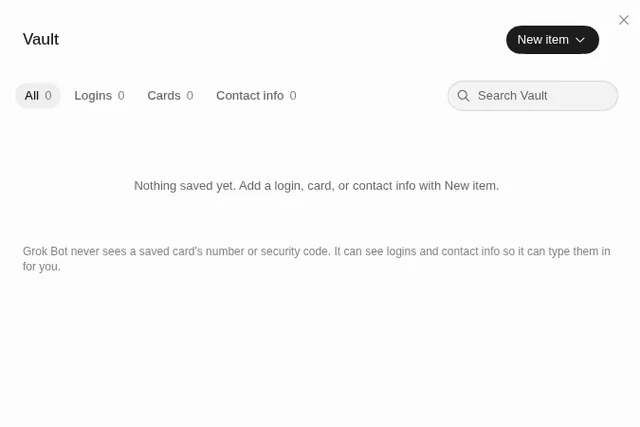
- What is the Grok Bot Vault, and how do I save a login?The Vault (Settings → Vault) stores logins, cards and contact info so a Bot can fill…
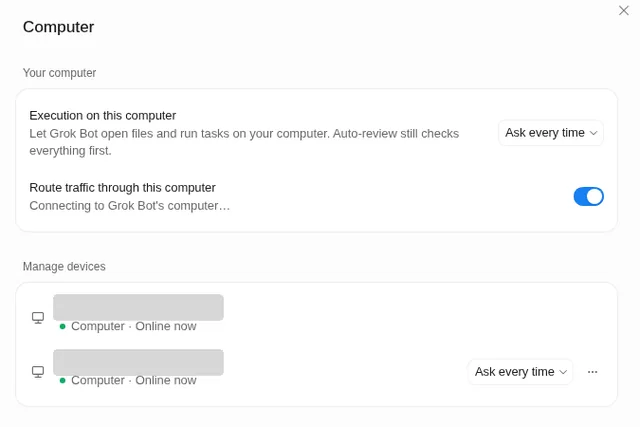
- Can Grok Bot use my own computer?Yes, if you allow it. Settings → Computer → Execution on this computer lets Bots open…
- Where are Grok Bot's settings?Press Ctrl+, (Cmd+, on Mac) or open the account menu at the bottom left and choose…