

Ask about search traffic, visitors and ad spend, and Grok Bot asks before it changes anything.
- Open Connect apps
- Sign in to Google
- Preview your weekly report
- Approve changes first
New to Grok Bot?
Get two weeks free on us.
Short answer
Grok Bot connects to Google Search Console, Google Analytics and Google Ads. Sign in to Google to ask about search traffic, site visitors and ad spend. Grok Bot asks before making changes.
What Each Connector Does
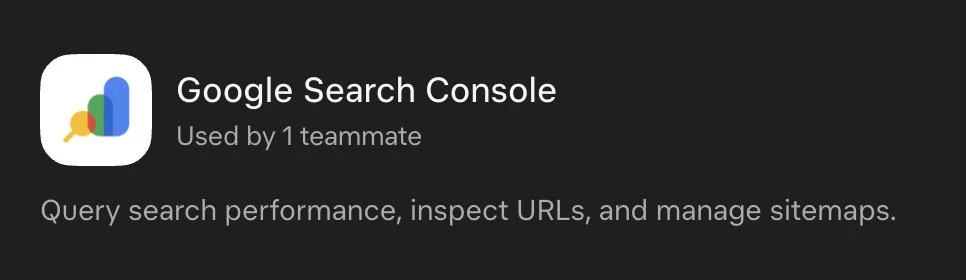
- Google Search ConsoleQuery search performance, inspect URLs and manage sitemaps.
- Google AnalyticsAsk about your site visitors.
- Google AdsAsk what you spent in your ad account.
Connect Them
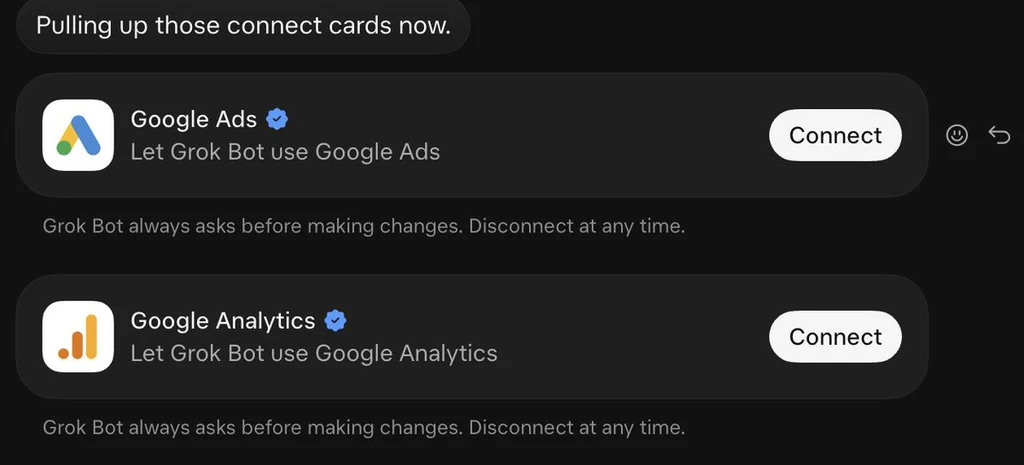
- Open Connect apps at the bottom left of the sidebar, or press Connect on a card in chat. See Connect apps.
- Sign in to Google in your browser.
- Check that the app shows under Installed.
- Type
@in chat and select the app to attach it.
Your Bot Asks First
Grok Bot asks before making changes. A connected app can only do what the Google account you sign in with can already do. You can disconnect at any time. See Auto-review.
Try These First
Show me a draft weekly report on search traffic from Google Search Console and site visitors from Google Analytics. Change nothing without my approval.
Show me a preview of the Google Search Console queries my site already ranks for. Change nothing without my approval.
Show me a draft summary of what my Google Ads account spent yesterday. Change nothing without my approval.
Research keywords for [topic]. Preview your findings and show me any proposed edits first. Wait for my approval before making changes.
If Your Google Account Is a Company Account
If Google says an admin must review Grok, ask your Google Workspace admin to set Grok to Trusted under Admin console > Security > Access and data control > API controls > App access control.
Choose Your Next Guide
| You want to… | Read next |
|---|---|
| Connect more apps | Grok Bot connectors |
| Draft posts for X | Draft X posts with Grok Bot |
| Find more jobs for your Bot | Grok Bot use cases |
| See every November update | Grok Bot November updates |
| Give your Bot a job | How to use Grok Bot |
Get the Free Power User Guide
Continue with the free Grok Bot Power User Guide.
FAQ
Which Google Apps Can I Connect?
Quick answer: Grok Bot has official connectors for Google Search Console, Google Analytics and Google Ads.
How Do I Connect a Google App?
Quick answer: Open Connect apps or press Connect on a card in chat. Sign in to Google in your browser and look for the app under Installed.
Can My Other Bots Use a Connected Google App?
Quick answer: Every Bot on your Grok Bot account can use the app once you connect it.
Does Grok Bot Ask Before Making Changes?
Quick answer: Grok Bot asks before making changes. You can ask to see proposed edits first.
Swarm School is an independent site. We’re not affiliated with xAI.
Sources
- @akshayadinesh19 on X (https://x.com/akshayadinesh19/status/2123199665260933560)
- @akshayadinesh19 on X (https://x.com/akshayadinesh19/status/2123540975062860286)
- Grok Bot security (https://docs.x.ai/grok-bot/security)
Swarm School is independent and not affiliated with Grok Bot’s makers. Features change; check the official docs for current details.
Related Guides

Grok Bot Connectors: What You Can Connect
Every Grok Bot connector we could confirm in xAI's and Cursor's docs, what each one can do, and how to connect apps without giving your Bots too much access.
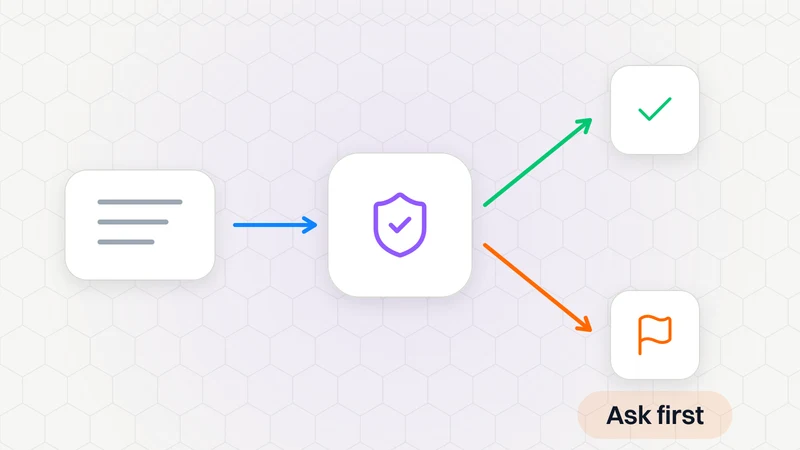
What Is Auto-Review in Grok Bot?
Auto-review checks Bot actions and asks when needed. Find it in Settings → General → Bot; it is on by default.

Draft X Posts in the X App With Grok Bot
Ask Grok Bot to draft an X post in the chat in the X app. It writes a post card. You tap Post to send it, or Discard to drop it.

How to Use Grok Bot: a Practical Beginner's Guide
Learn how to set up Grok Bot, give a Bot a job, connect apps, set approval boundaries and build reusable skills.