Short answer
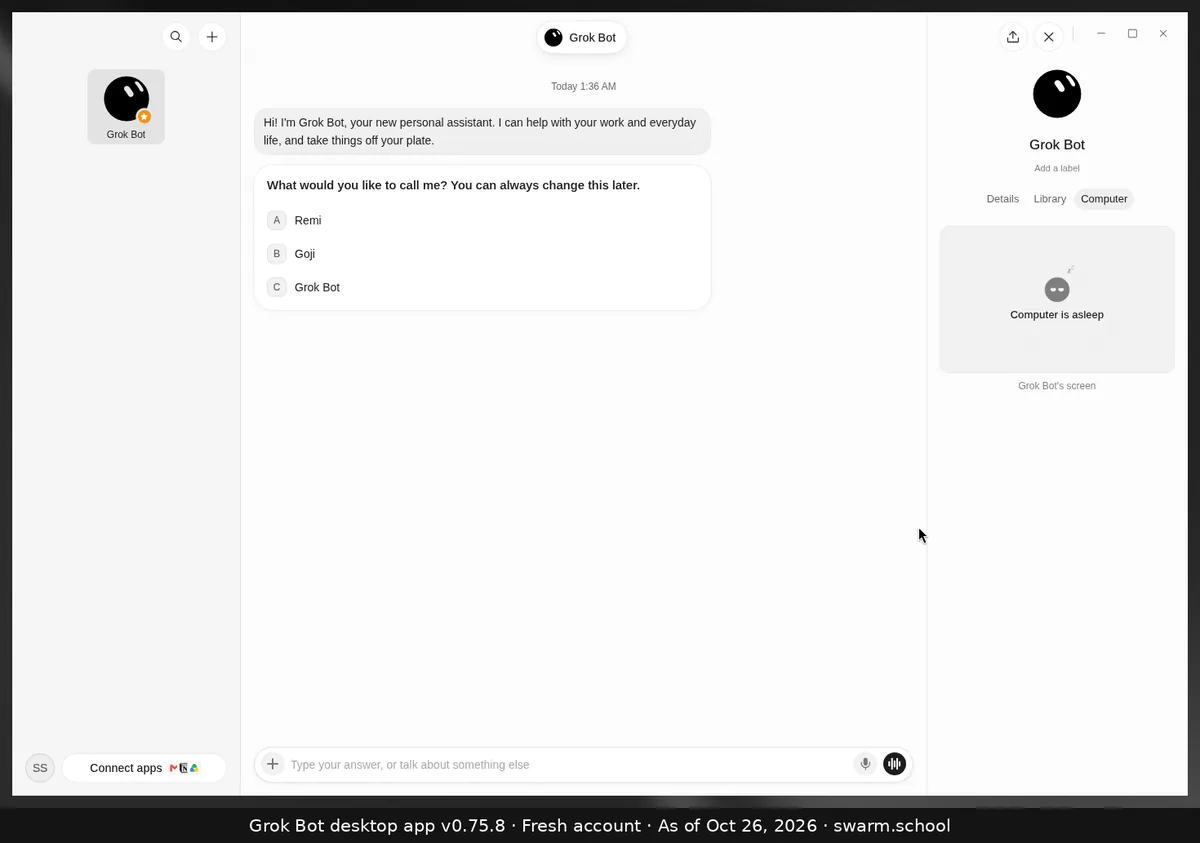
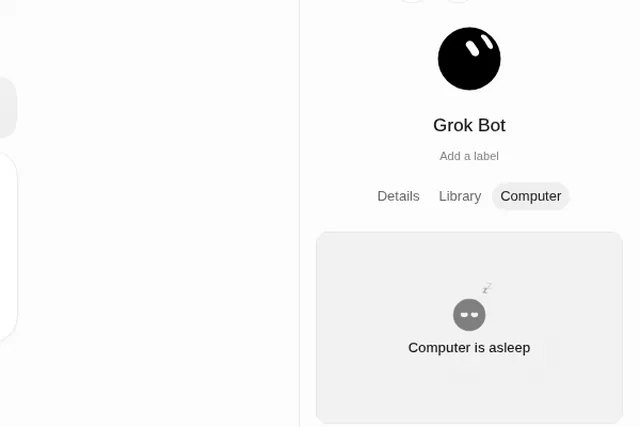
It means the Bot’s cloud computer isn’t active at that moment. It isn’t an error by itself. On our brand-new account, the Computer tab showed “Computer is asleep” before the Bot had done any computer work.
As of Oct 26, 2026 (Grok Bot desktop app v0.75.8).
Where you see it
Click the Bot’s name at the top of the chat to open its info panel, then choose Computer. That tab shows the Bot’s screen when it’s working. See the bot info panel.
If a task won’t start or the computer can’t be reached
xAI’s troubleshooting page says to go from least to most drastic:
- Choose Retry, or reopen the chat. Then restart the Grok Bot app.
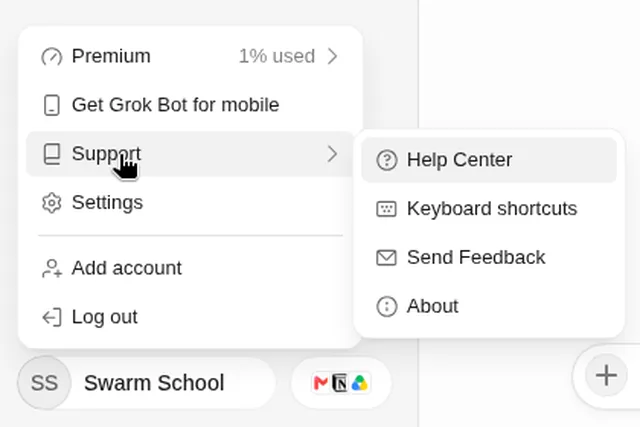
- Choose Recover computer if it’s offered, or open Settings → Computer → Update Bot’s Computer. Both keep your files and logins.
- Use Reset only as a last resort. It rebuilds from the last saved snapshot and can lose recent work.
Still stuck? Check Is Grok Bot down? and Grok Bot errors explained.
Sources
Swarm School is independent and not affiliated with Grok Bot’s makers. Features change; check the official docs for current details.
Related guides
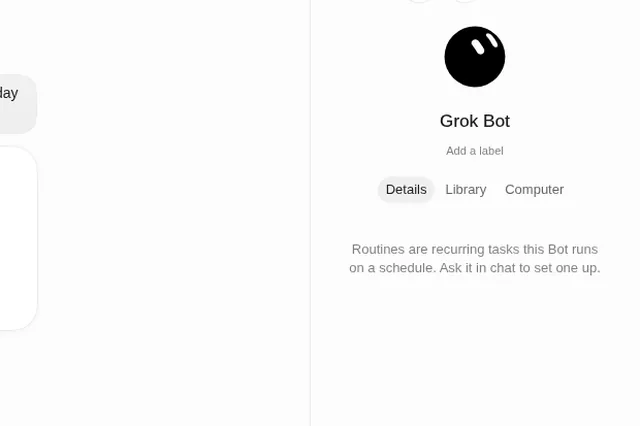
- Where do I find my bot's files, details and computer?Click the Bot's name at the top of the chat (or press Ctrl+Alt+B). The info panel has…
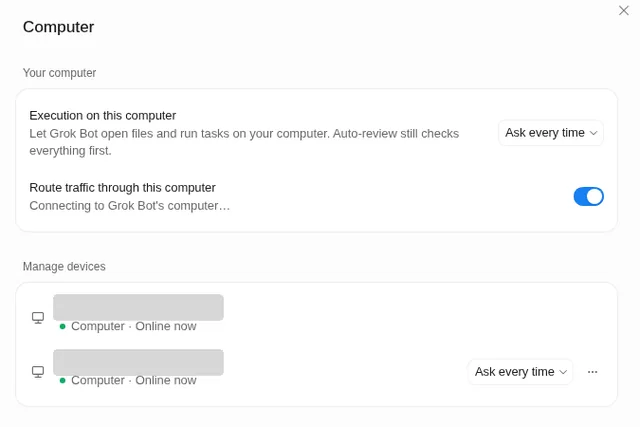
- Can Grok Bot use my own computer?Yes, if you allow it. Settings → Computer → Execution on this computer lets Bots open…
- Grok Bot error messages explained (and fixes)What Grok Bot error messages mean and how to fix them, from usage limits and…
- Is Grok Bot down? How to check and what to doIs Grok Bot down or is it just you? Check the official status page in 10 seconds, then…