Short answer
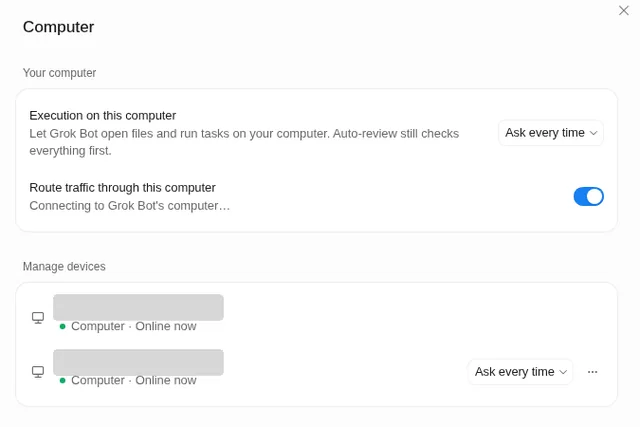
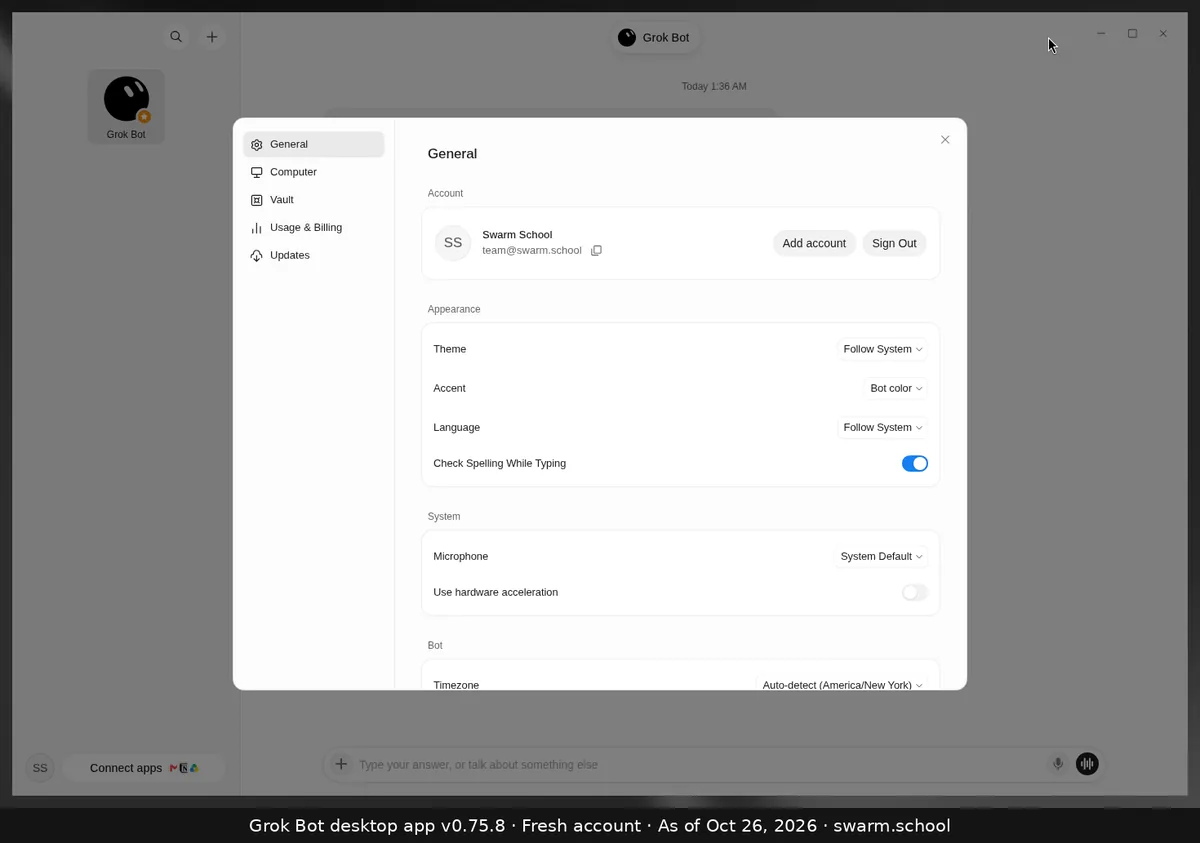
Press Ctrl+, (Cmd+, on Mac), or click your name at the bottom left and choose Settings. Settings has five sections in the left column: General, Computer, Vault, Usage & Billing and Updates.
As of Oct 26, 2026 (Grok Bot desktop app v0.75.8).
What’s in each section
| Section | What you change there |
|---|---|
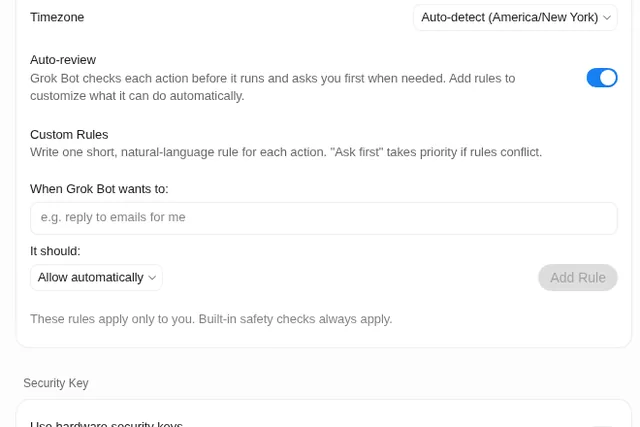
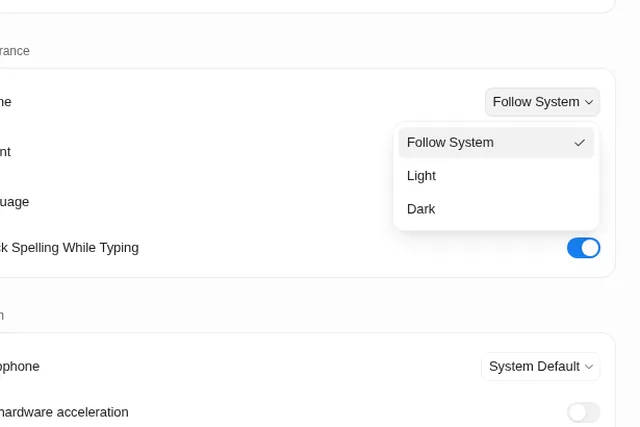
| General | Account, theme, accent, language, microphone, time zone, Auto-review and custom rules |
| Computer | Whether Bots can work on your own computer, and updating or resetting the Bot’s computer |
| Vault | Saved logins, cards and contact info |
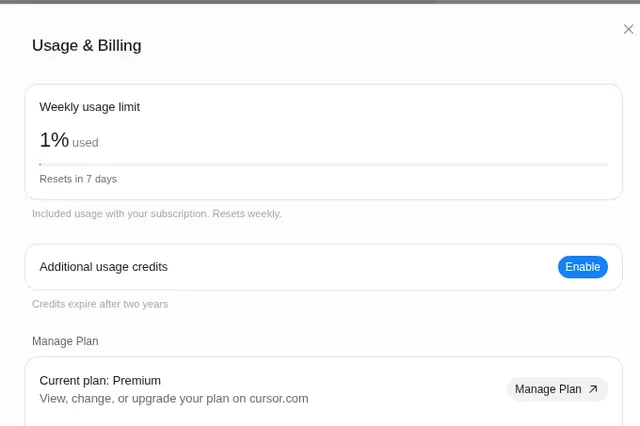
| Usage & Billing | Your weekly usage and plan |
| Updates | App updates and version |
Set your time zone first
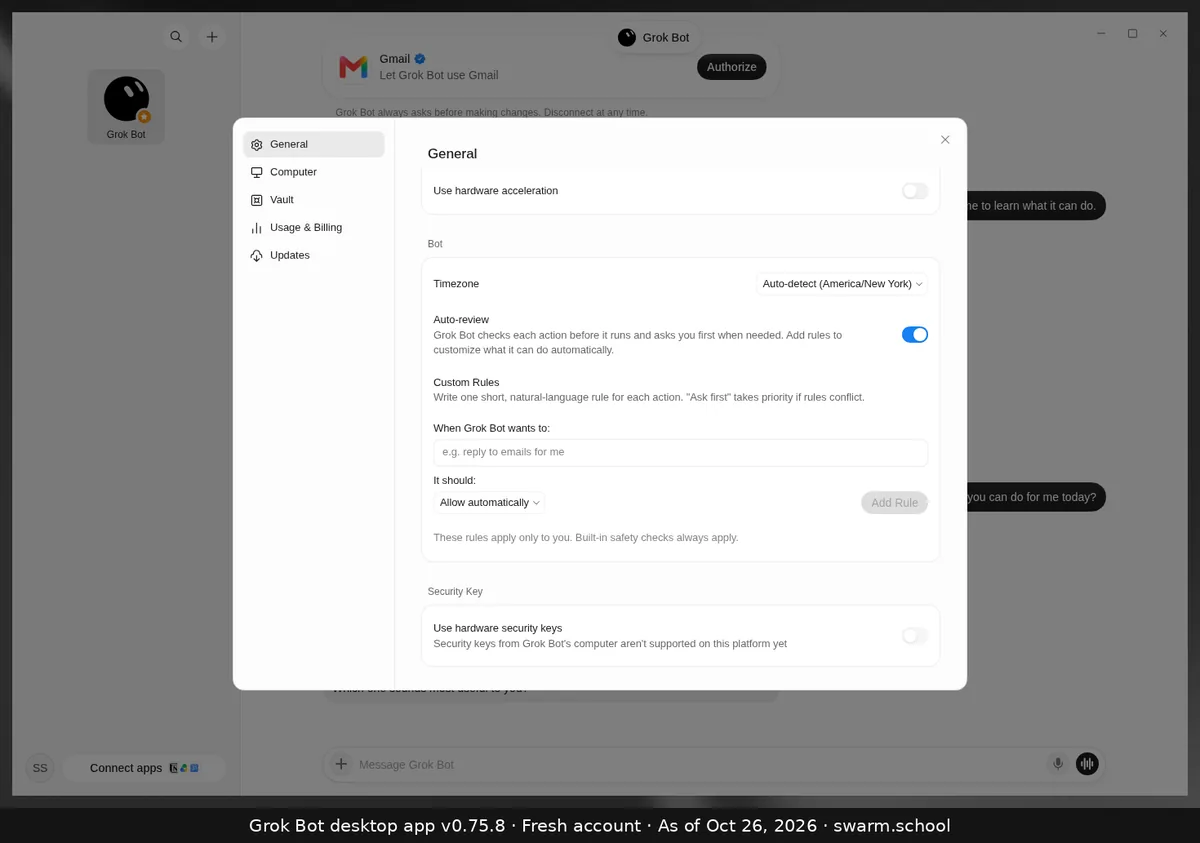
Routines use the Timezone under General → Bot. It defaults to Auto-detect. If your routines fire at the wrong hour, pick your zone from the searchable list.
Sources
Swarm School is independent and not affiliated with Grok Bot’s makers. Features change; check the official docs for current details.
Related guides
- What is Auto-review in Grok Bot?Auto-review checks each action before your Bot runs it and asks you first when needed.…
- How do I turn on dark mode or change Grok Bot's language?Settings → General → Appearance: set Theme to Dark (or Follow System) and pick a…
- Where do I see my usage in Grok Bot?Your Grok Bot usage is in Settings → Usage & Billing as a weekly % bar with a reset…
- Can Grok Bot use my own computer?Yes, if you allow it. Settings → Computer → Execution on this computer lets Bots open…