Short answer
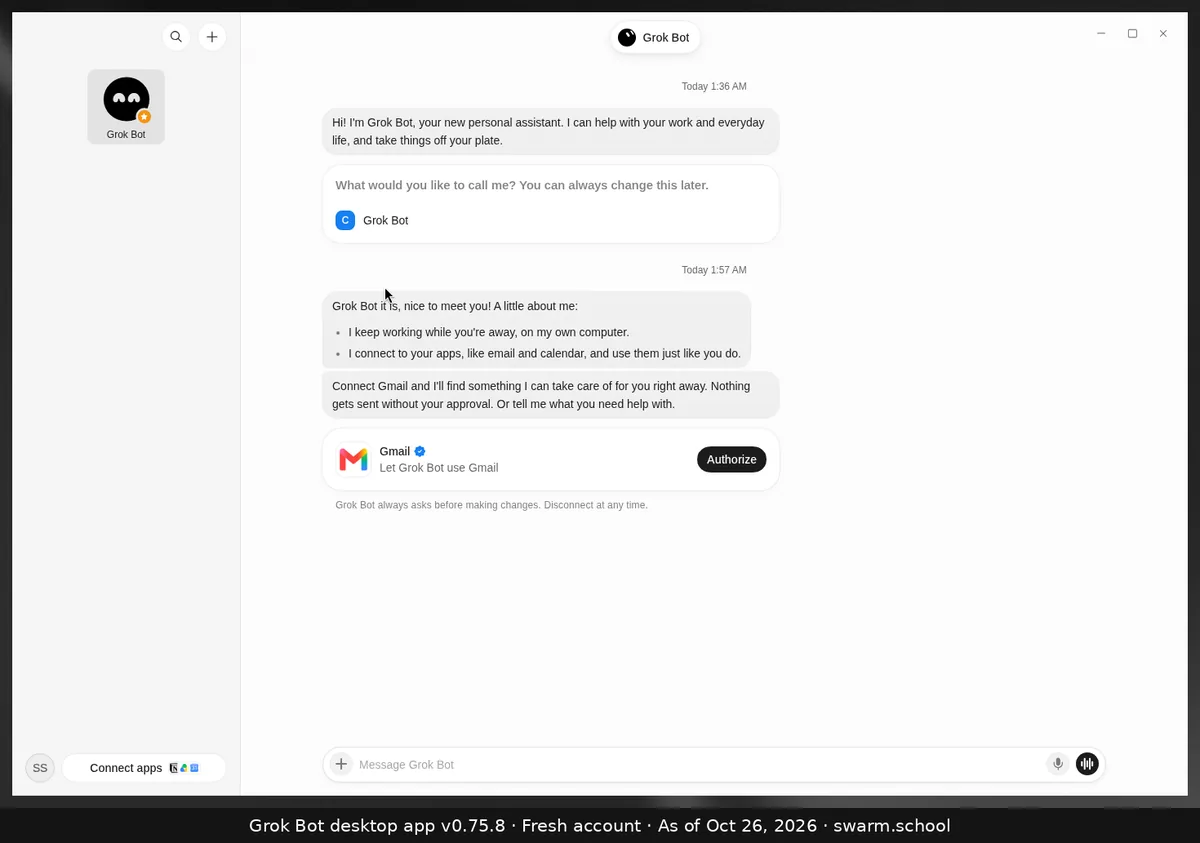
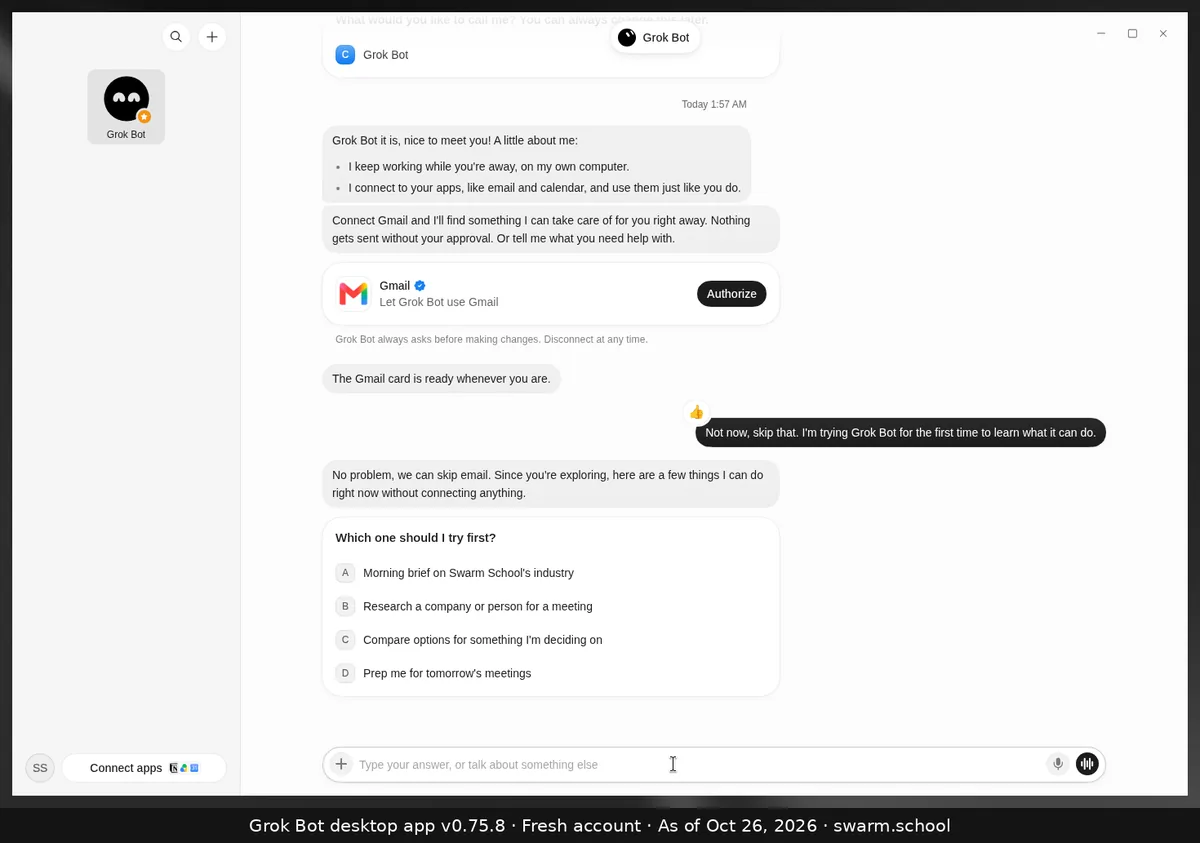
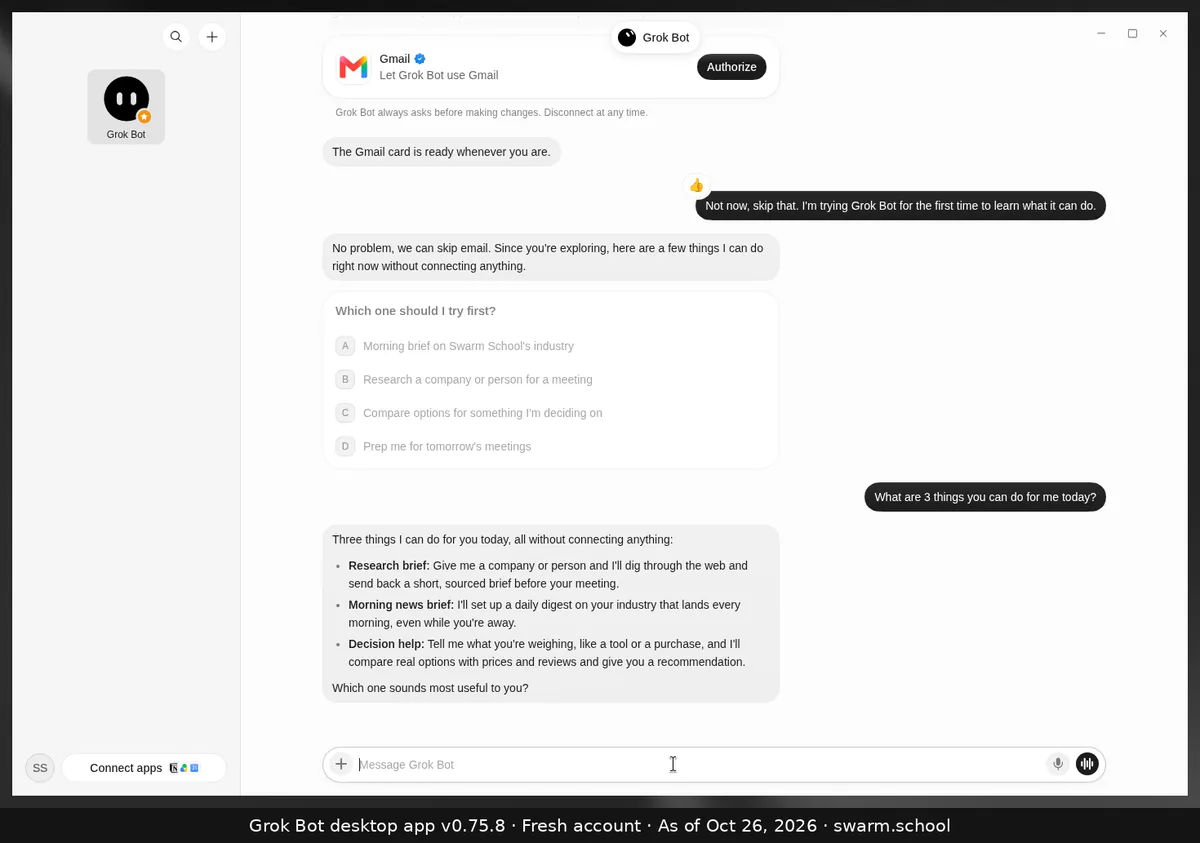
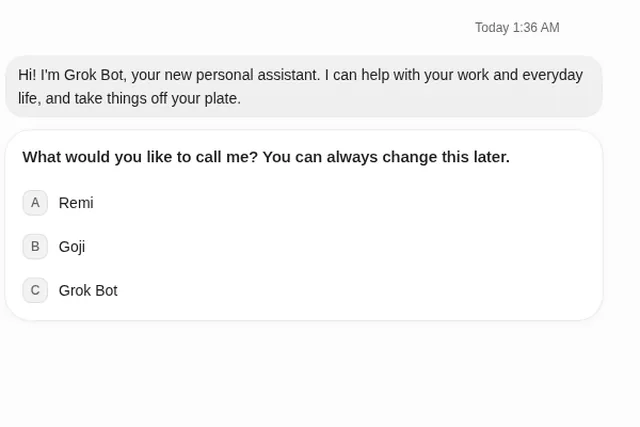
Your first Bot, called Grok Bot, says hello and asks what to call it. Then it offers to connect Gmail, and if you skip that, it suggests things it can do without connecting anything. Here’s exactly what we saw on a fresh account.
As of Oct 26, 2026 (Grok Bot desktop app v0.75.8). Fresh Swarm School account, nothing connected.
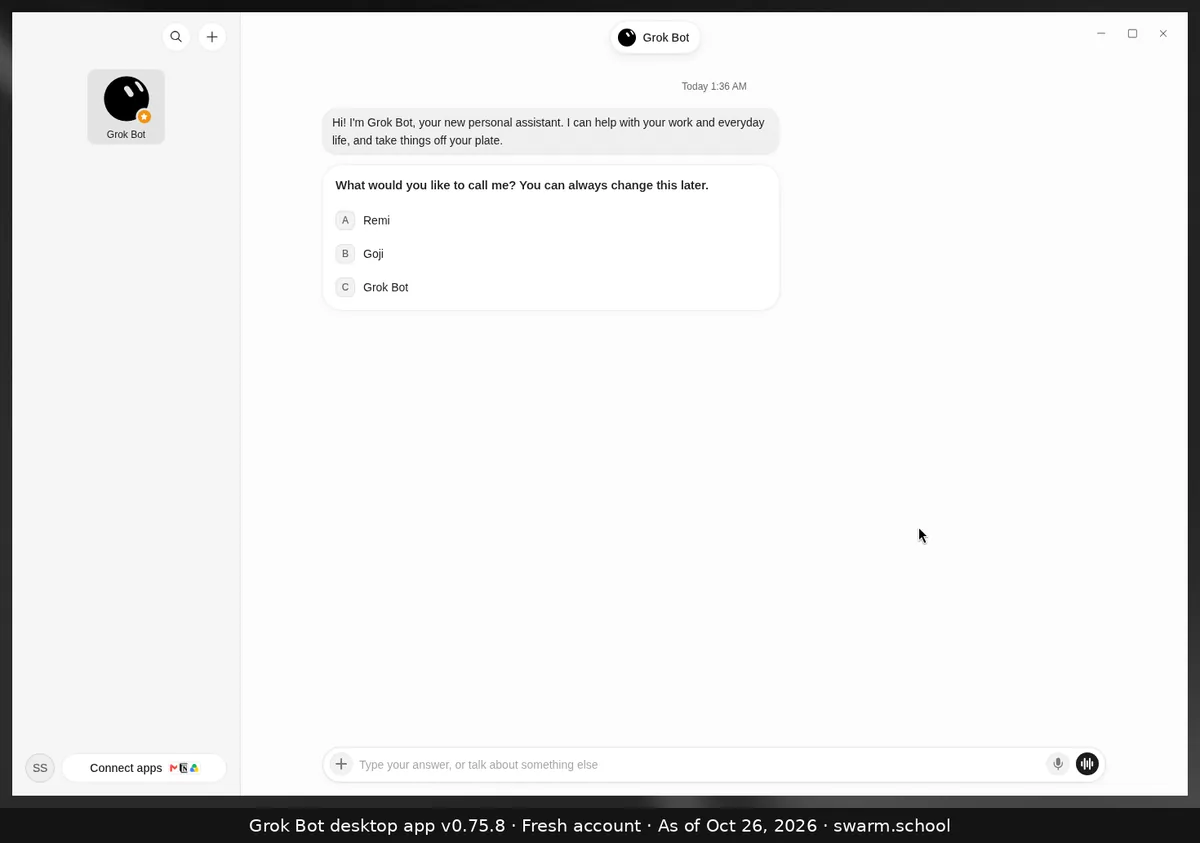
The first chat, step by step
- Pick a name. It offers three (ours were Remi, Goji or Grok Bot), and you can change it later.
- It introduces itself: it keeps working while you’re away on its own computer, and it connects to your apps. Then it offers a Gmail card with Authorize, noting that nothing gets sent without your approval.
- Skip it if you like. We said “Not now”. It suggested a morning brief, researching a company or person, comparing options, or prepping for meetings.
What next? Give it one real job. Our beginner’s guide shows how. Our usage bar still read 1% after this chat.
Sources
Swarm School is independent and not affiliated with Grok Bot’s makers. Features change; check the official docs for current details.
Related guides
- How to use Grok BotHow to use Grok Bot, step by step: install it, sign in, give your first Bot one clear…
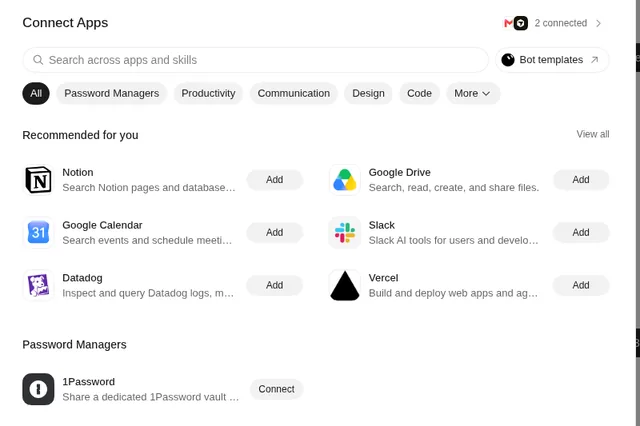
- How do I connect Gmail (or any app) to Grok Bot?Click Connect apps at the bottom left, find Gmail or any app, choose Add and sign in.…
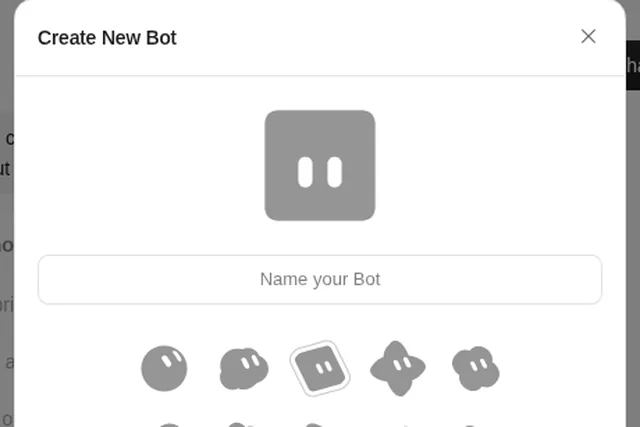
- How do I create a new Bot in Grok Bot?Press Ctrl+N (or use + at the top of the sidebar), name the Bot, pick a shape and…
- How do I download Grok Bot for Mac or Windows?Download Grok Bot from x.ai/bot. The desktop app runs on macOS (Apple silicon and…