Short answer
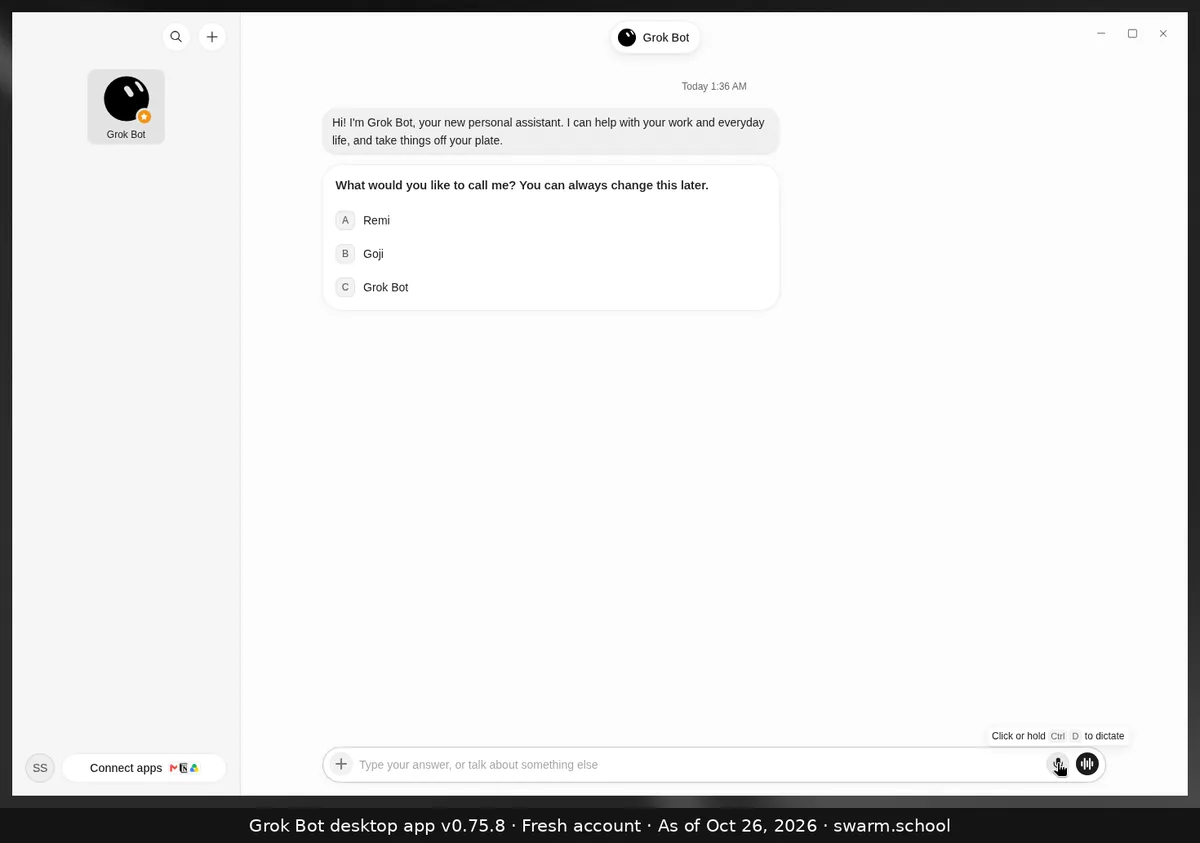
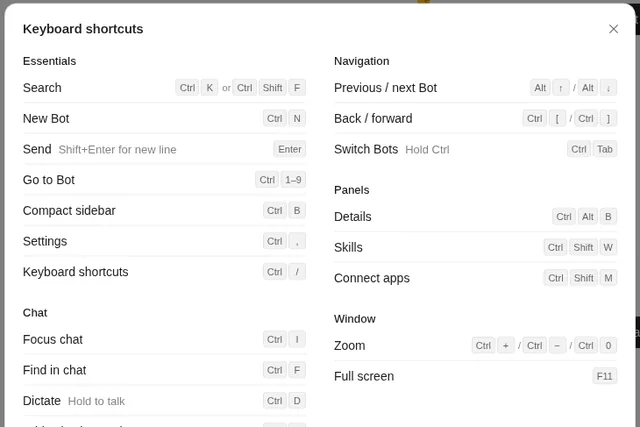
Click the microphone in the message box, or press Ctrl+D (Cmd+D on Mac). The tooltip says “Click or hold Ctrl D to dictate”. Grok Bot types what you say into the box, and you check it and send it like a normal message.
As of Oct 26, 2026 (Grok Bot desktop app v0.75.8).
Steps
- Click into the message box.
- Click the mic (or press Ctrl+D) to start, or hold Ctrl+D while you talk.
- Stop, check the text, fix anything, and press Enter.
Wrong microphone?
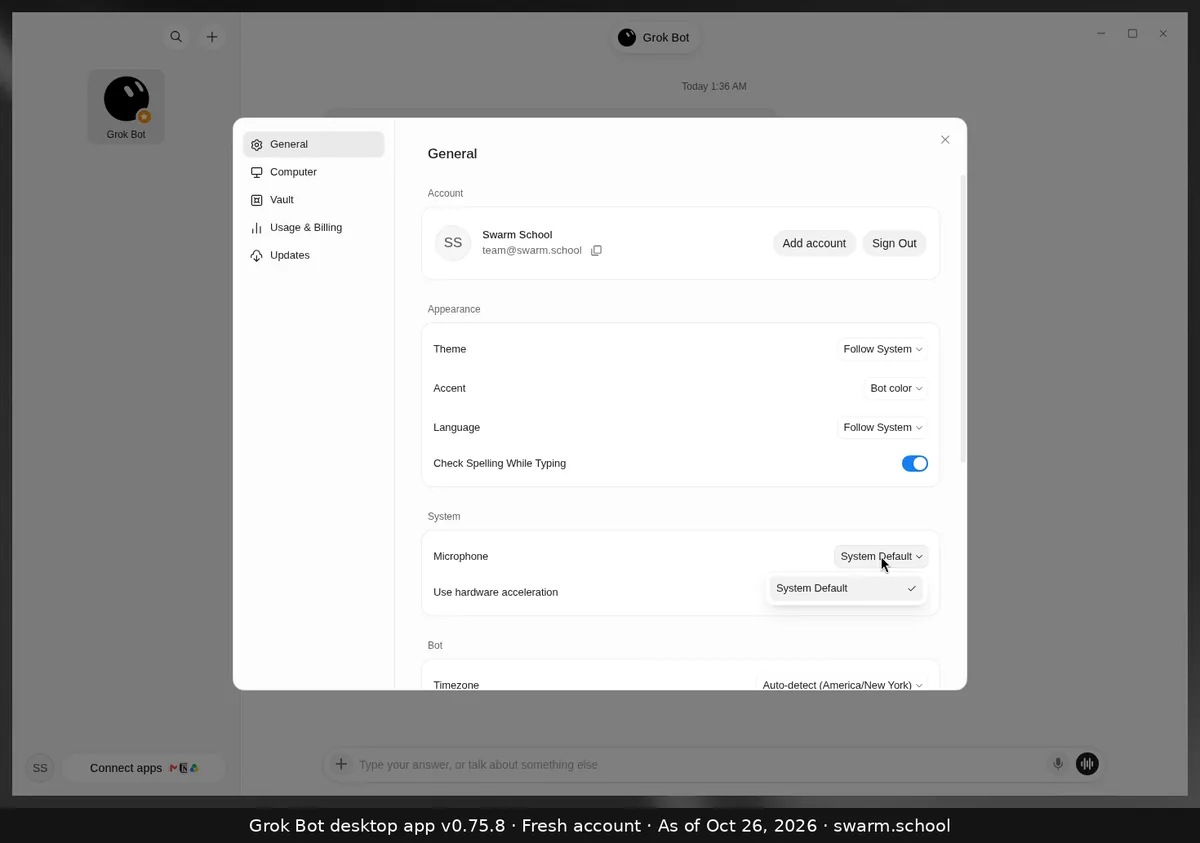
Open Settings → General → System → Microphone and pick the right one. It’s set to System Default to start with.
Dictation vs. voice chat
- Dictation: you speak, the words become text you can edit, and the Bot replies in text.
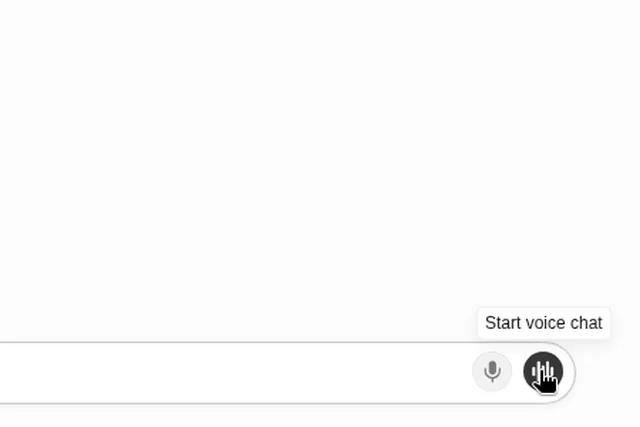
- Voice chat: a live spoken conversation, and the Bot answers out loud.
On iPhone and Android, use Start dictation in the composer instead.
Sources
Swarm School is independent and not affiliated with Grok Bot’s makers. Features change; check the official docs for current details.
Related guides
- How do I use voice chat in Grok Bot?Leave the message box empty and click the waveform button (Start voice chat) at the…
- What are Grok Bot's keyboard shortcuts?Every Grok Bot desktop shortcut on one page: Ctrl+K search, Ctrl+N new Bot, Ctrl+D…
- How do I change Grok Bot's voice?Start a voice chat, then choose Show settings during the call to change the Bot's…
- Where are Grok Bot's settings?Press Ctrl+, (Cmd+, on Mac) or open the account menu at the bottom left and choose…